Screenshots
See it in action
A modern, intuitive interface designed for productivity.
Warning: May cause sudden urges to containerize everything.
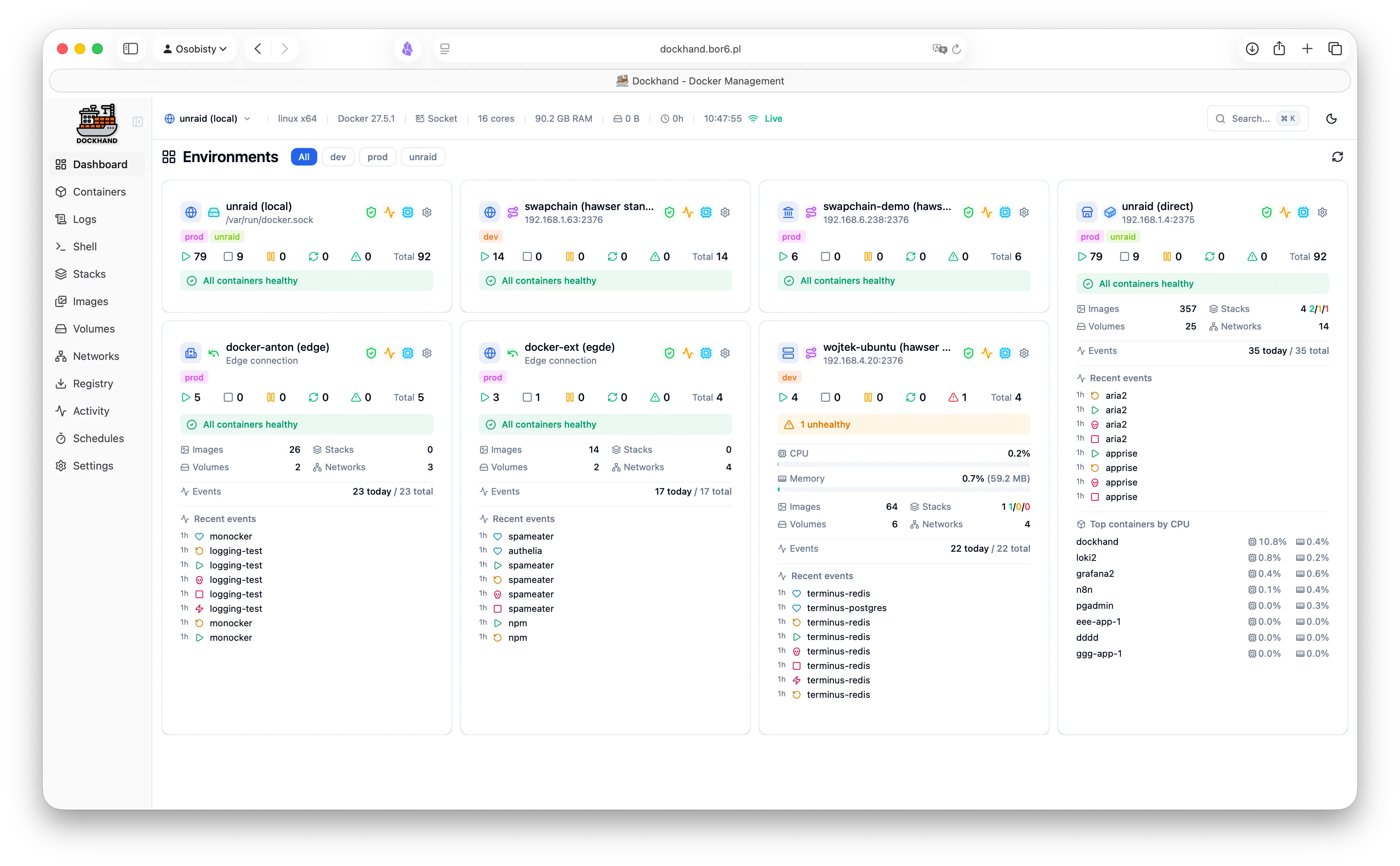
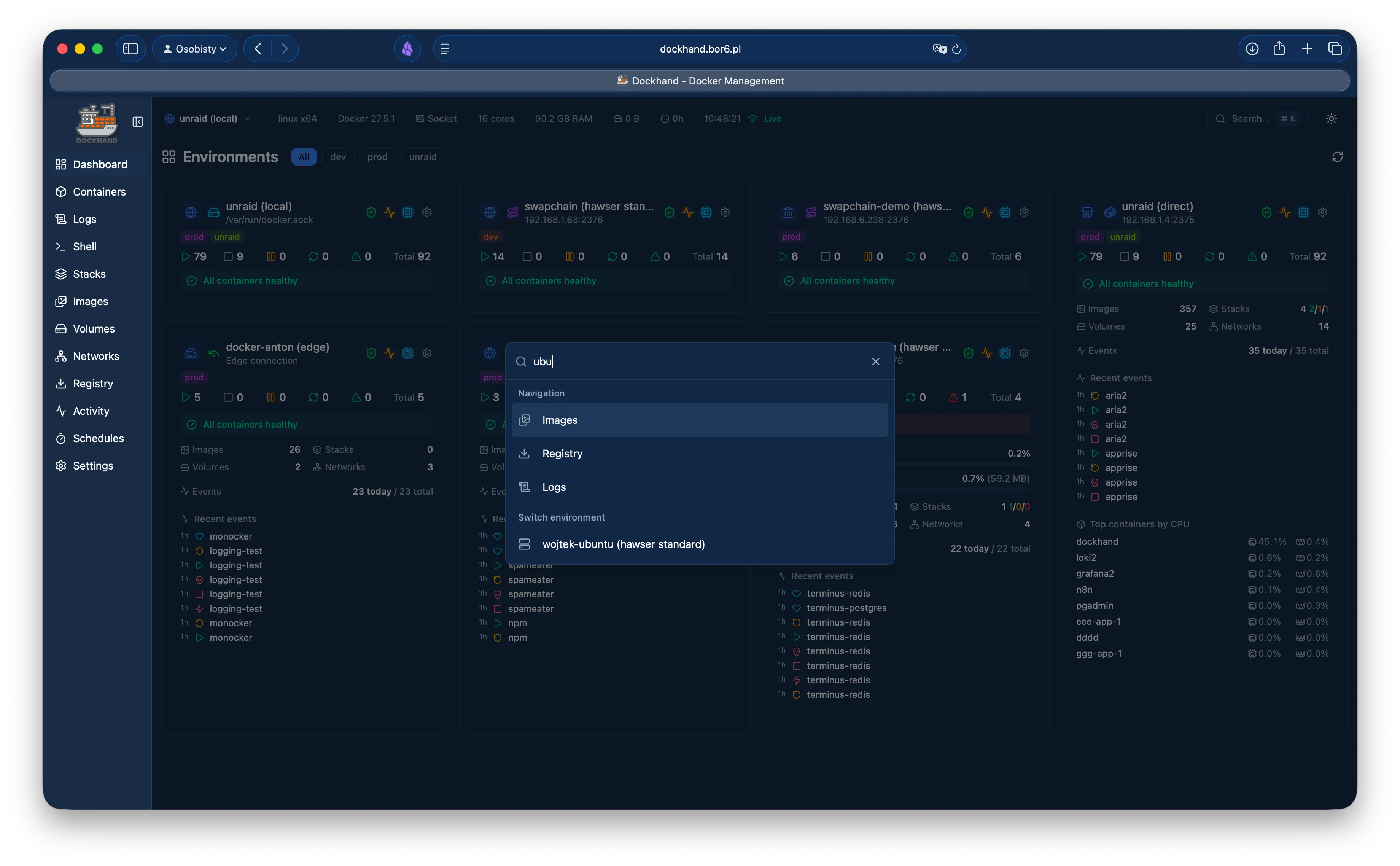
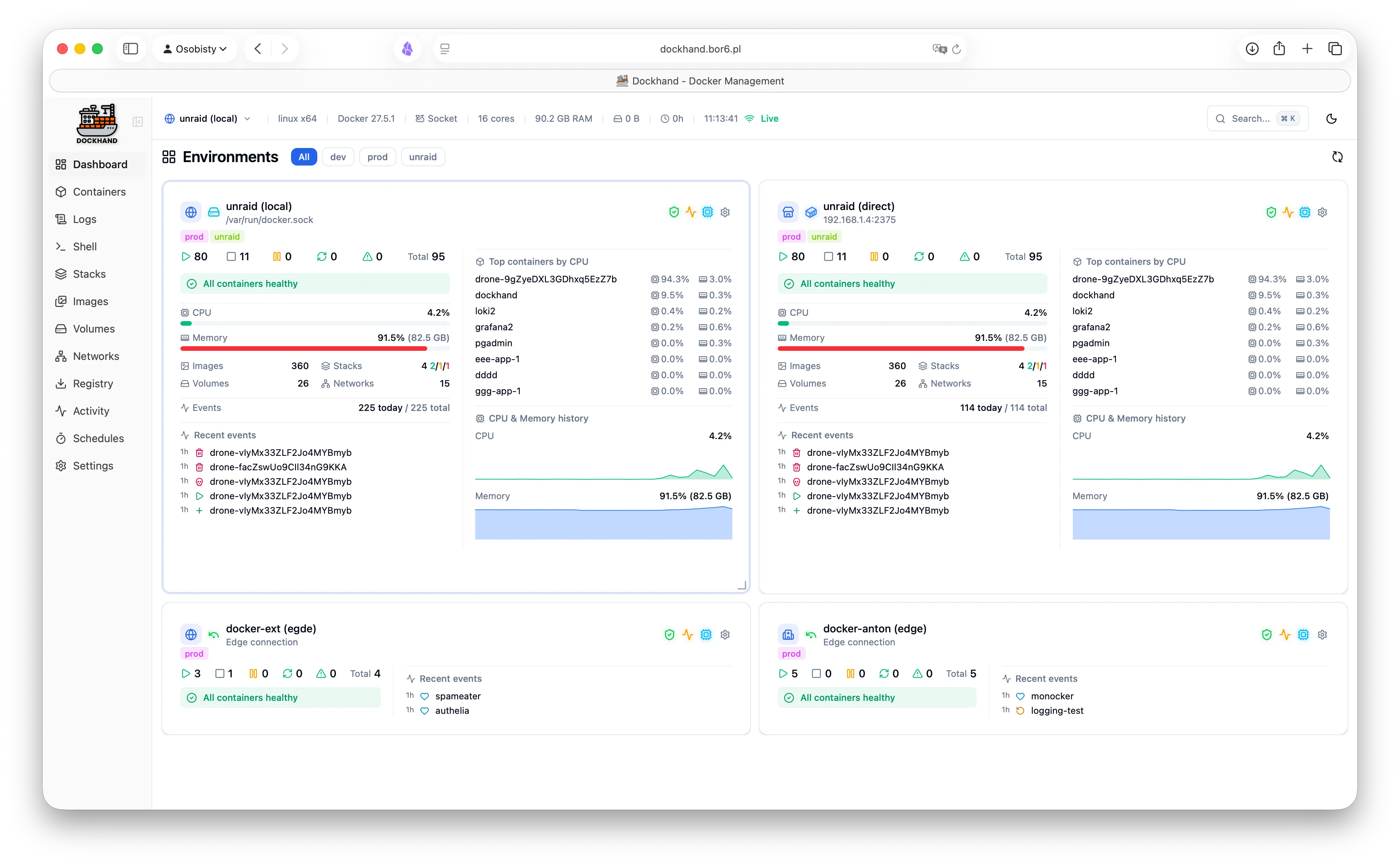
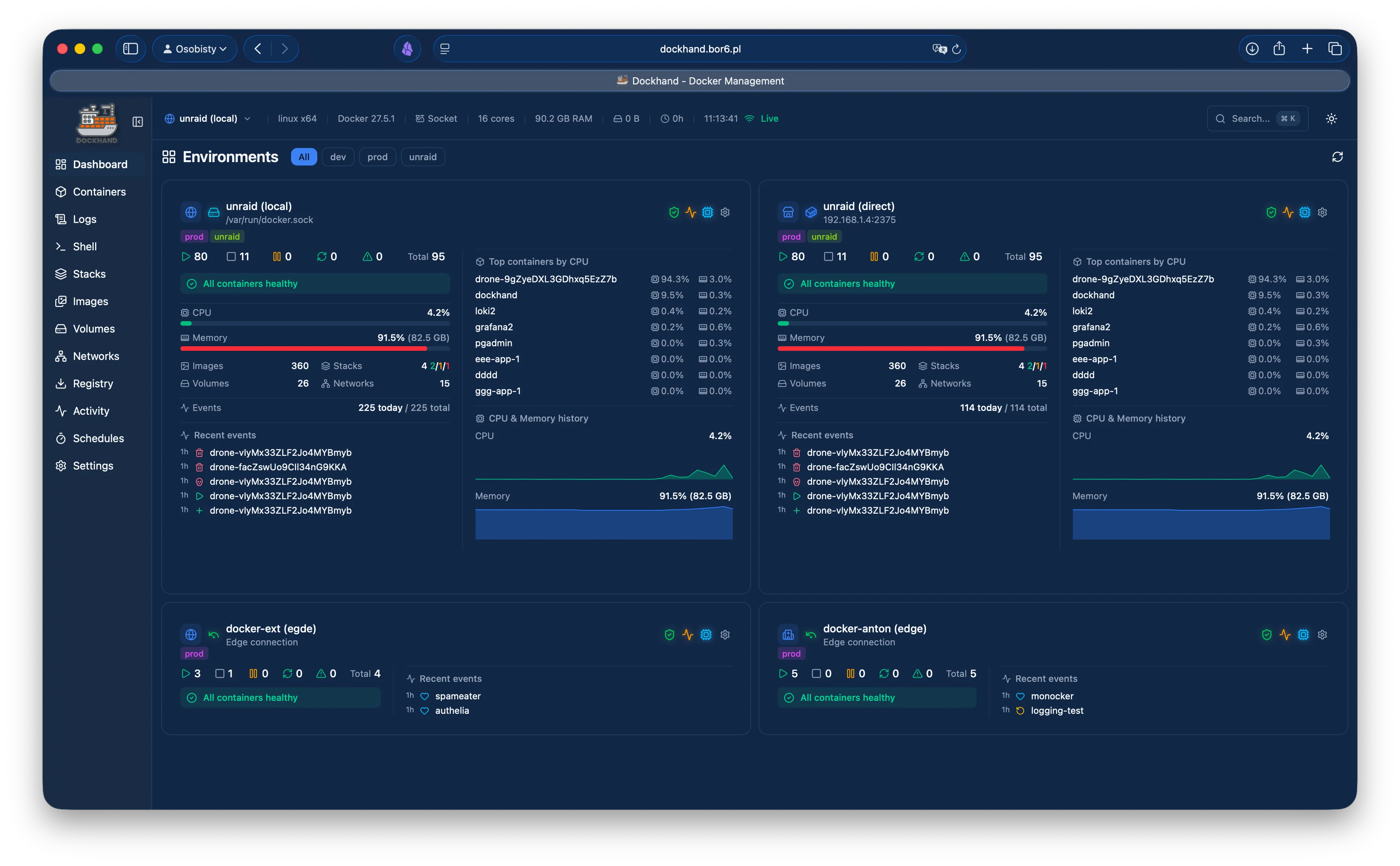
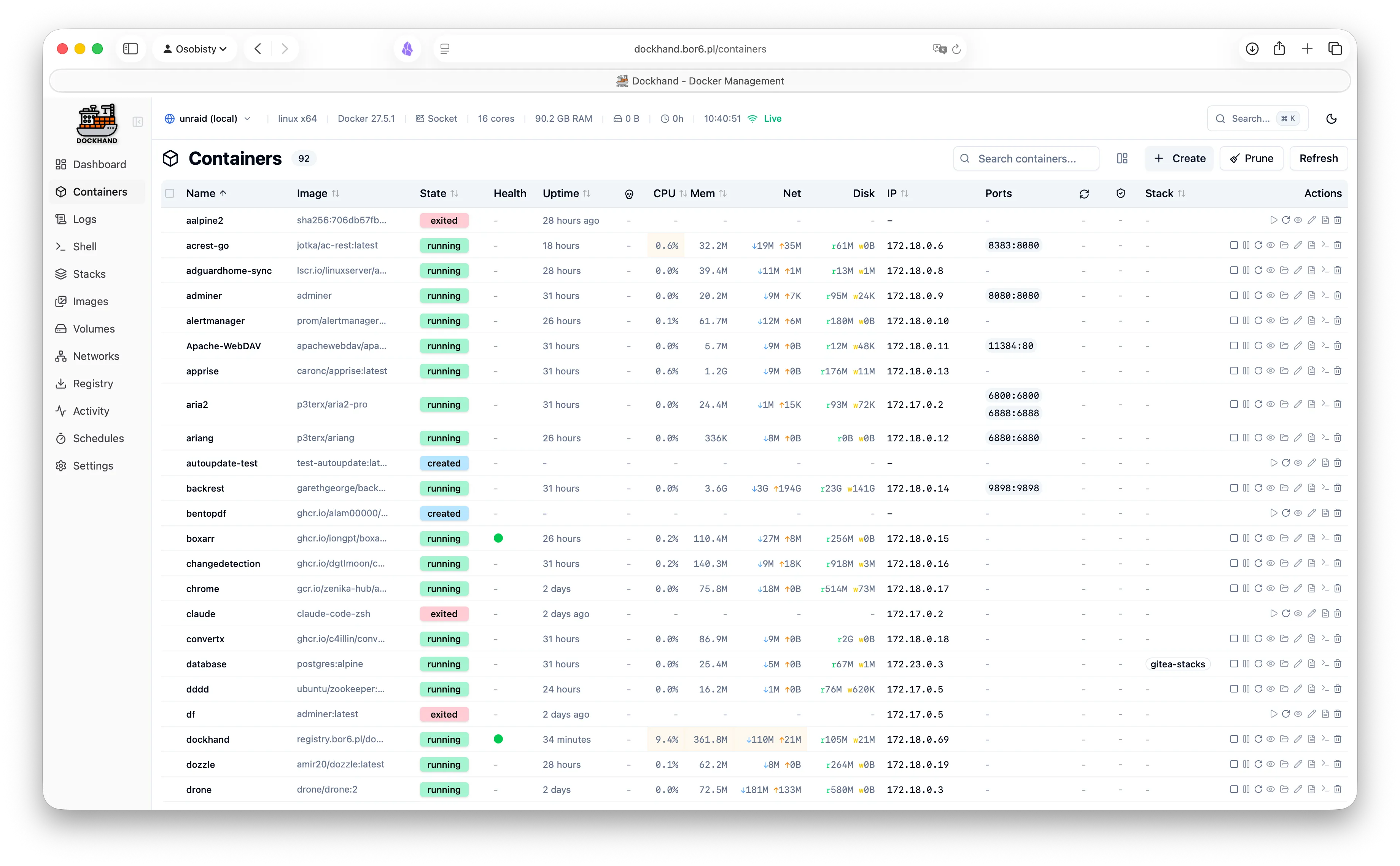
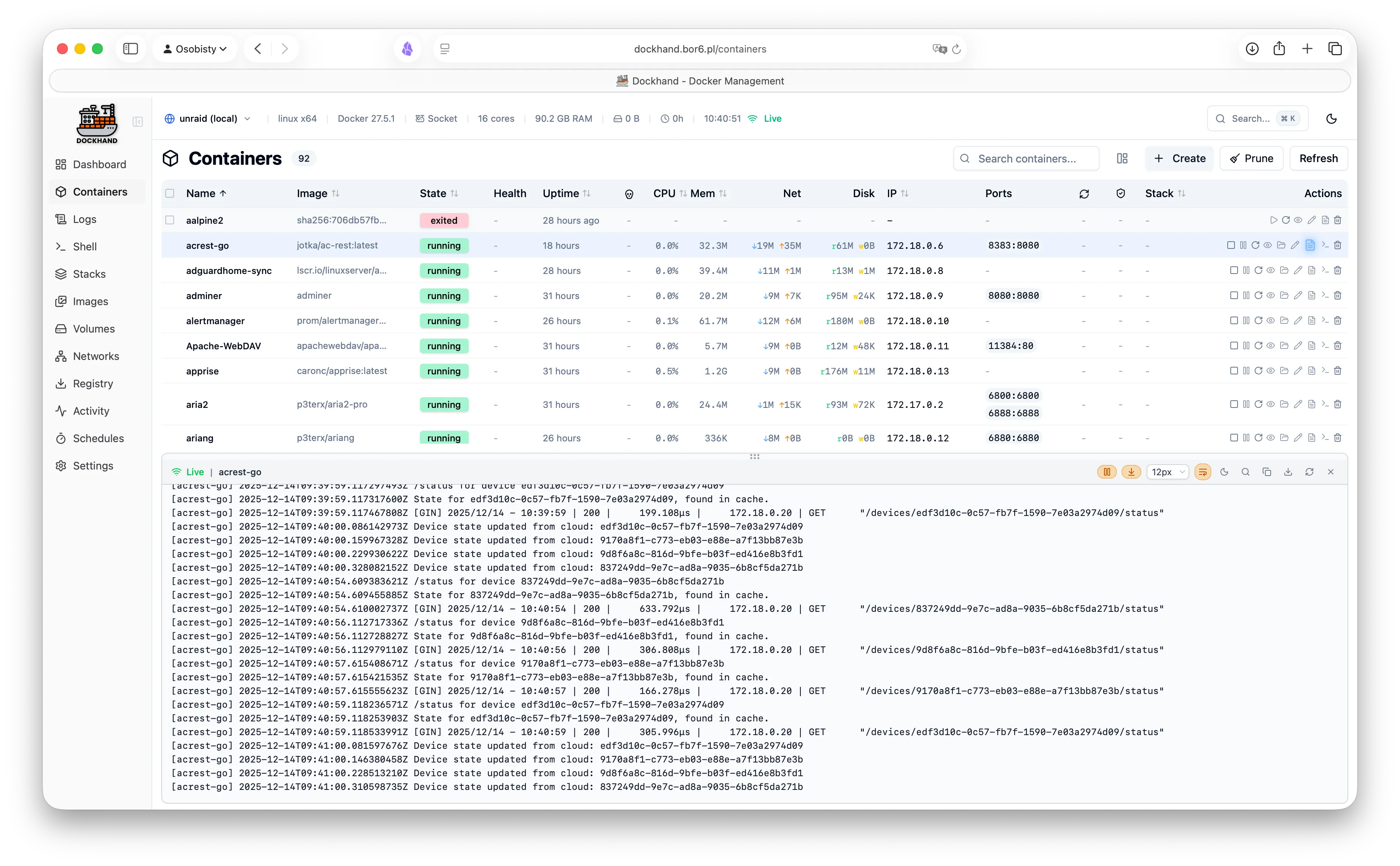
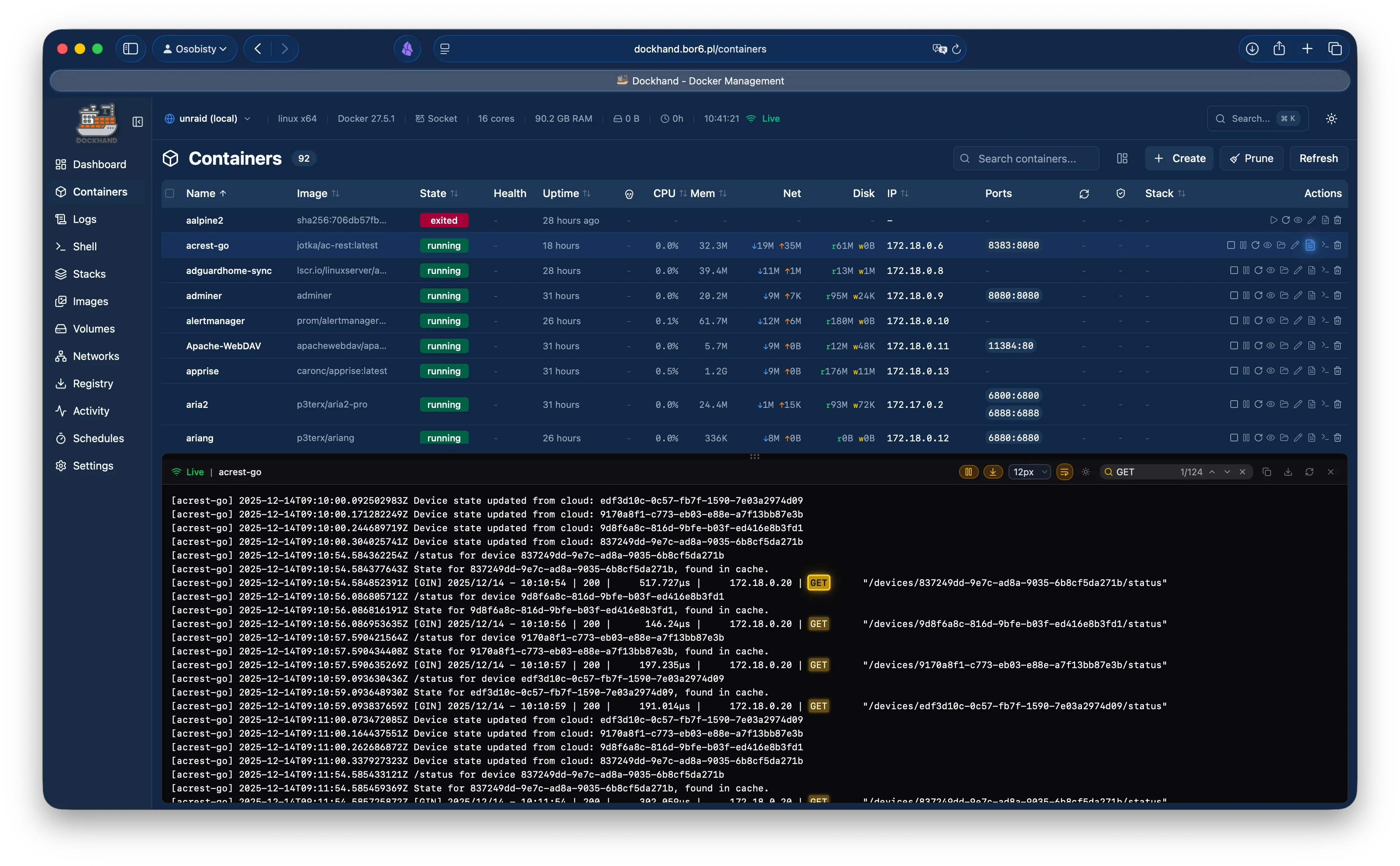
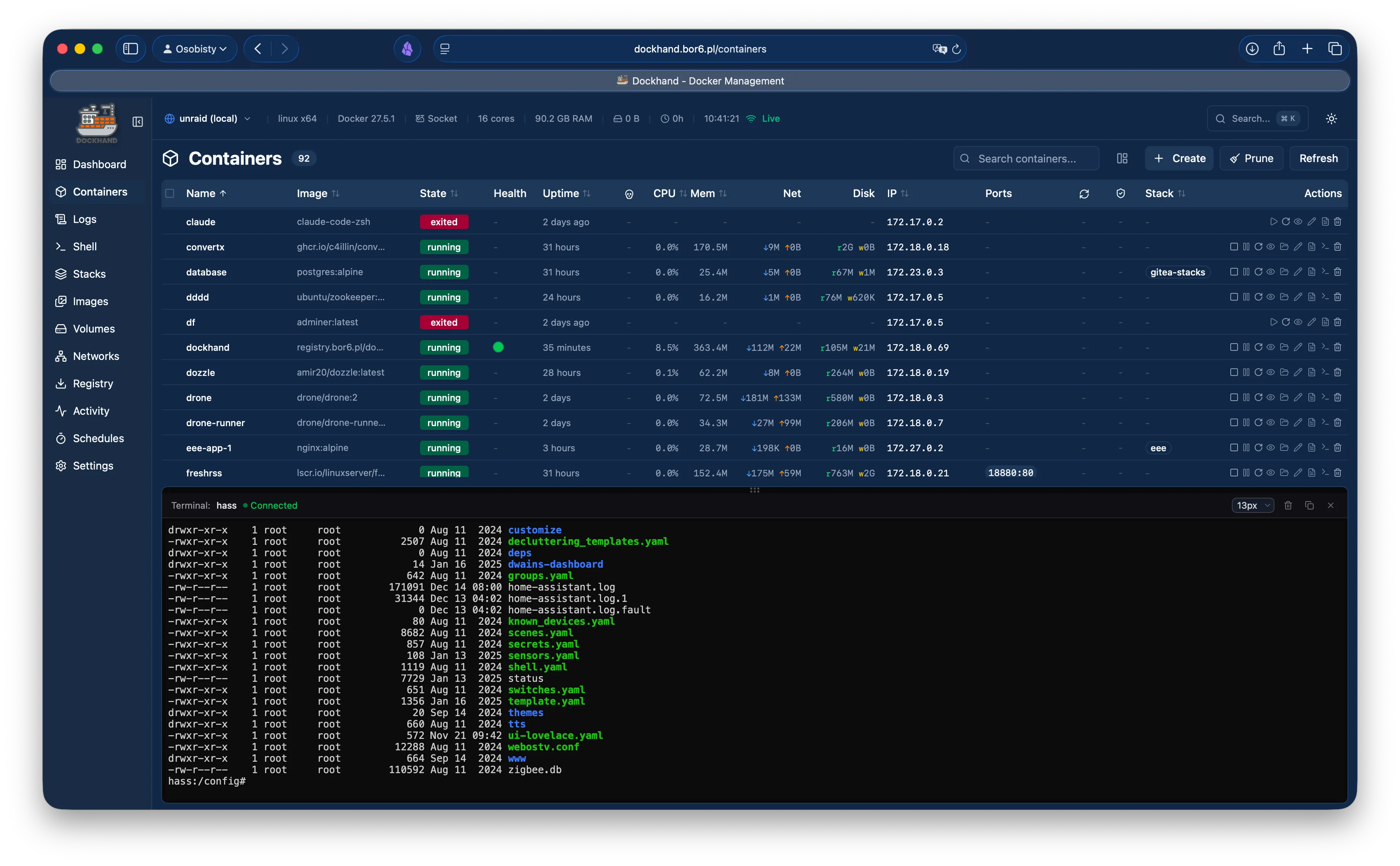
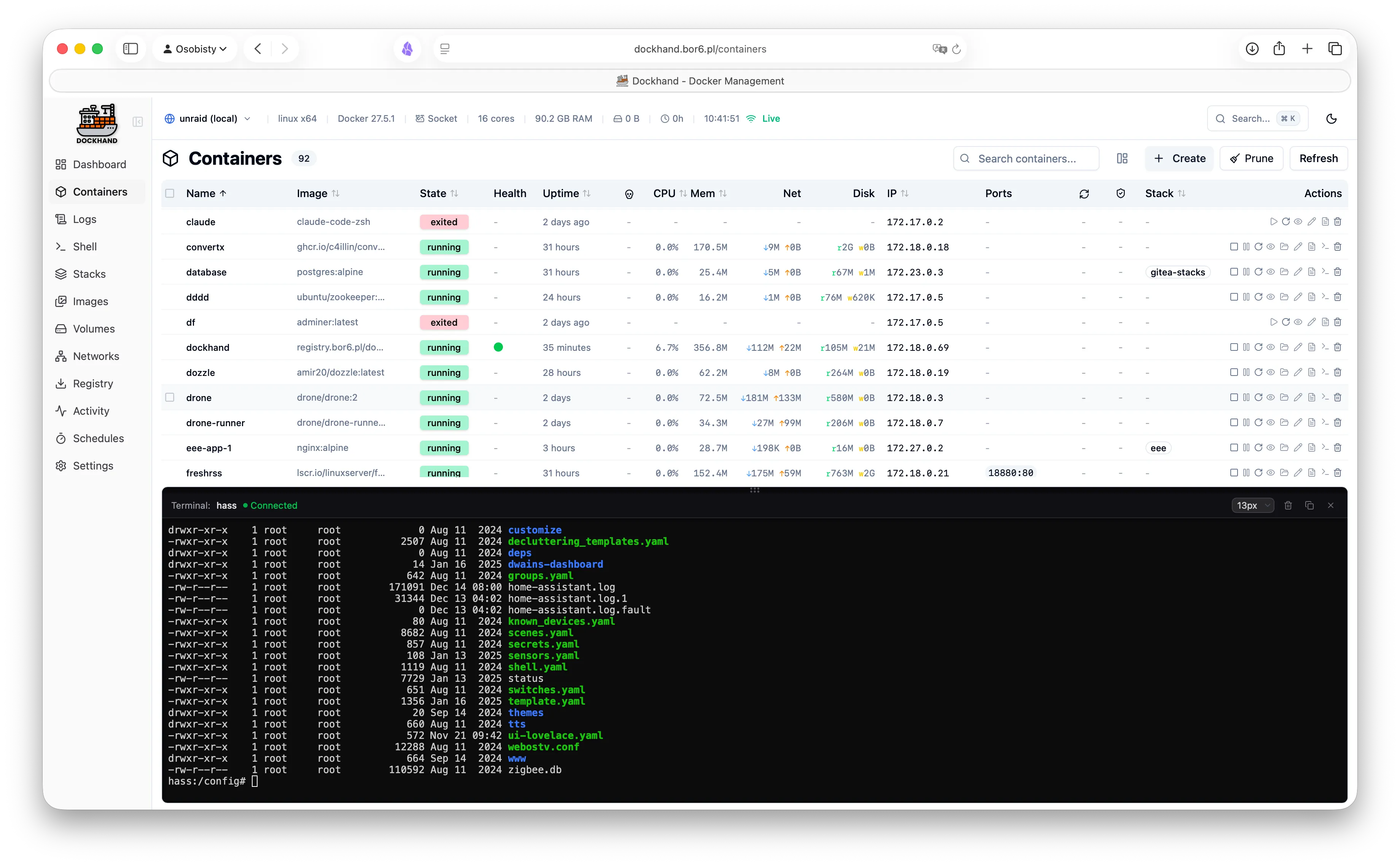
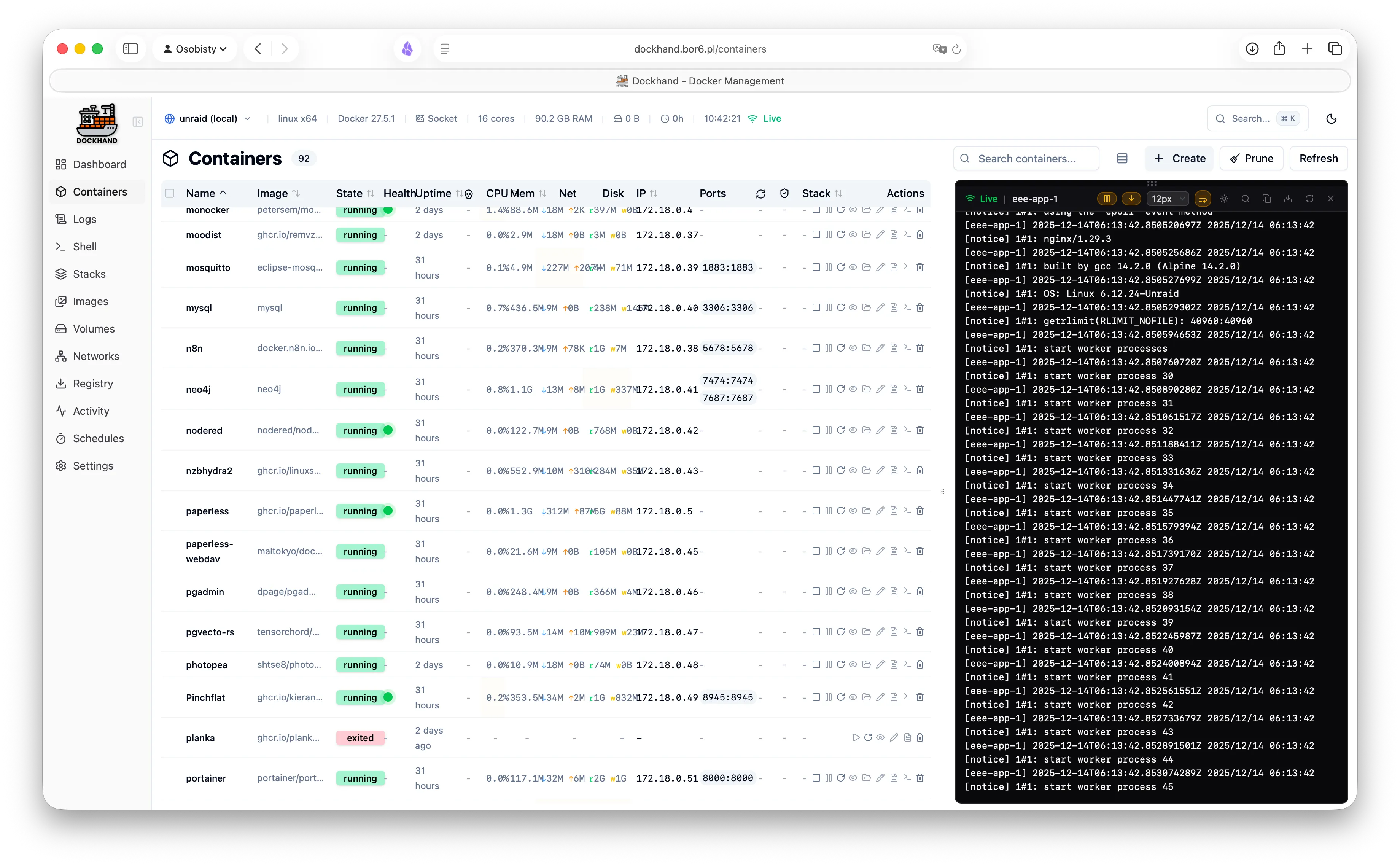
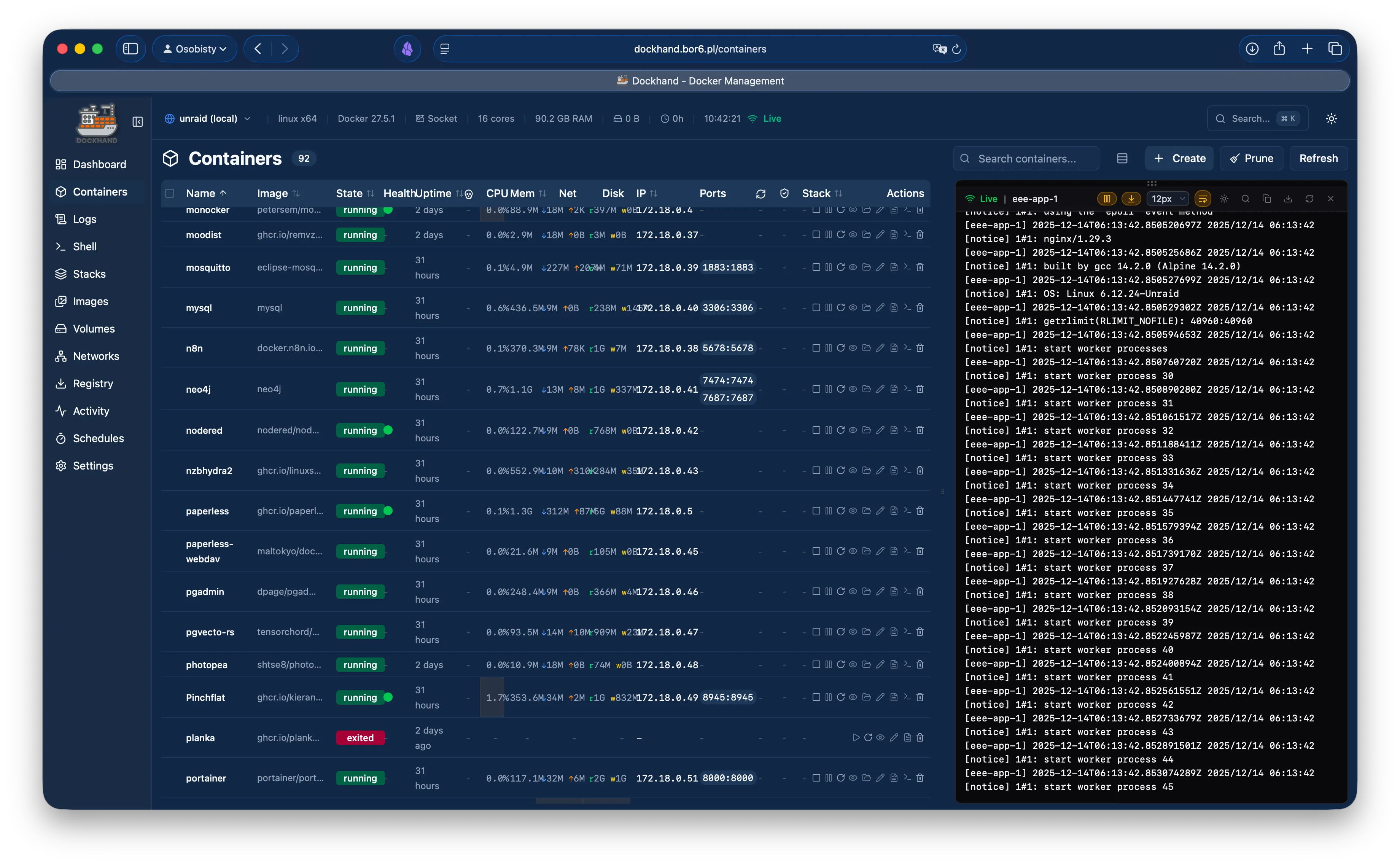
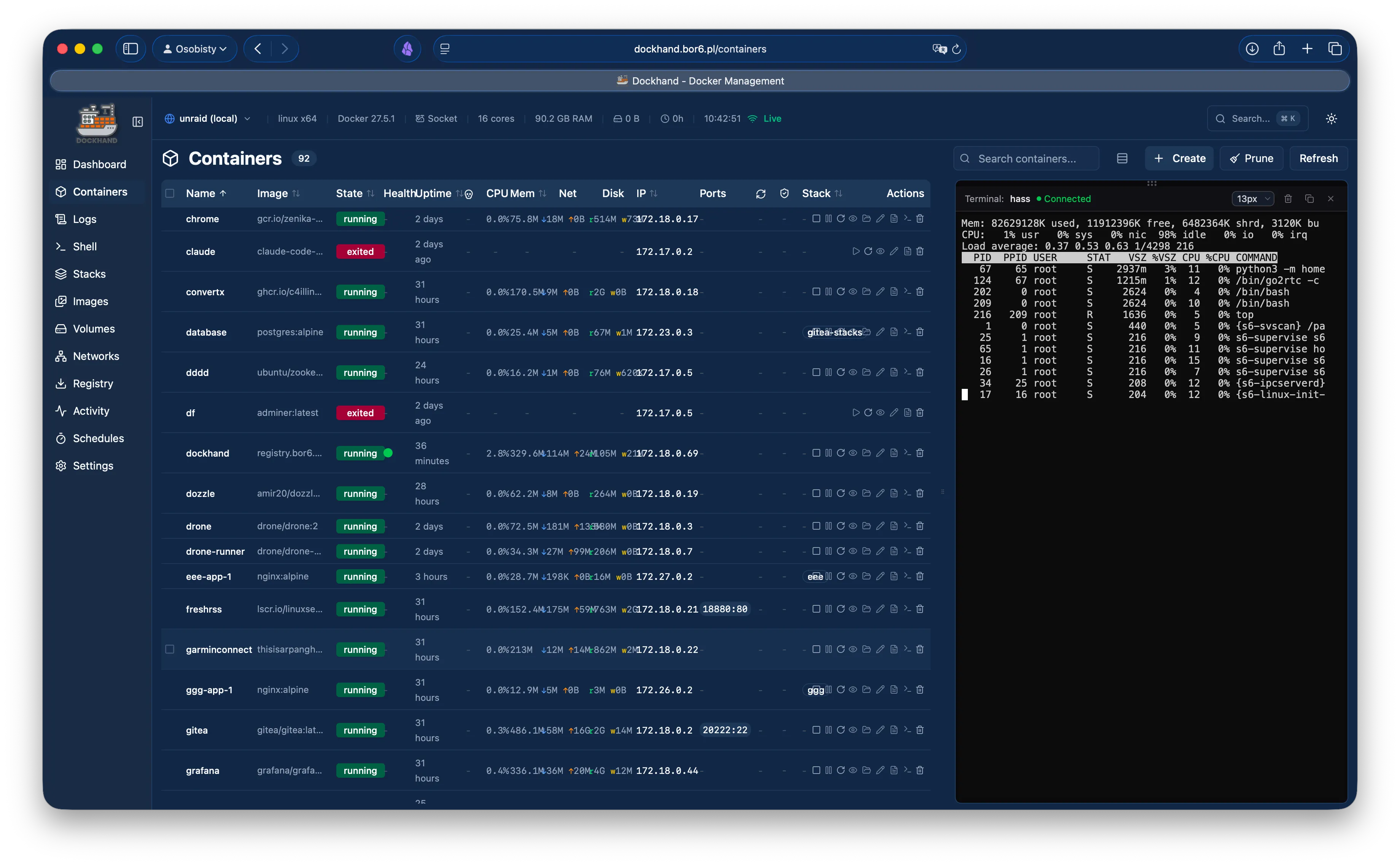
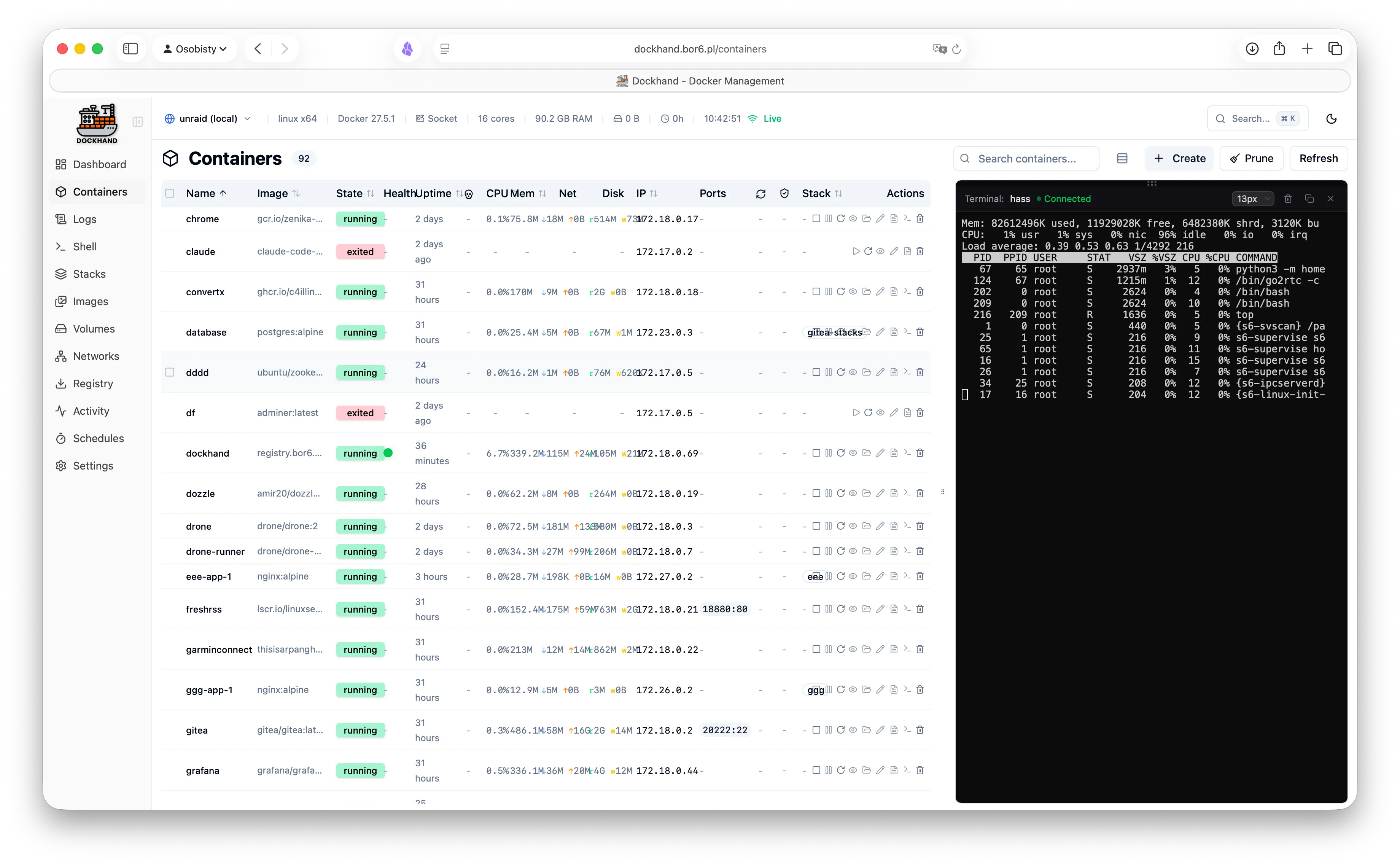
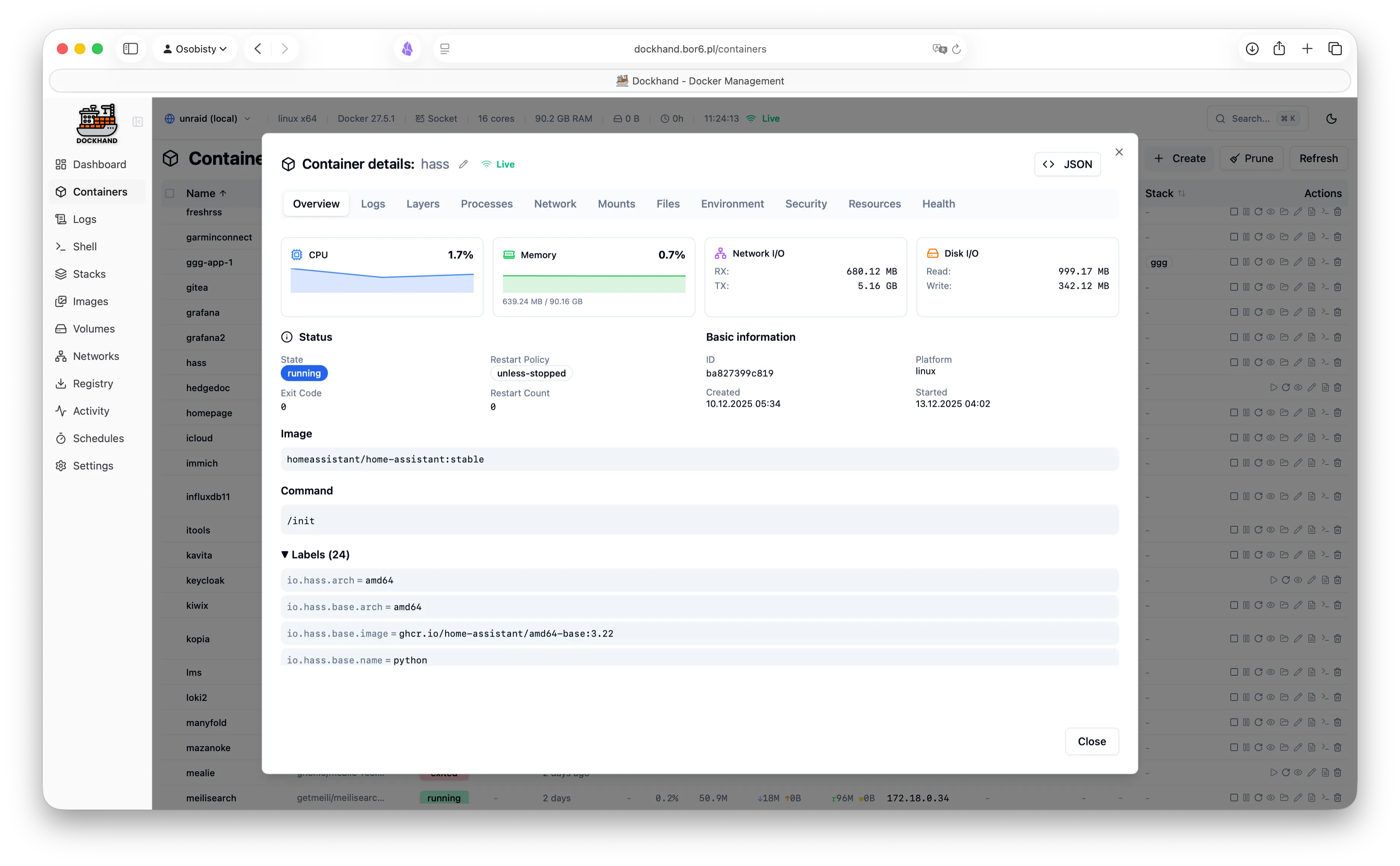
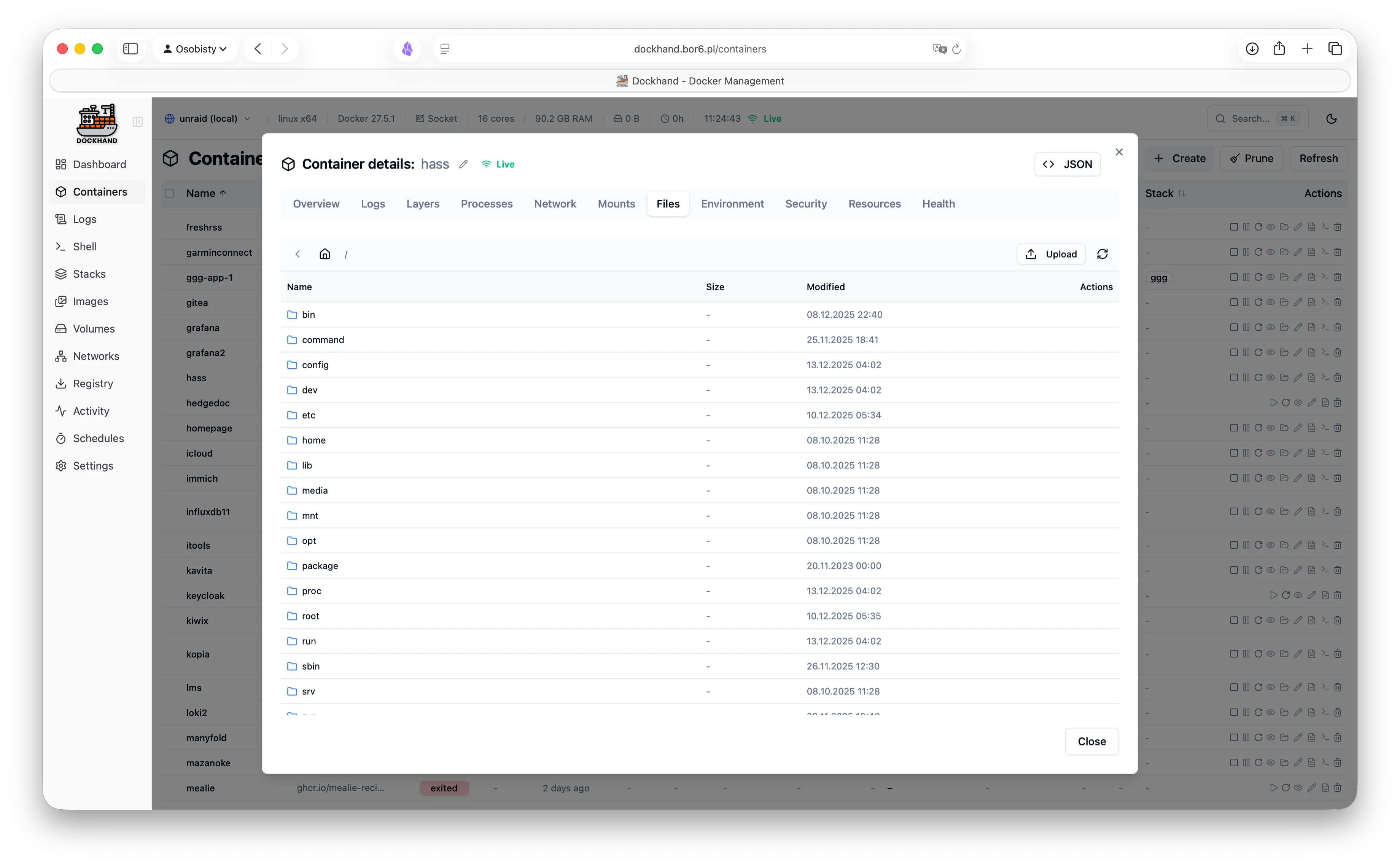
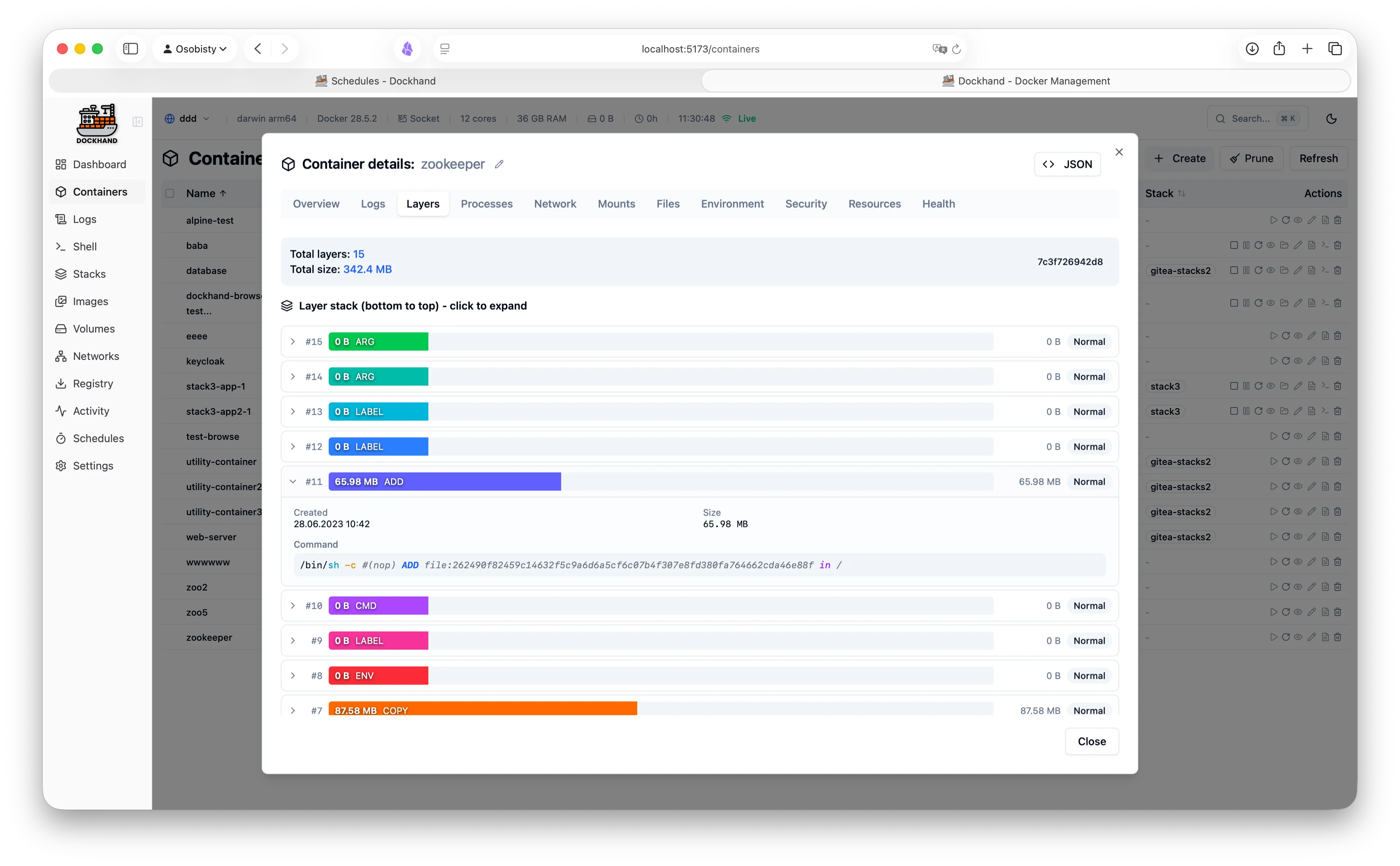
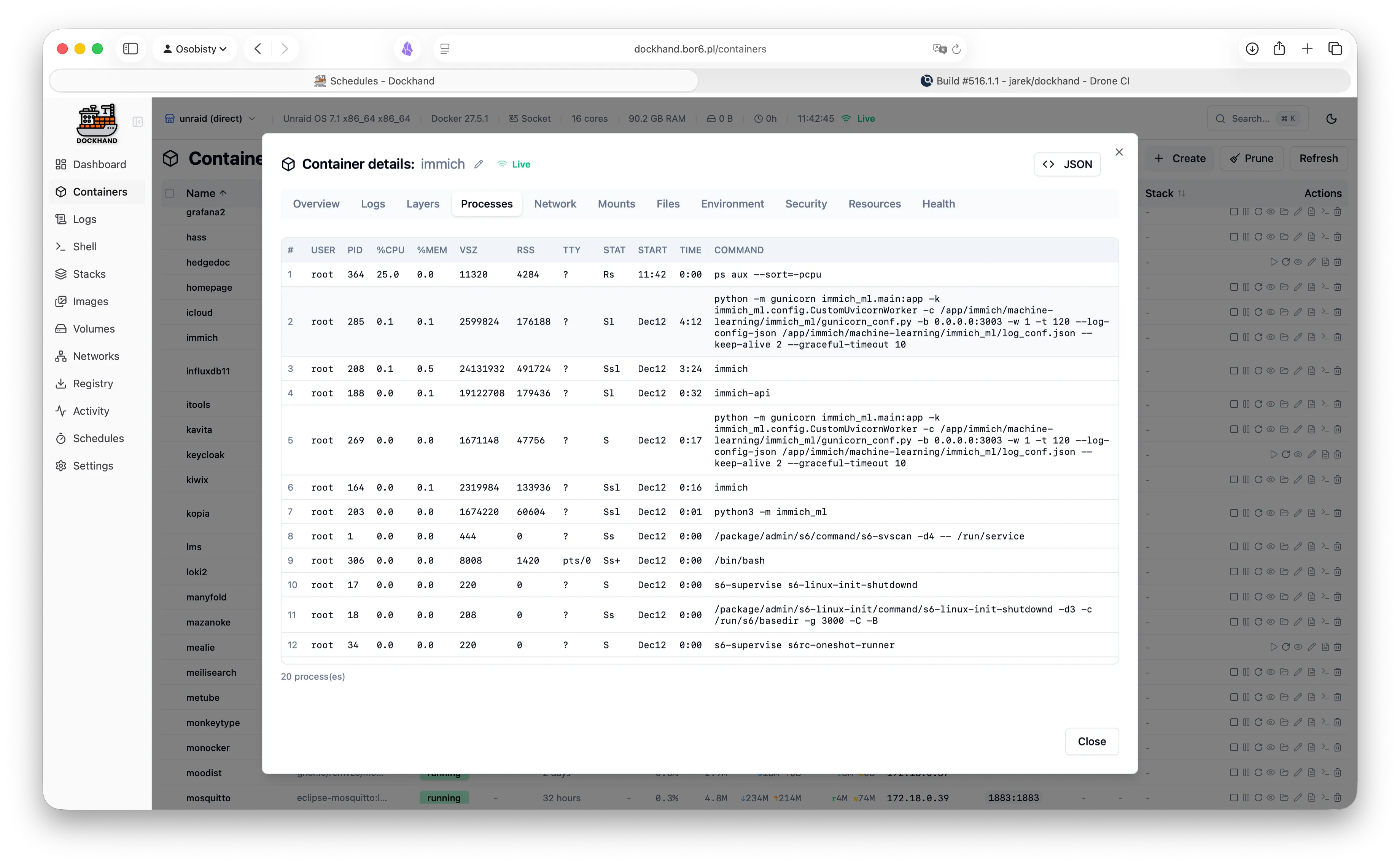
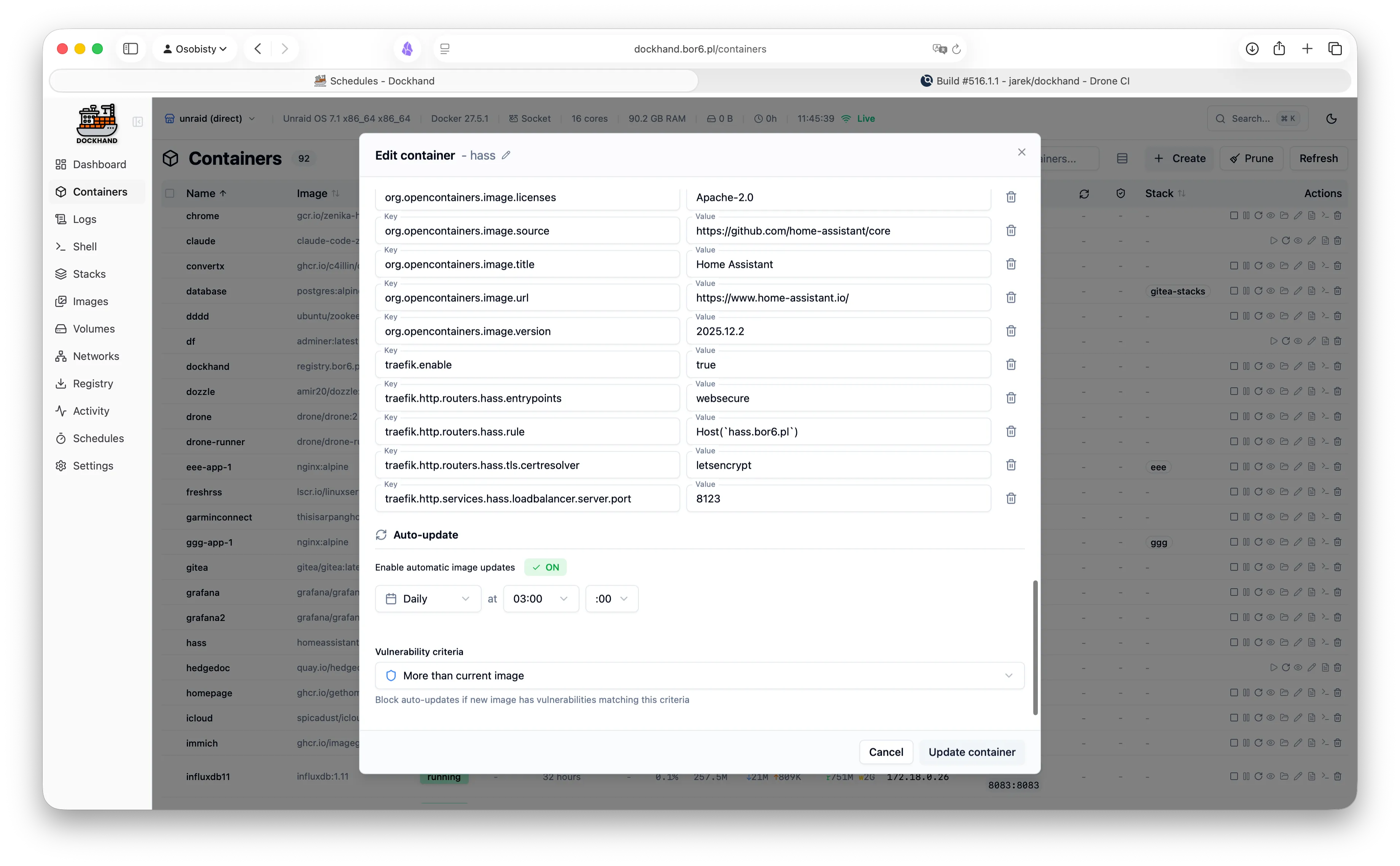
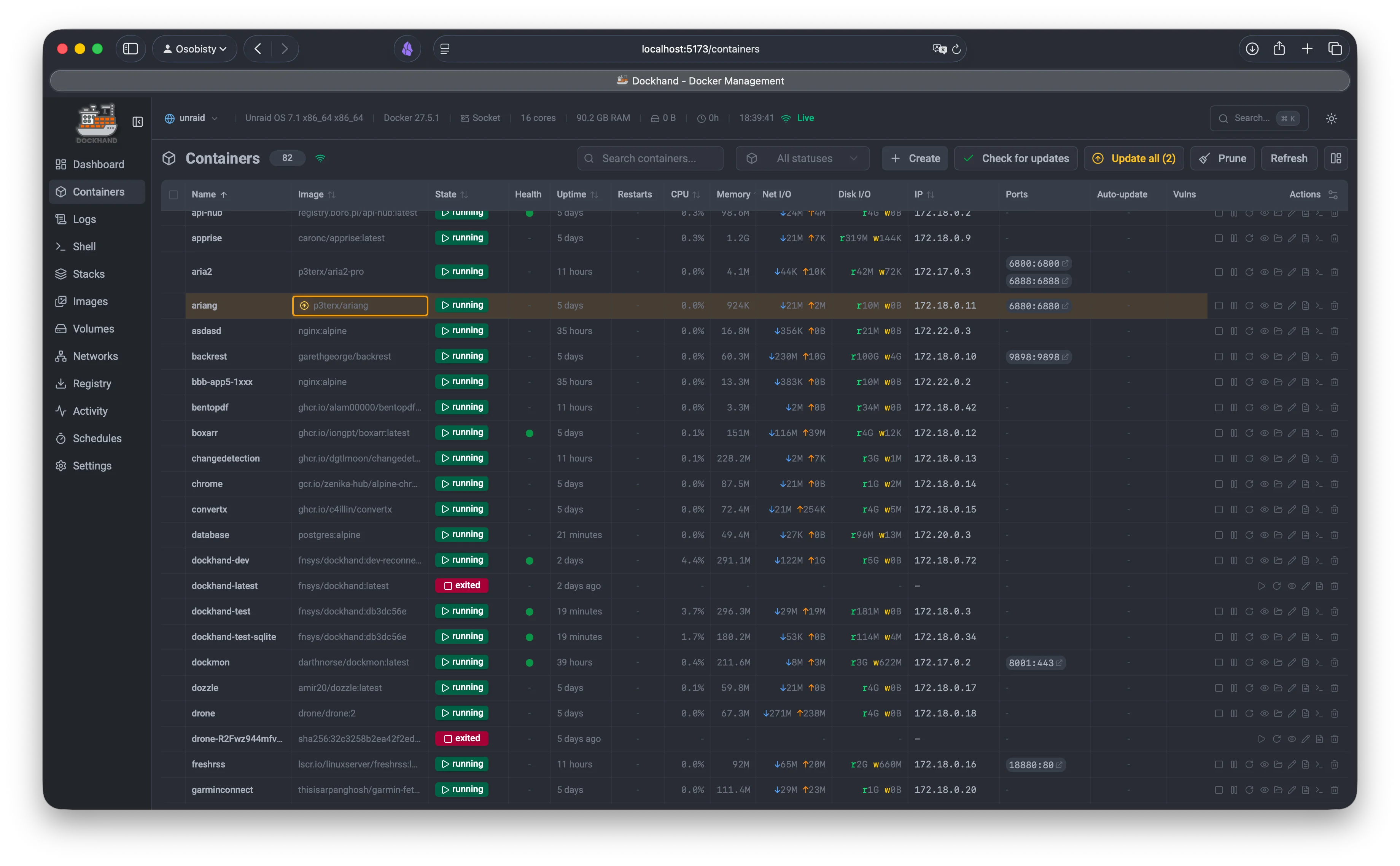
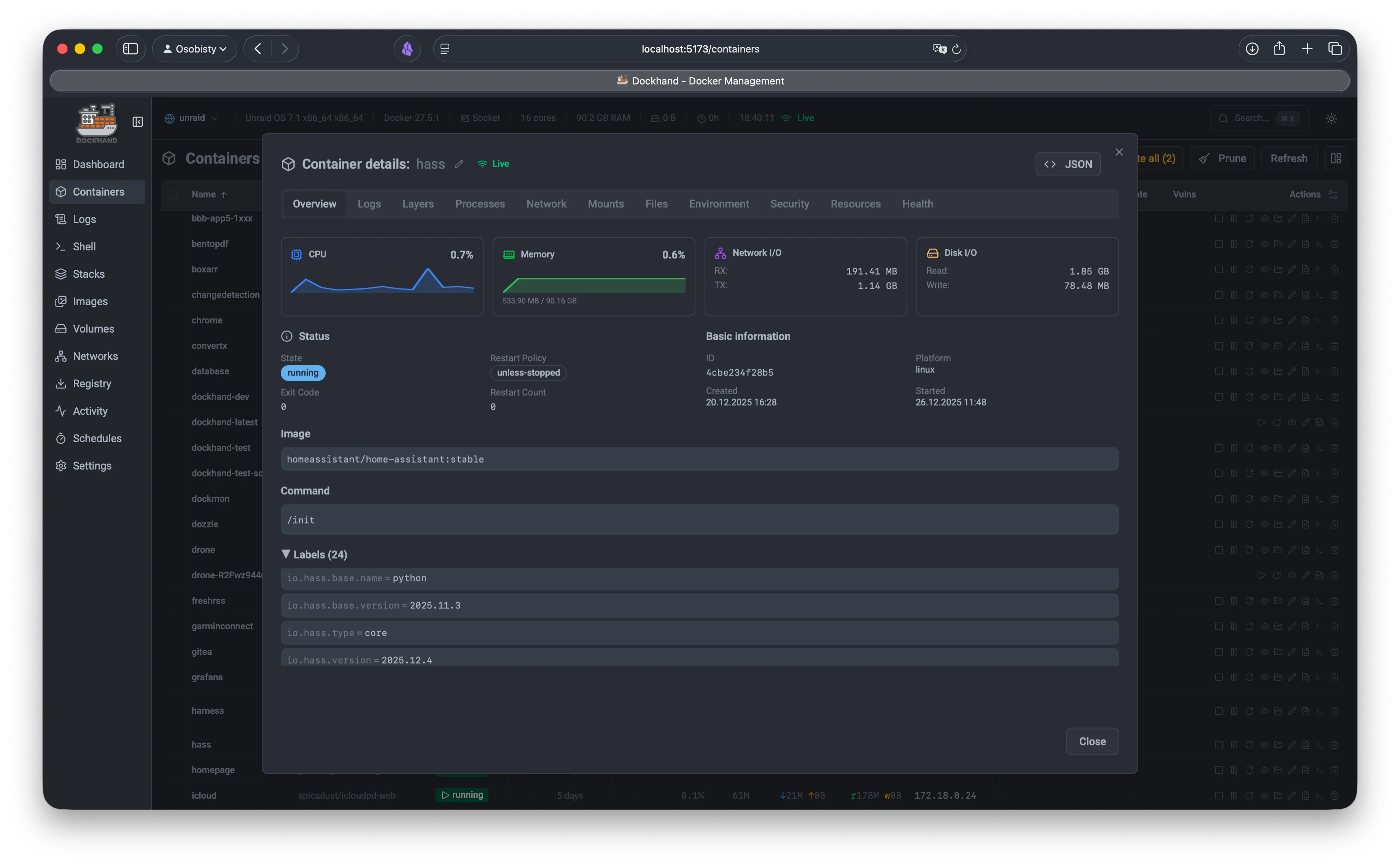
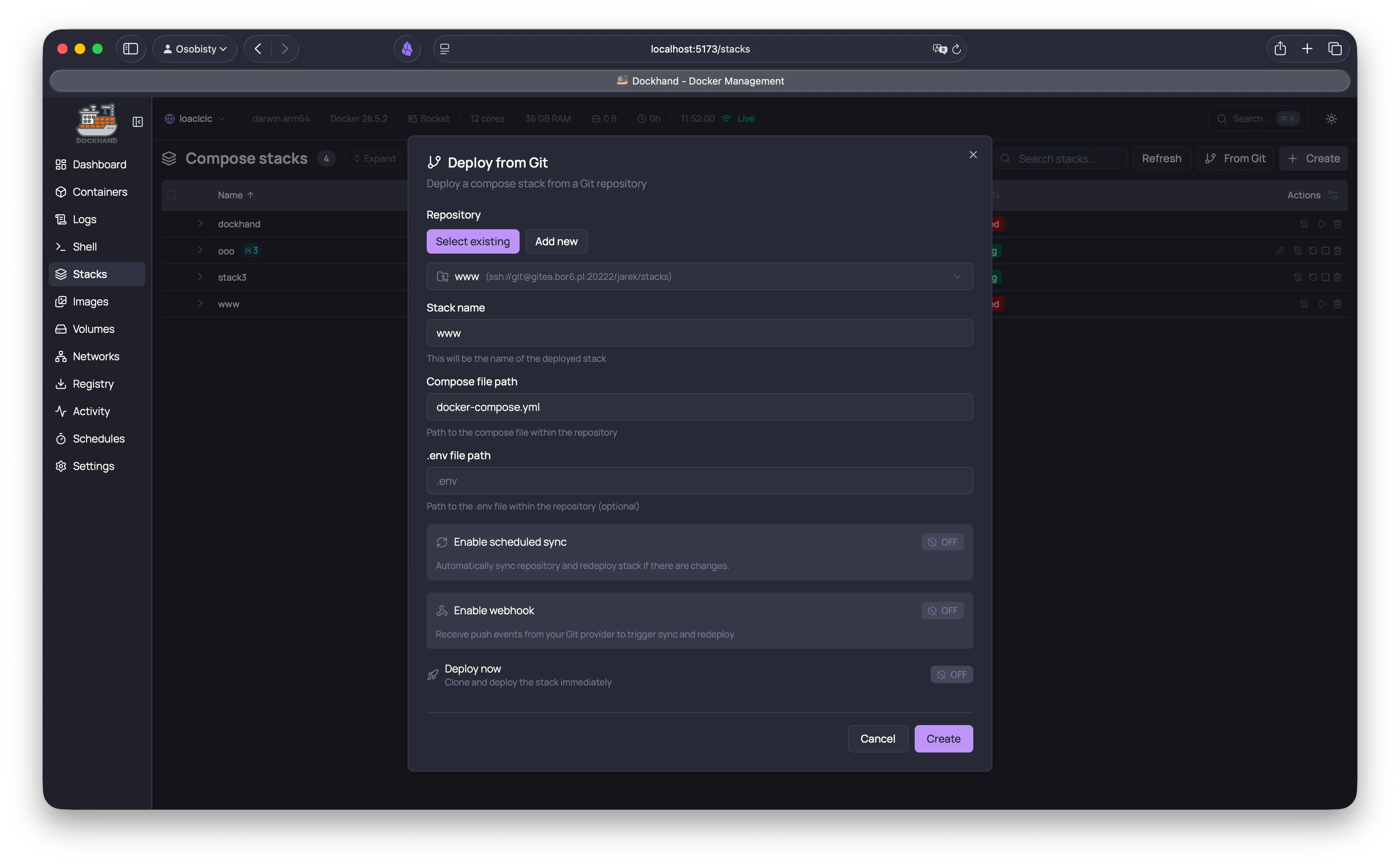
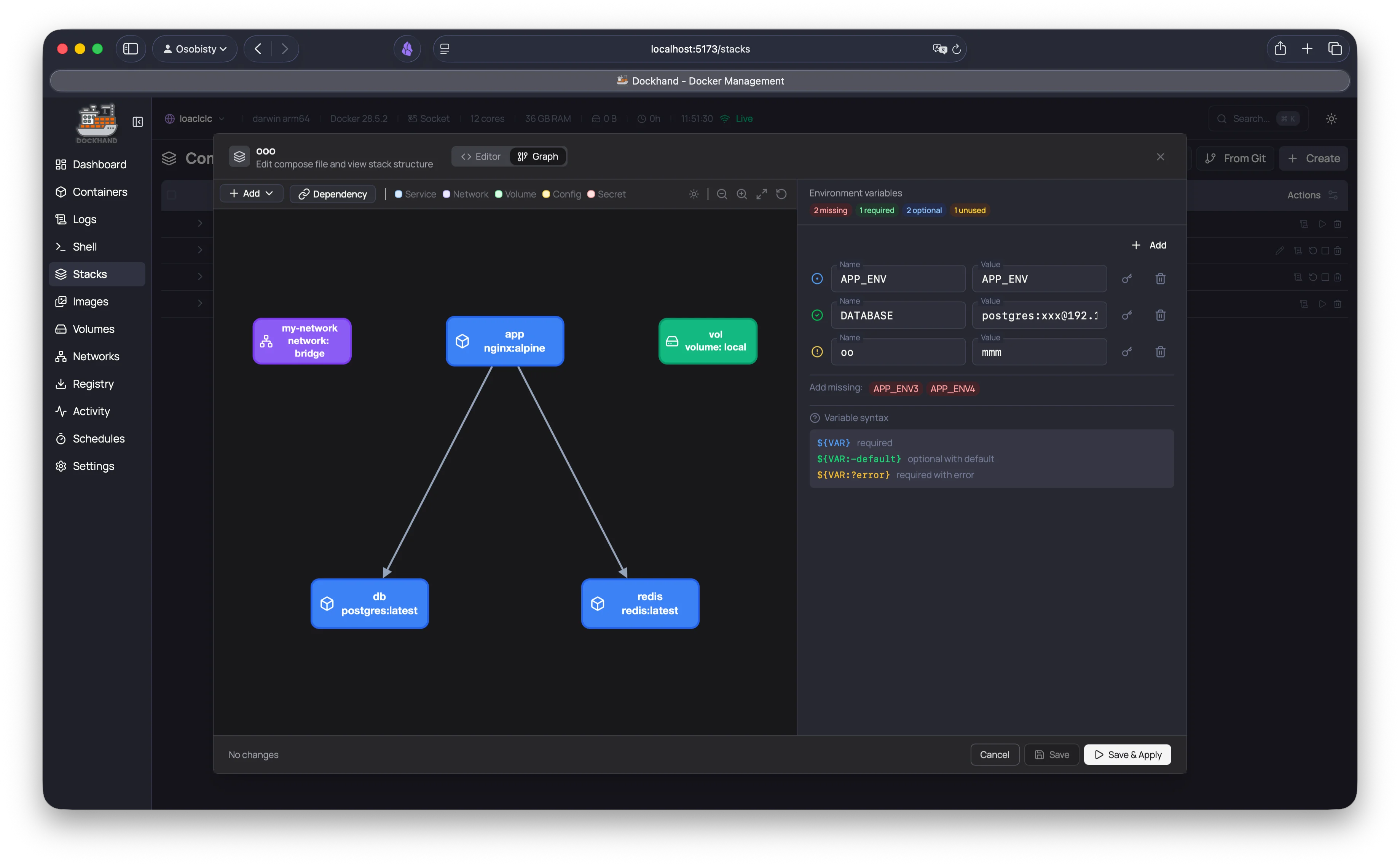
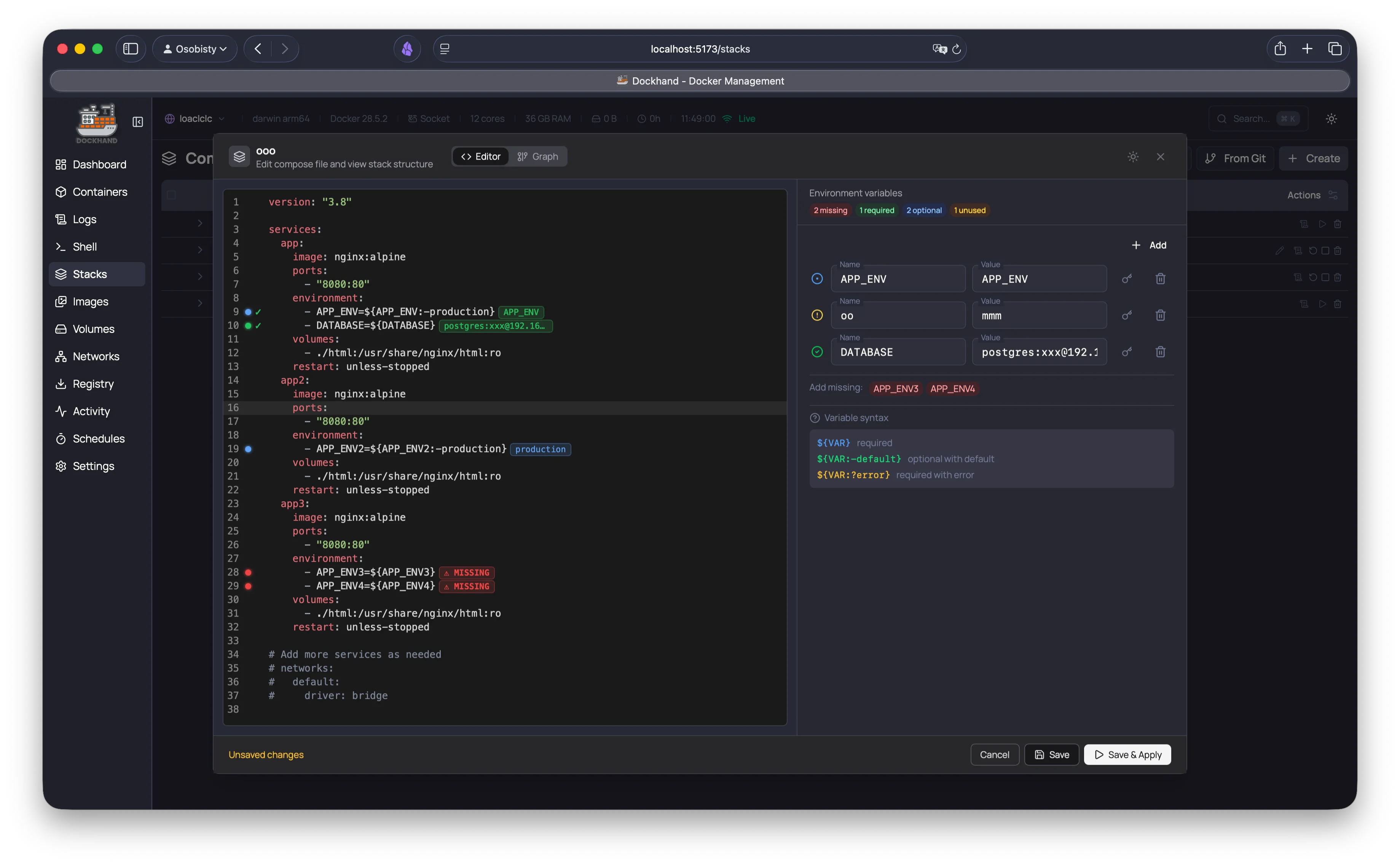
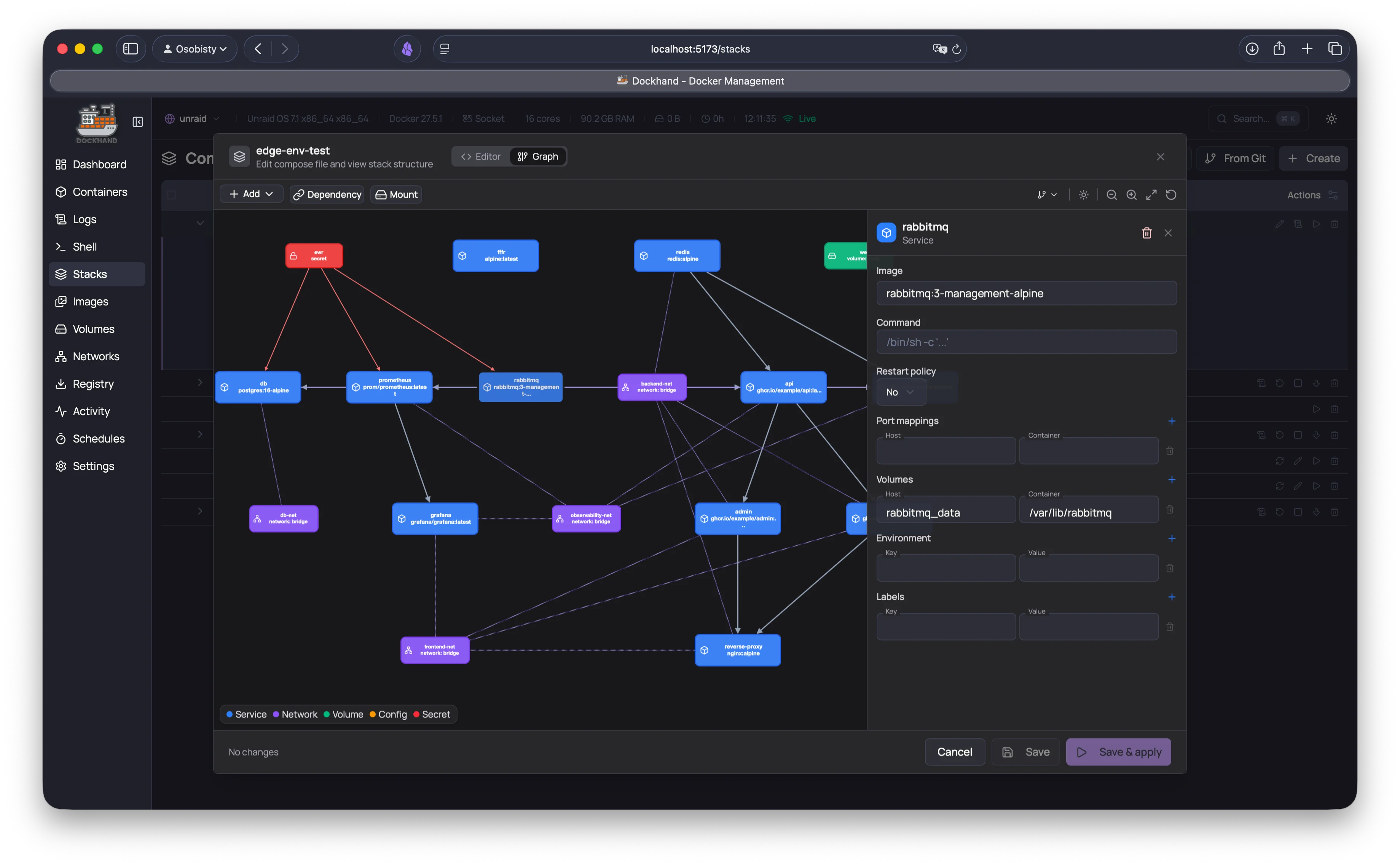
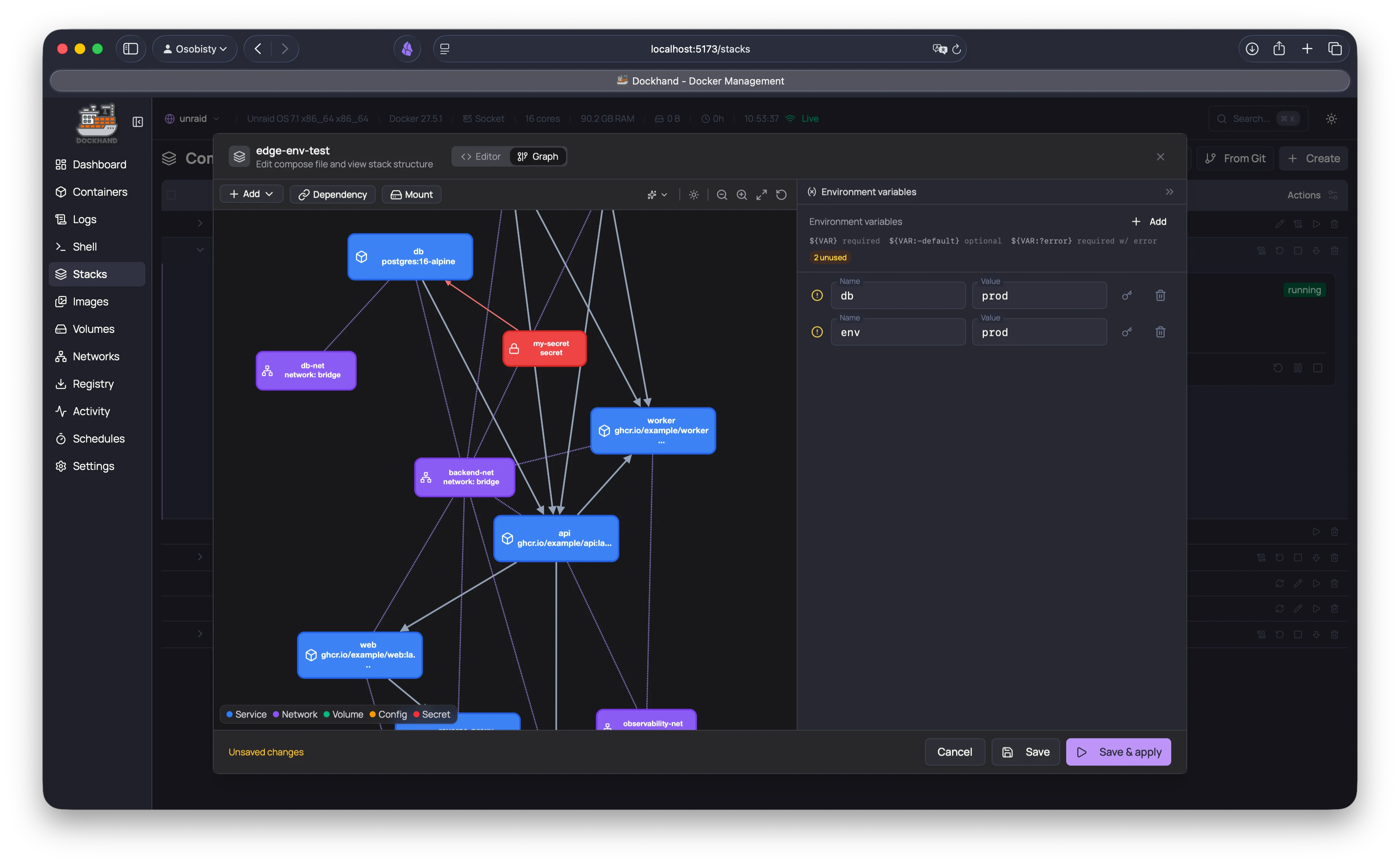
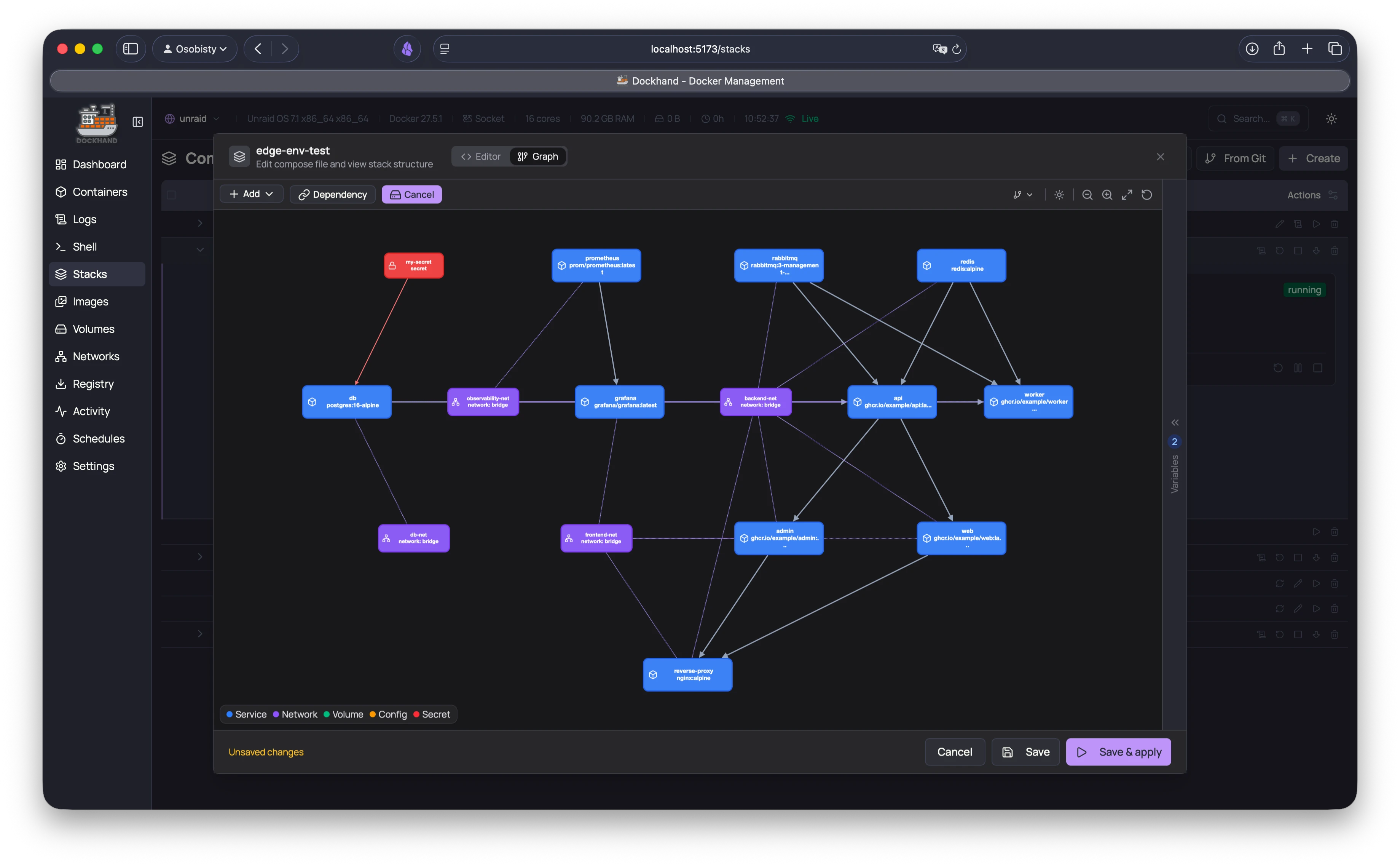
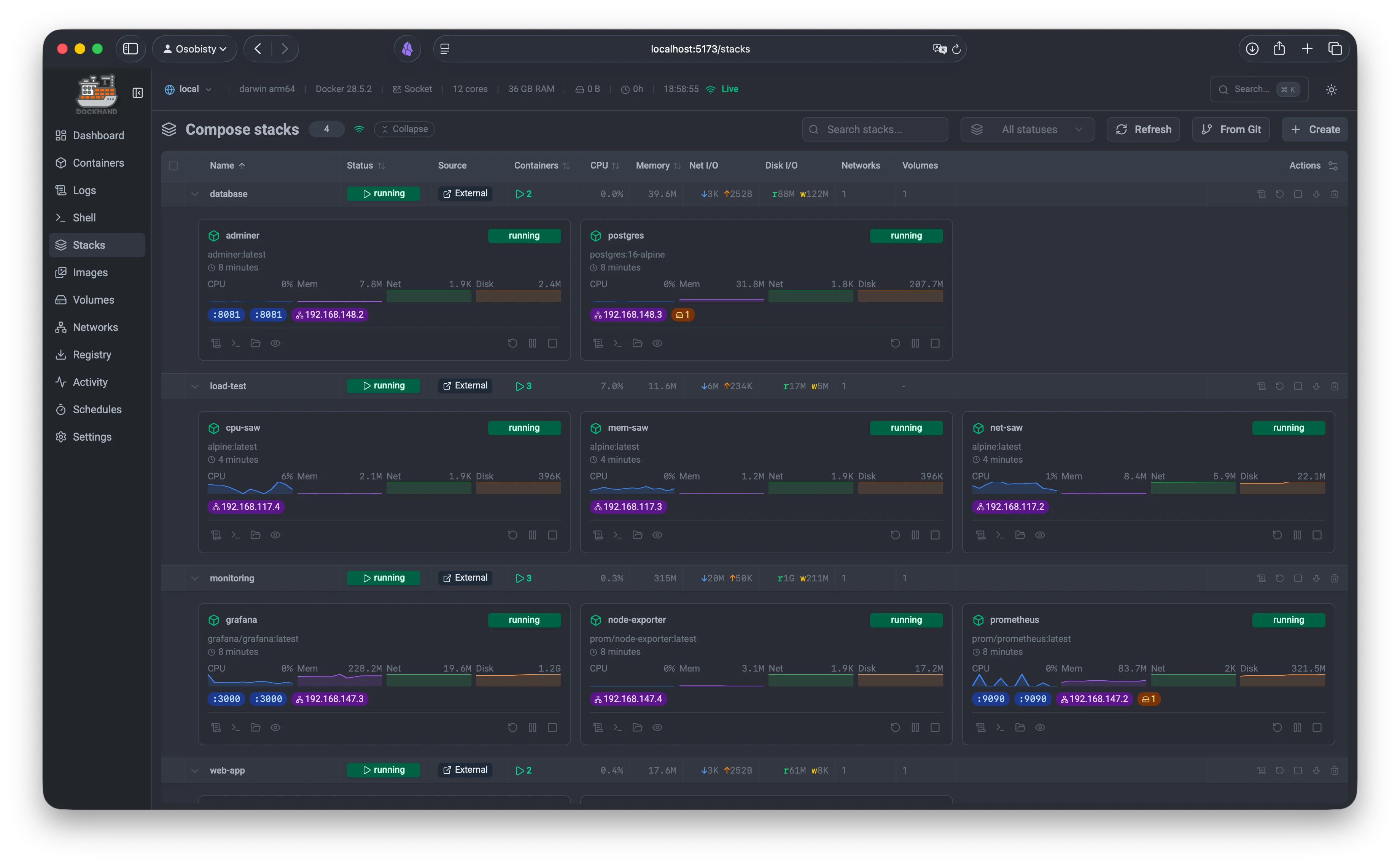
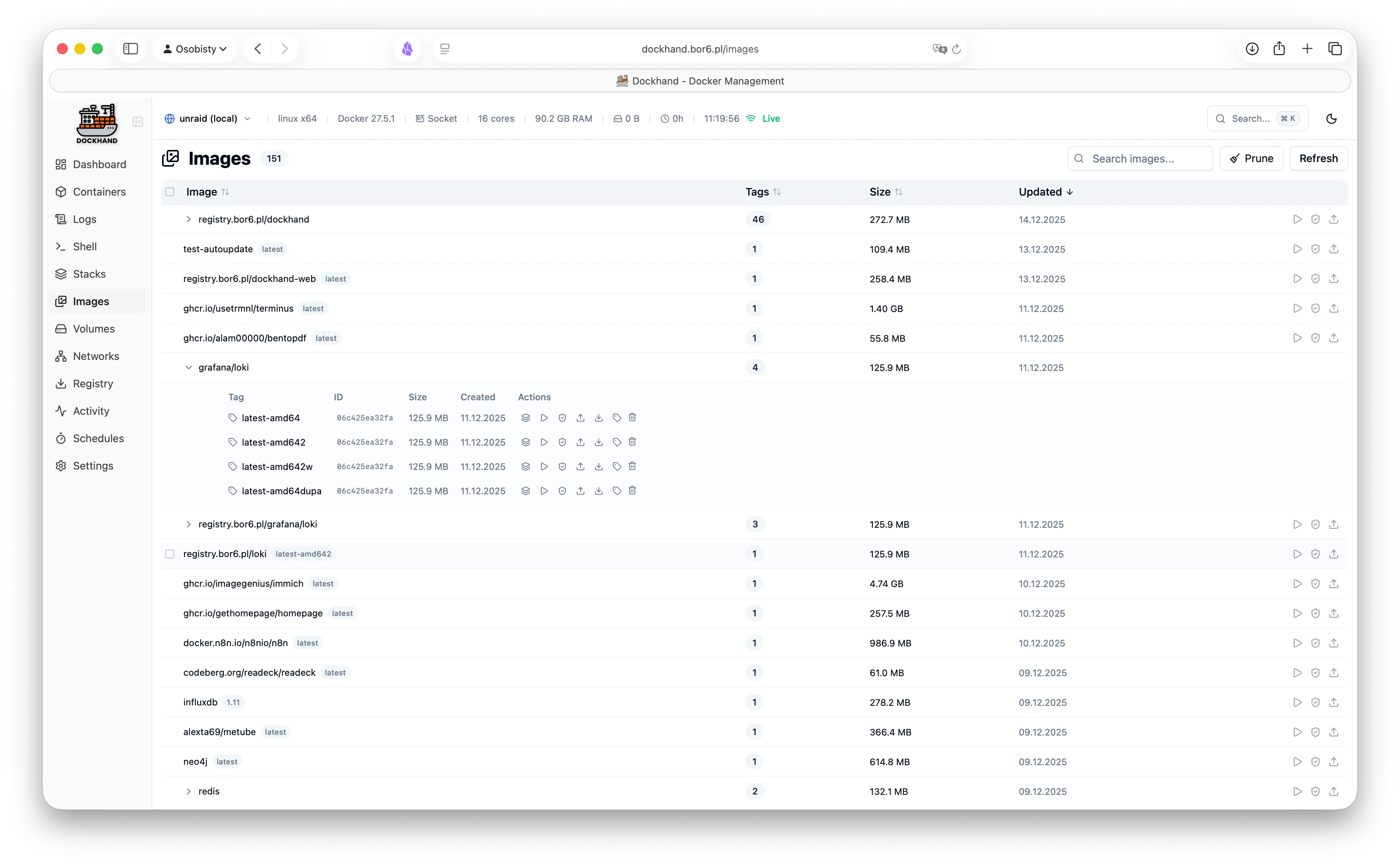
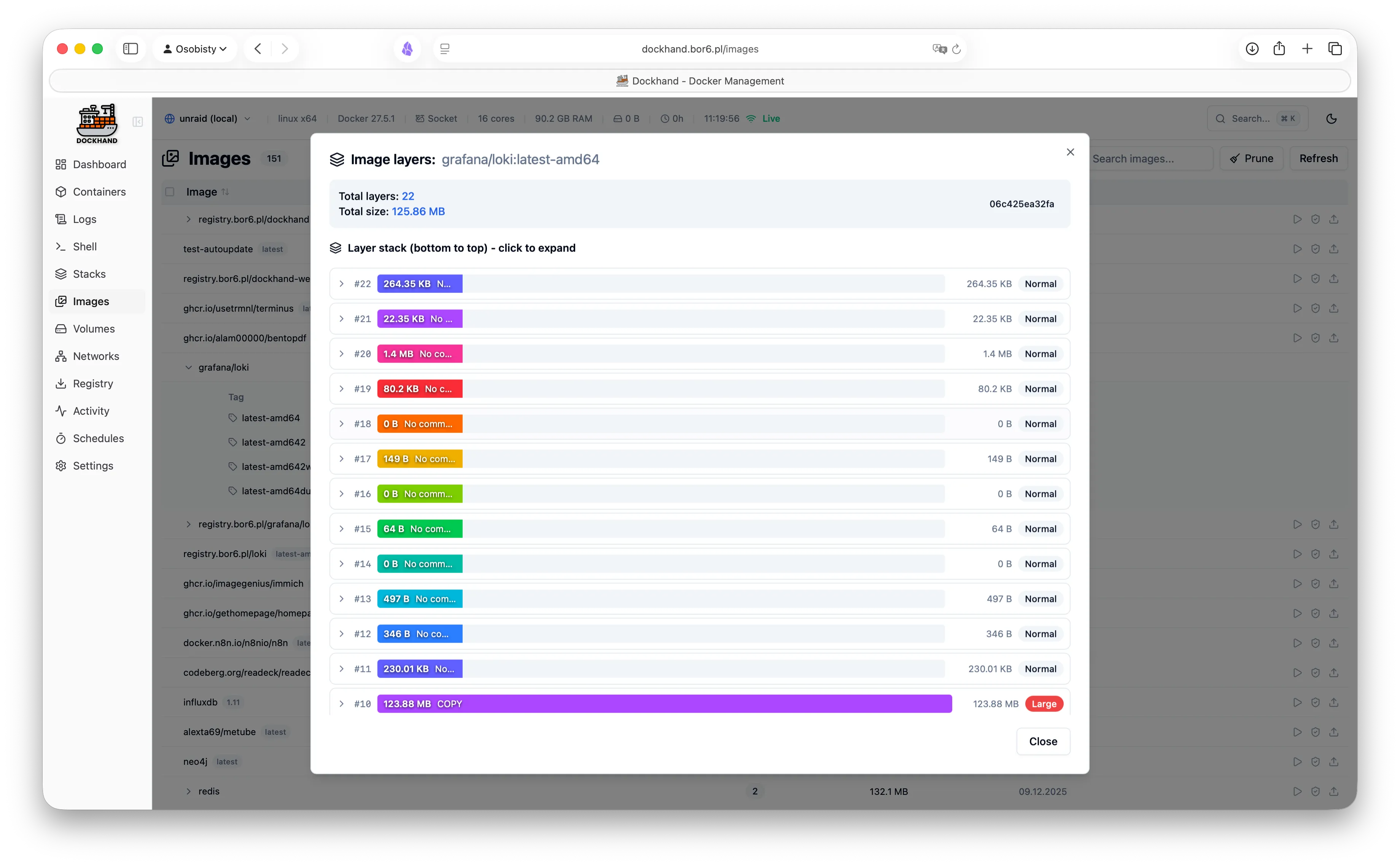
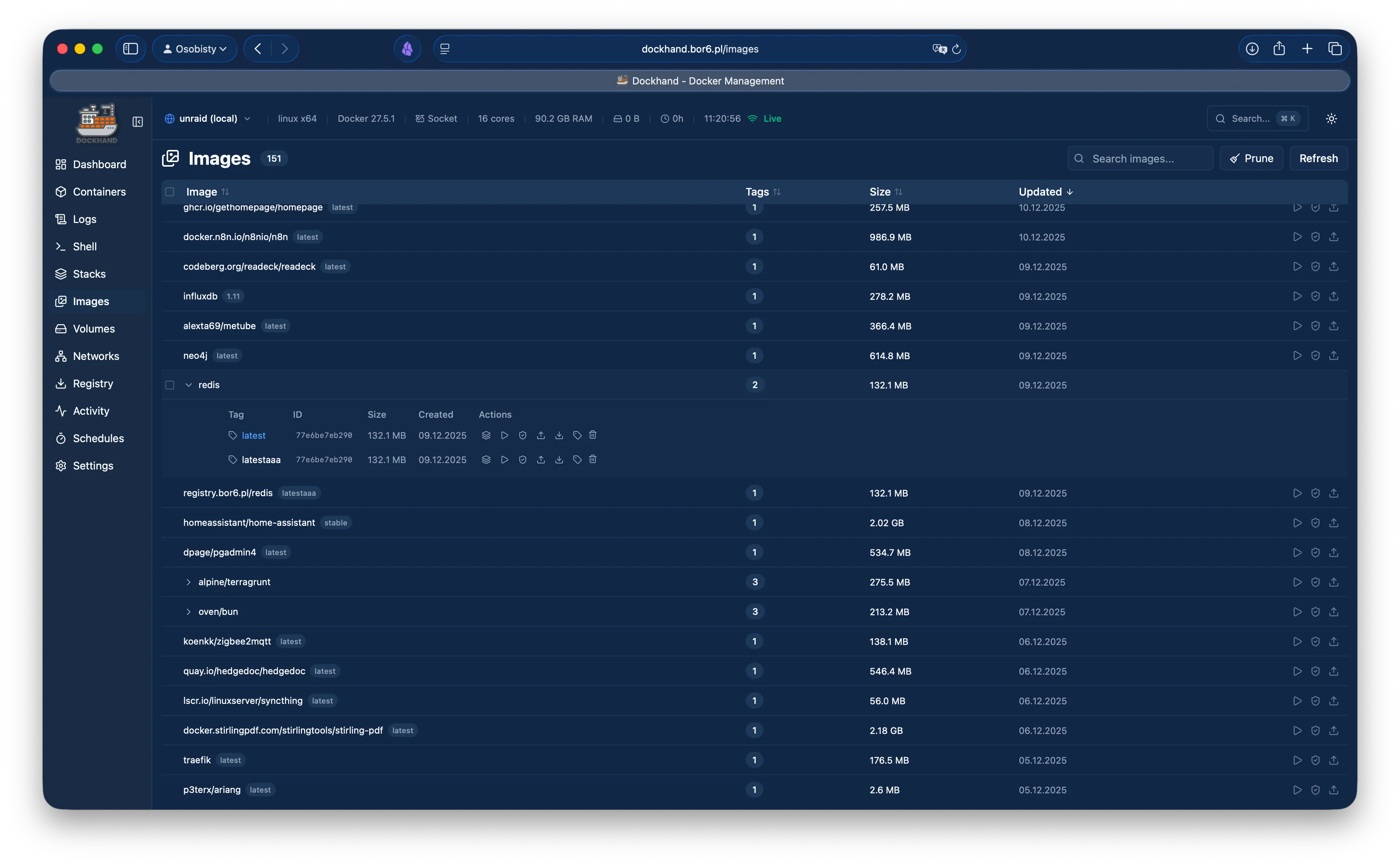
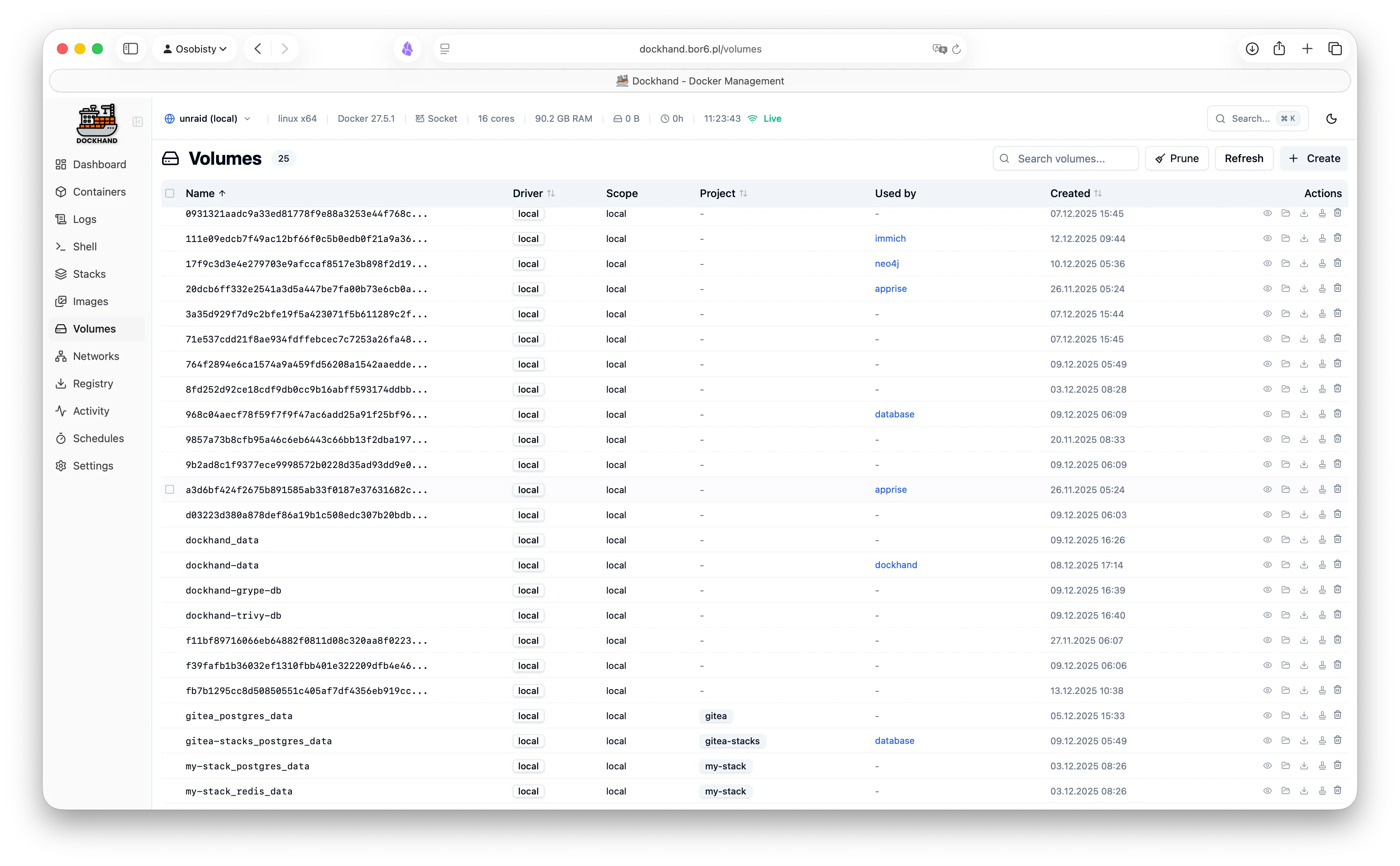
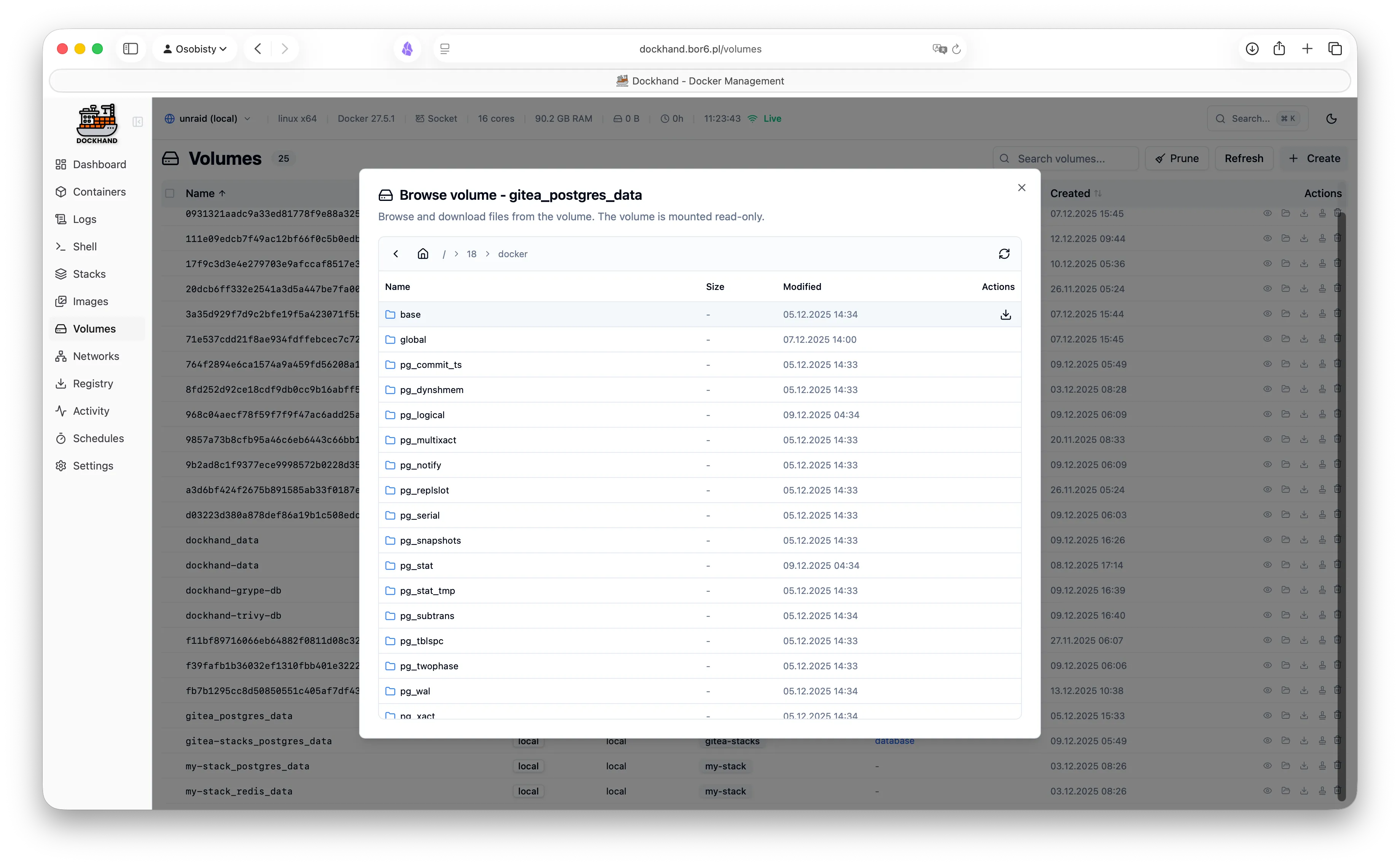
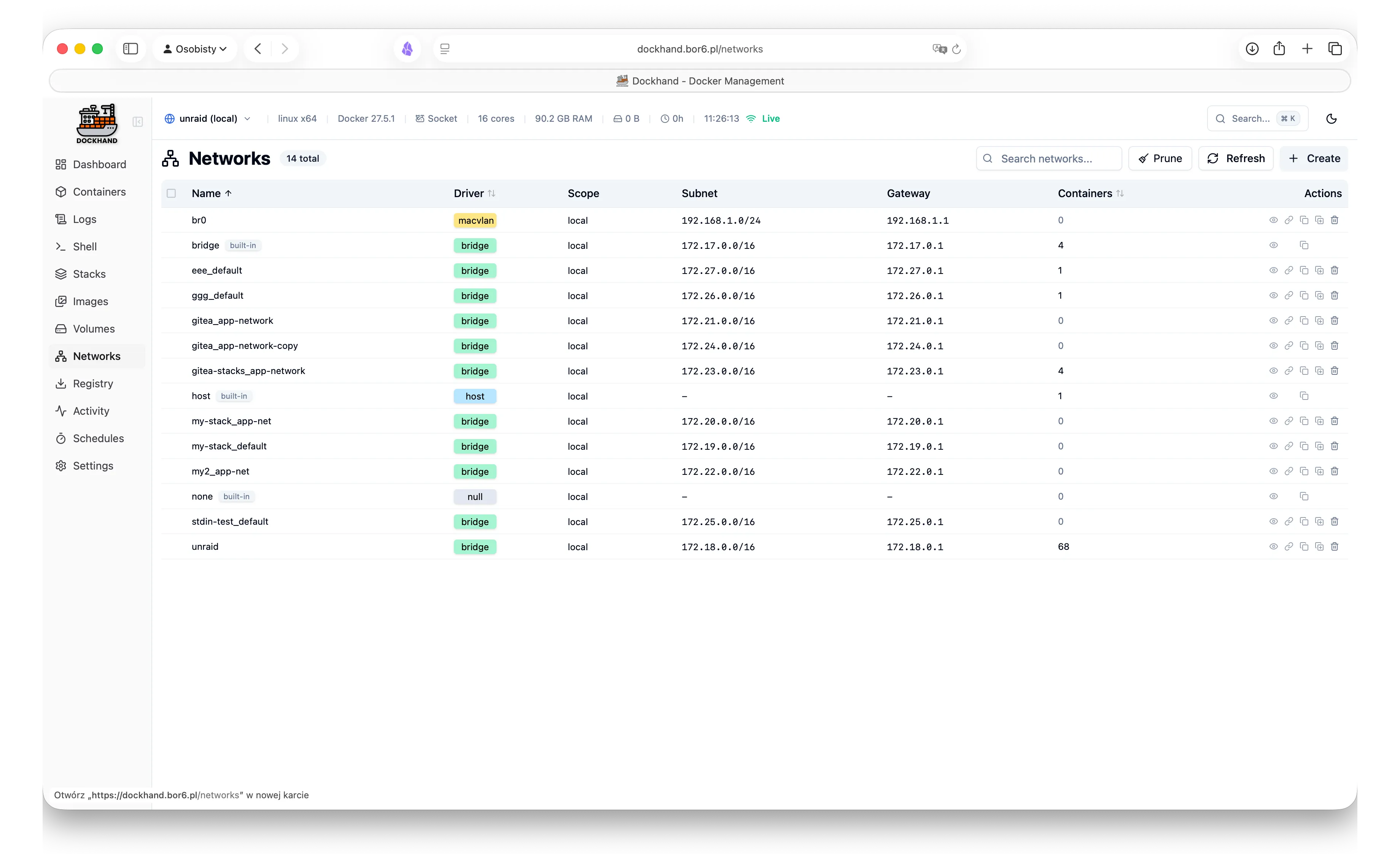
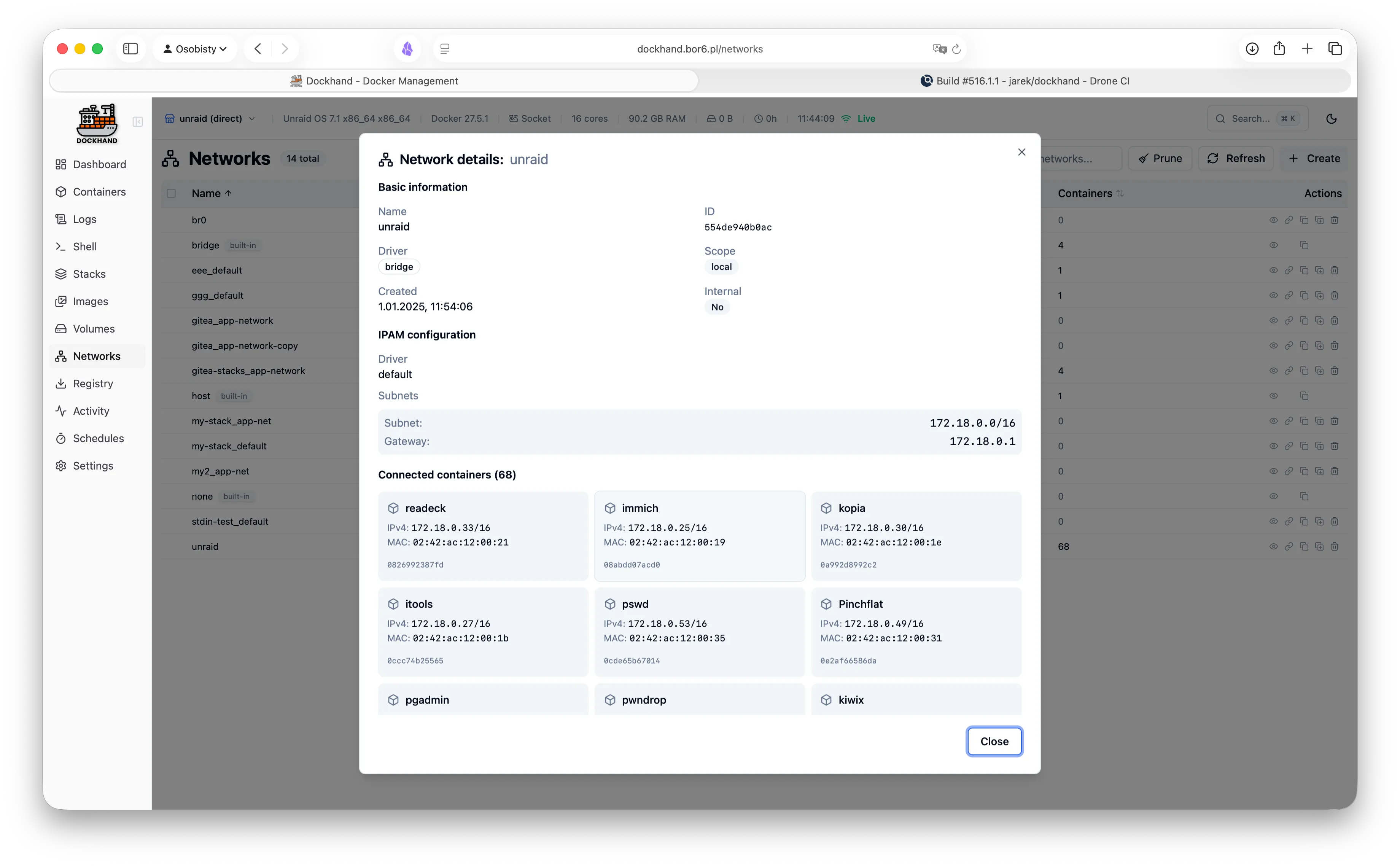
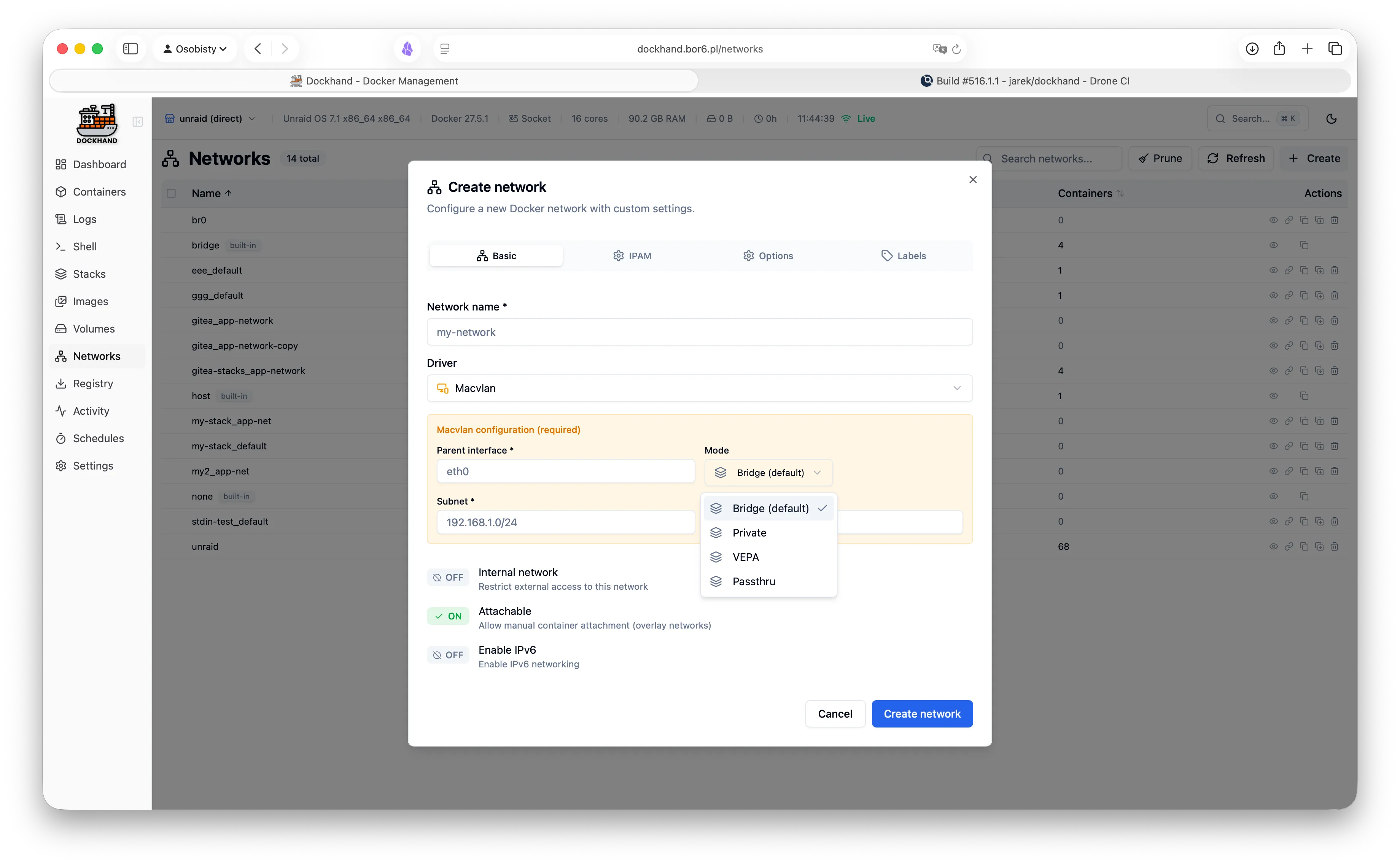
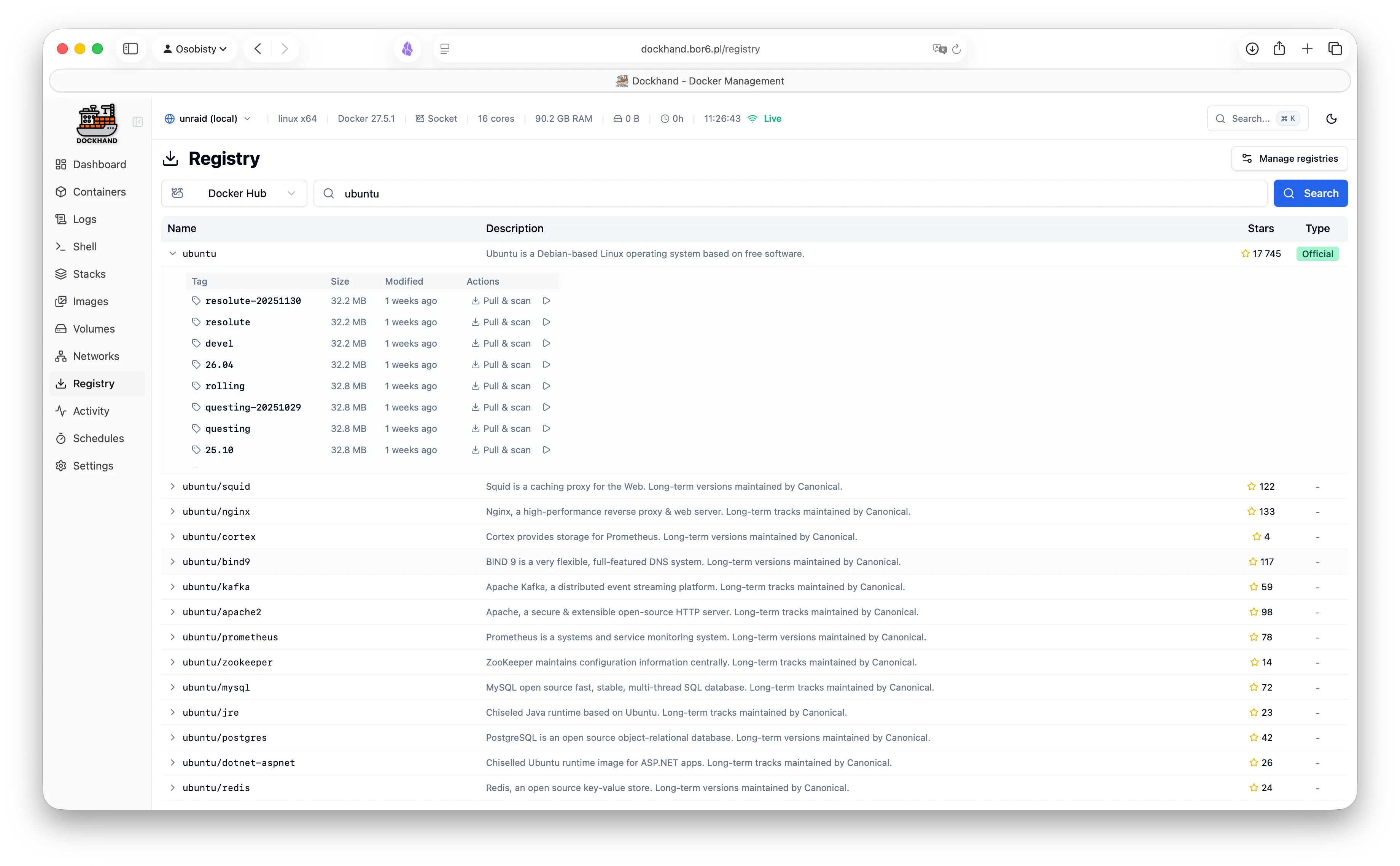
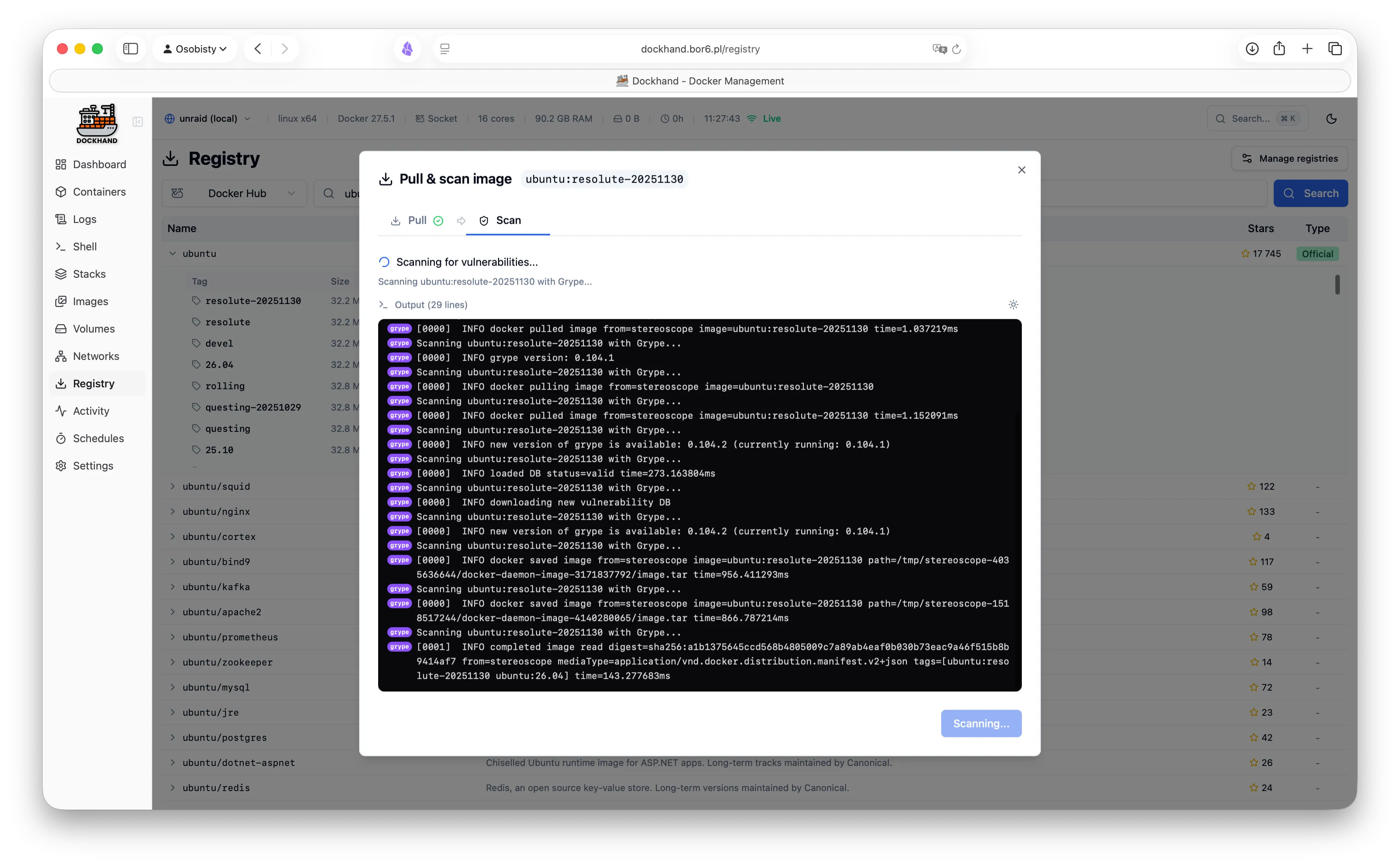
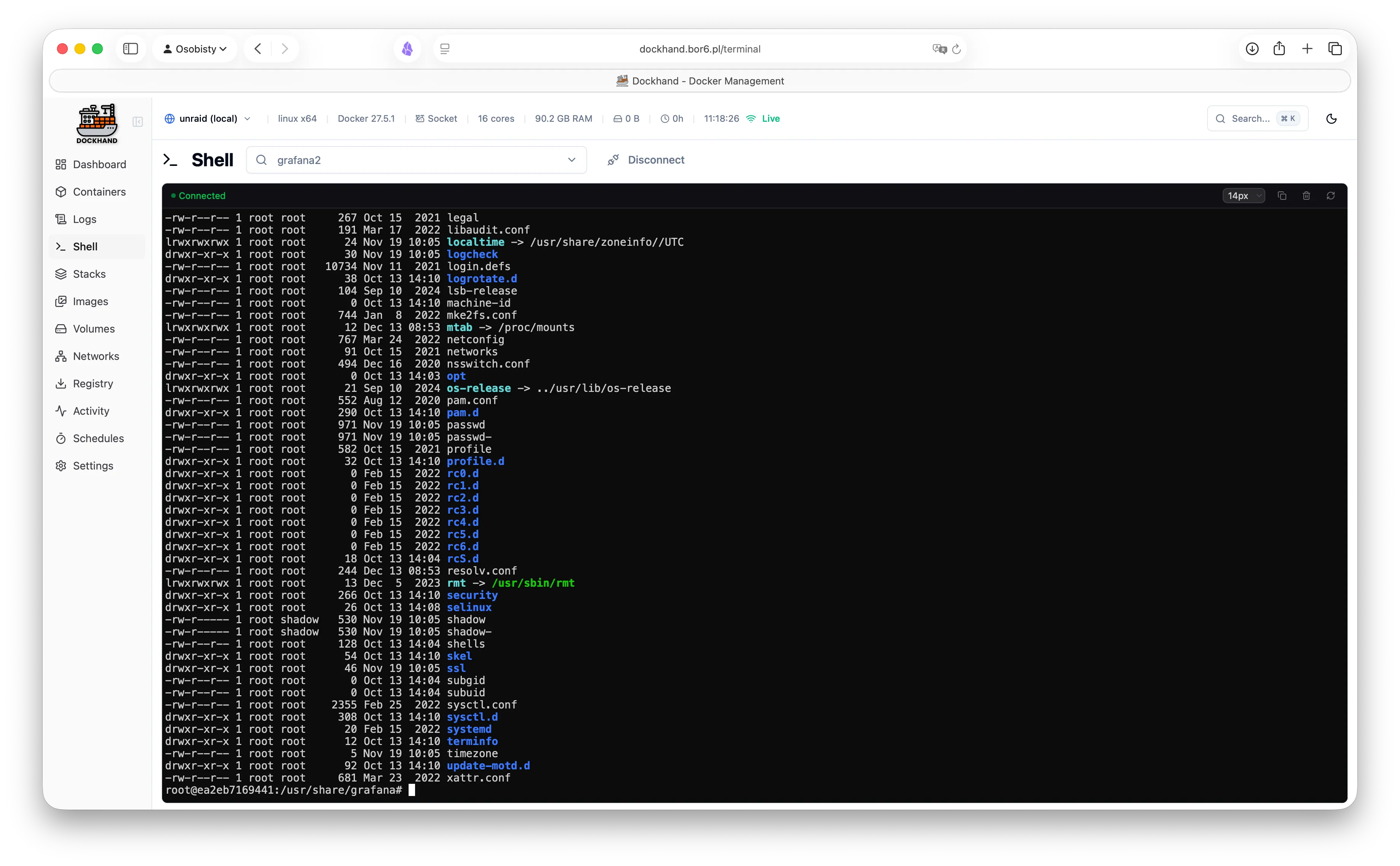
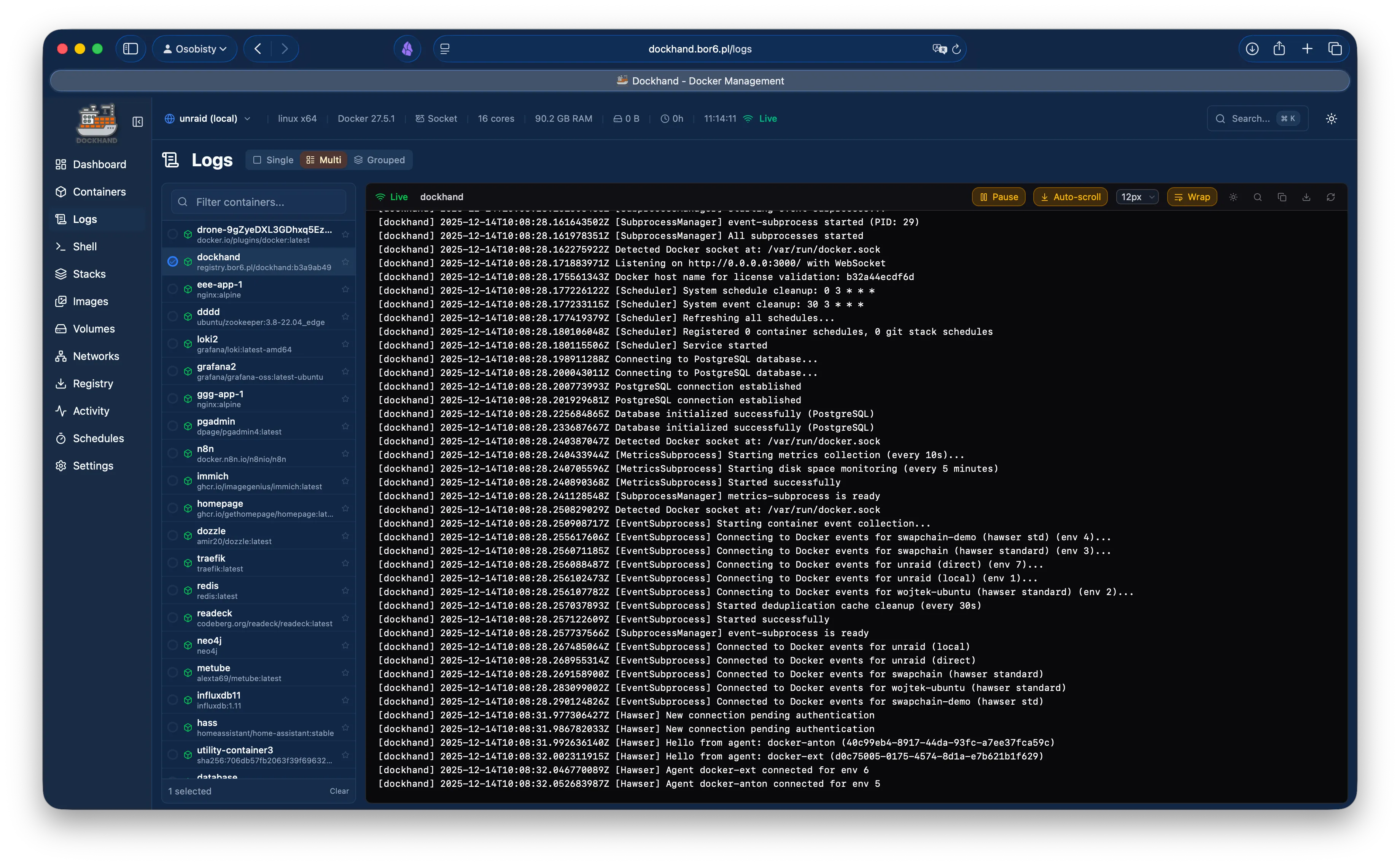
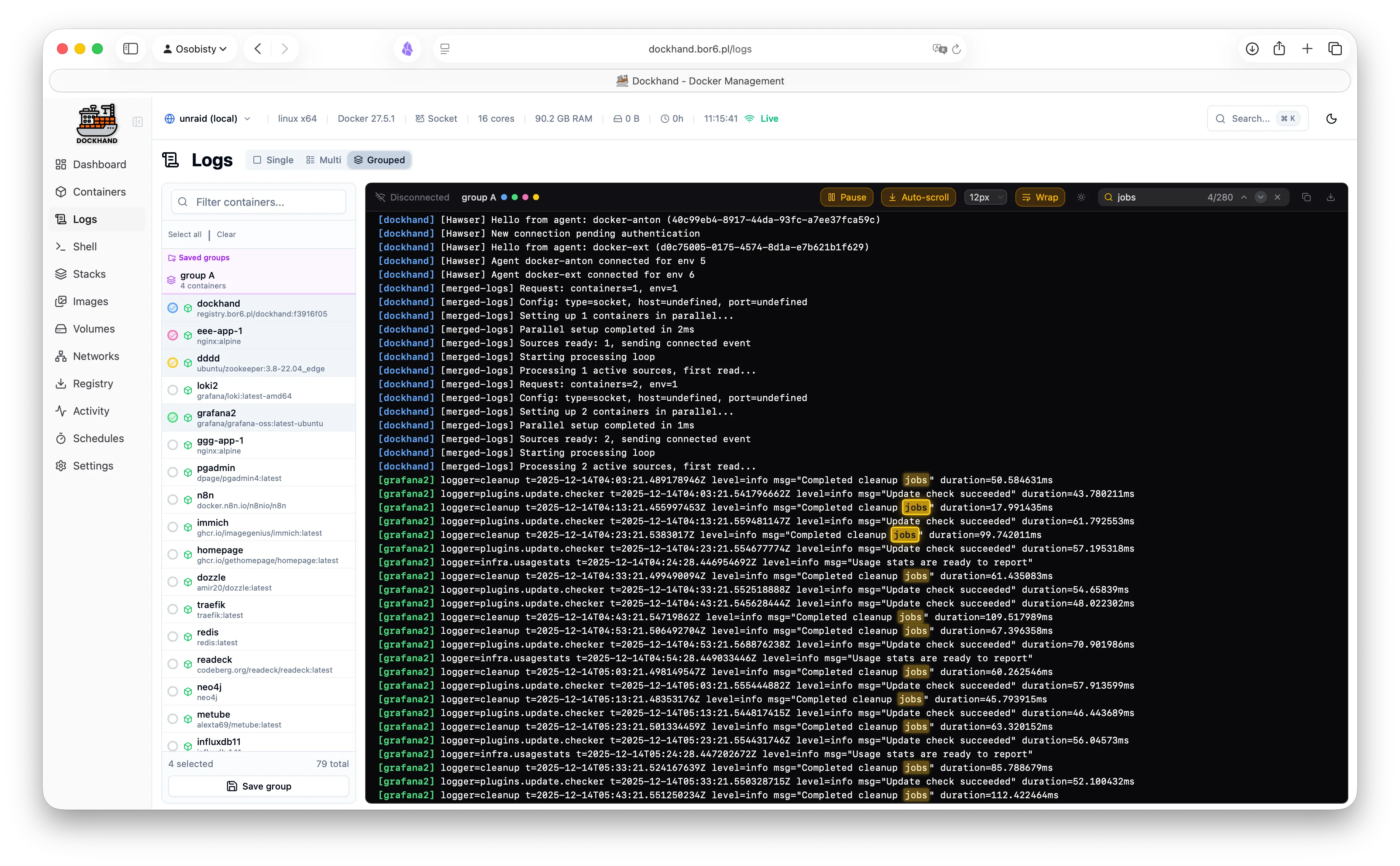
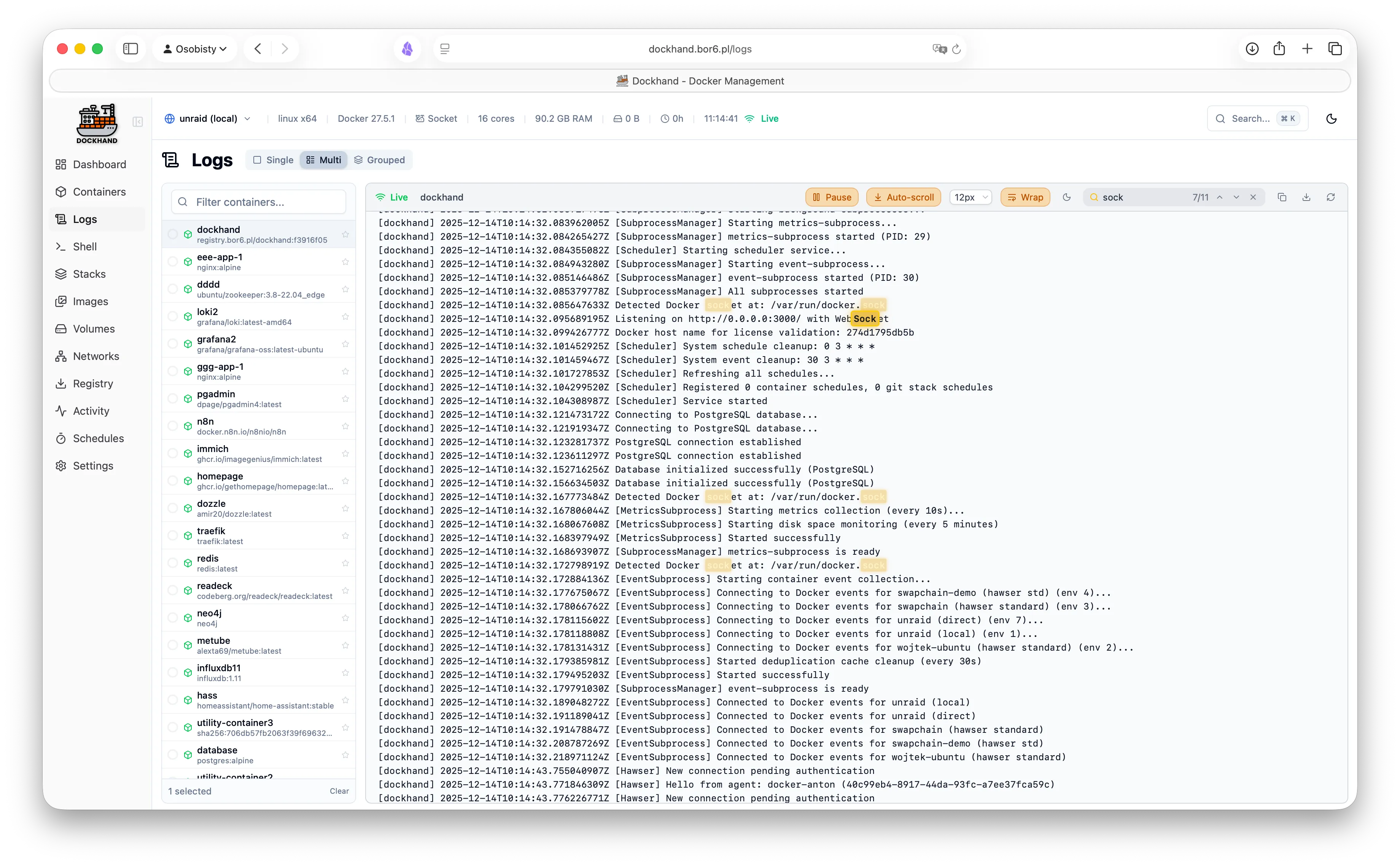
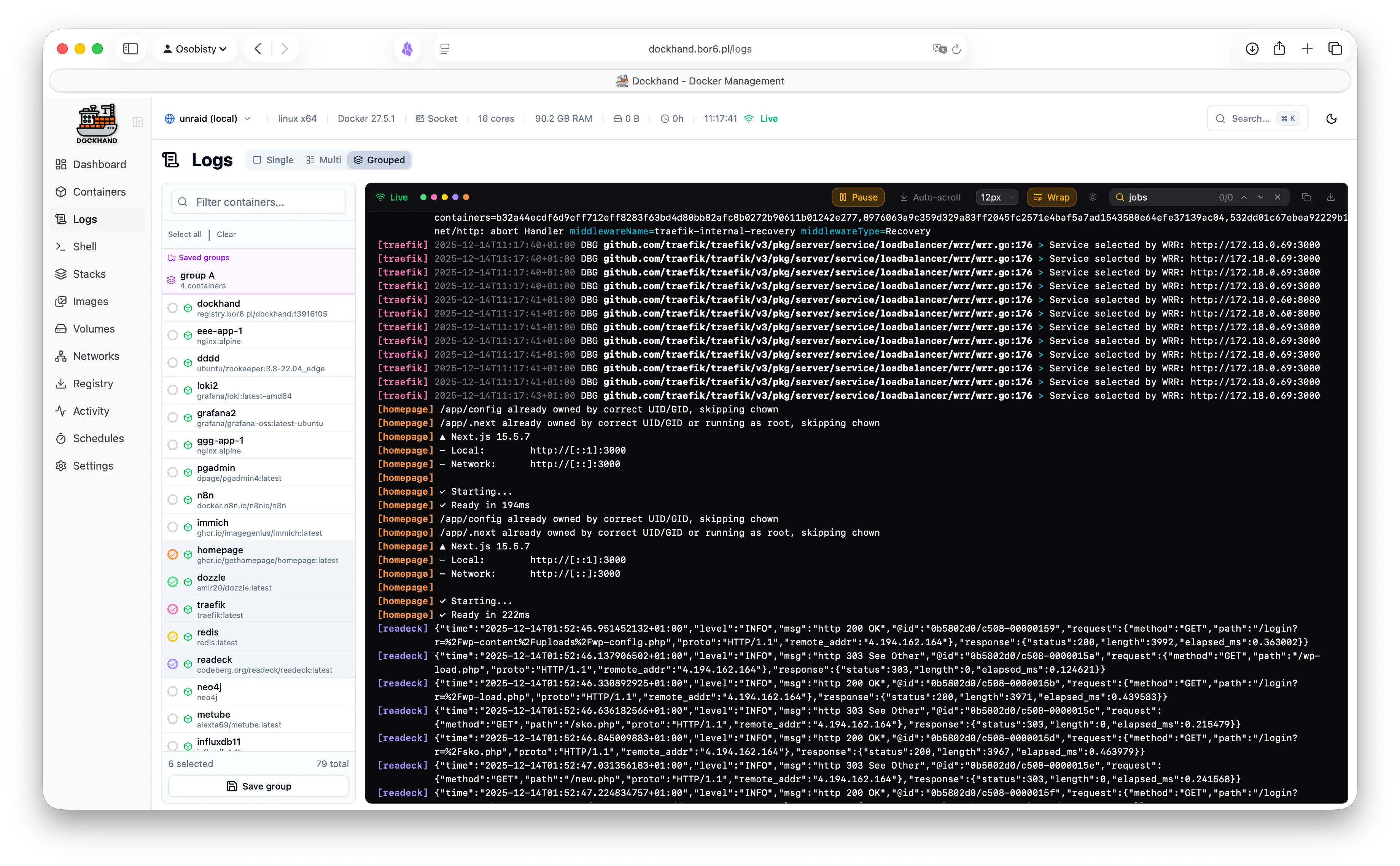
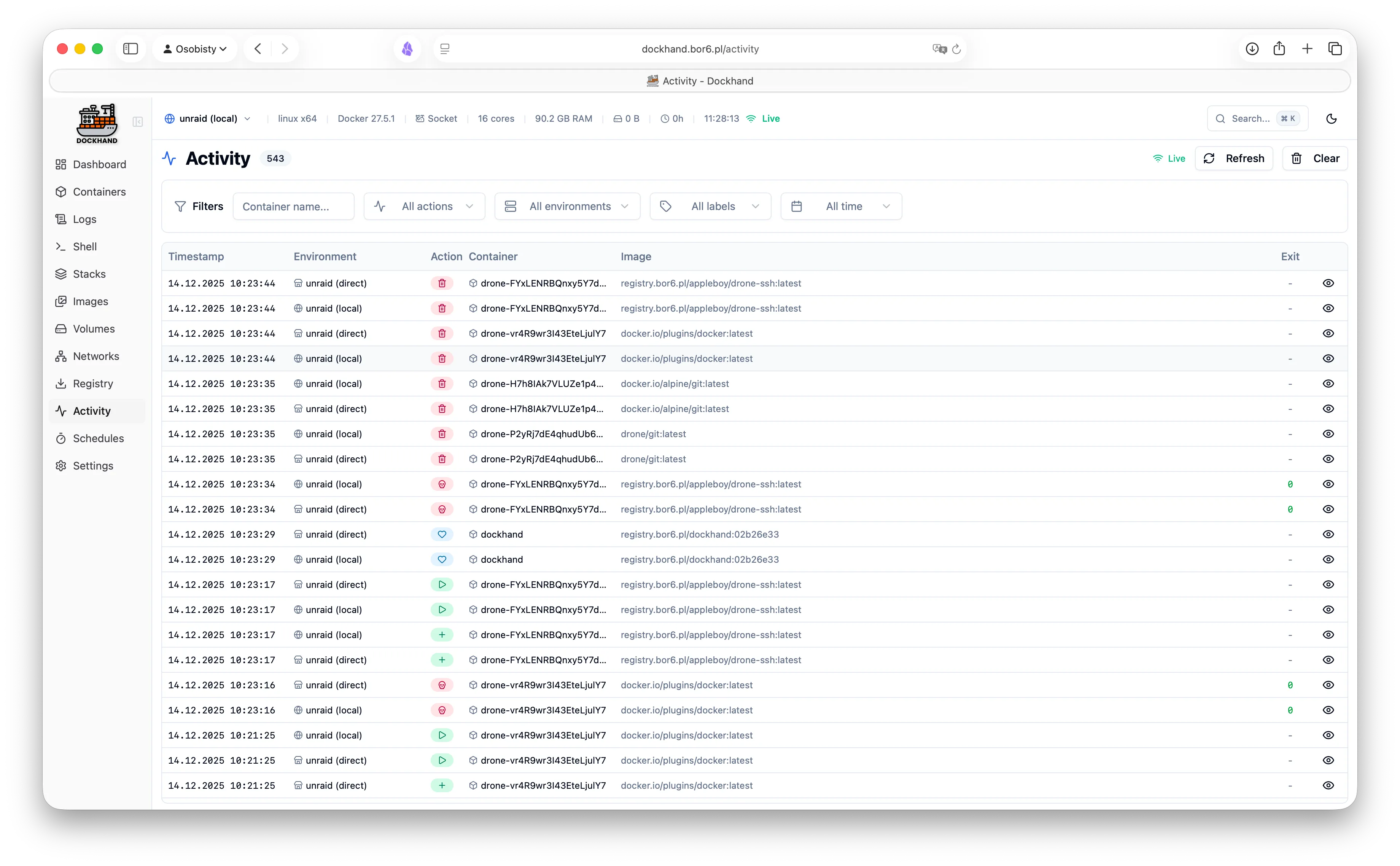
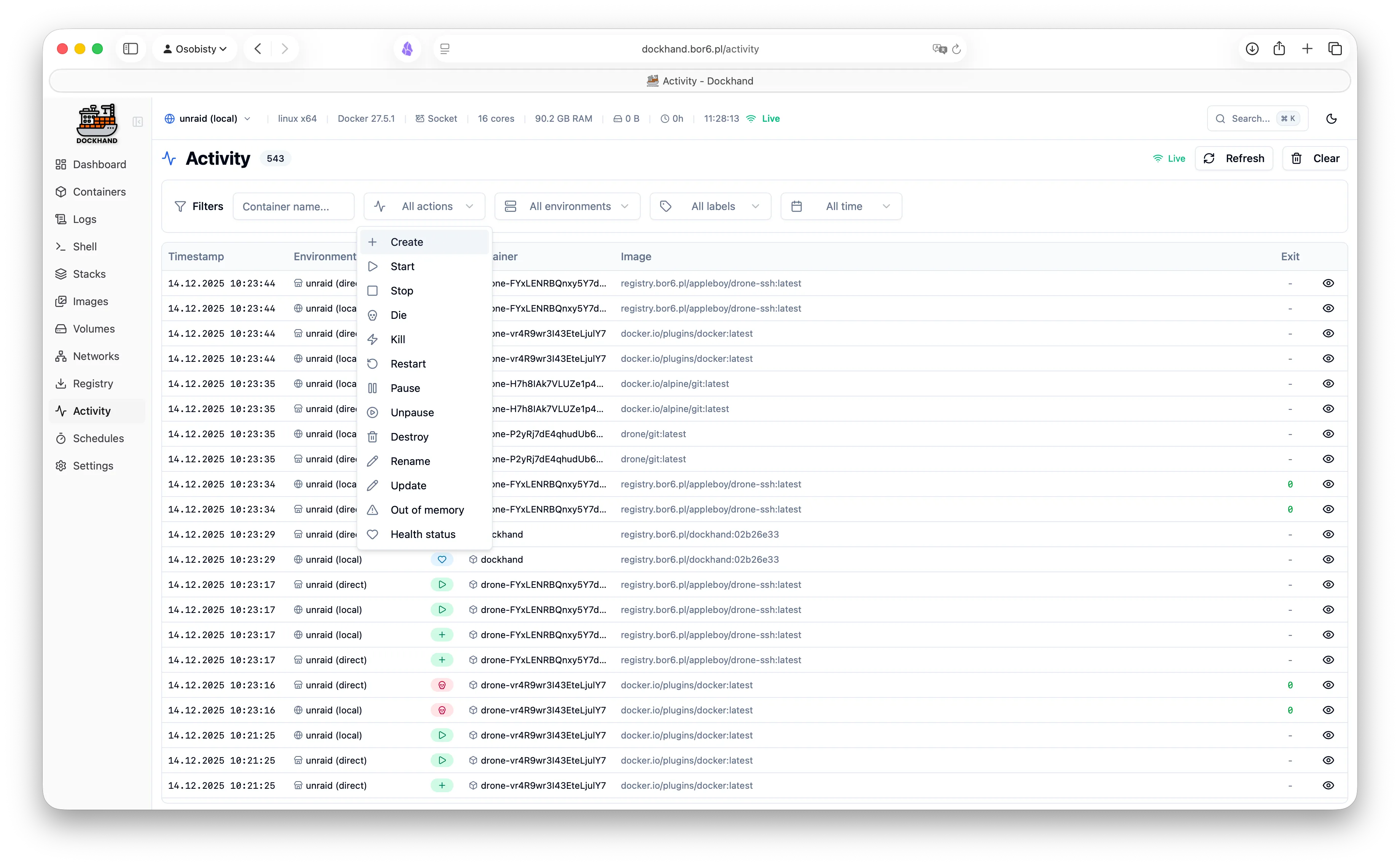
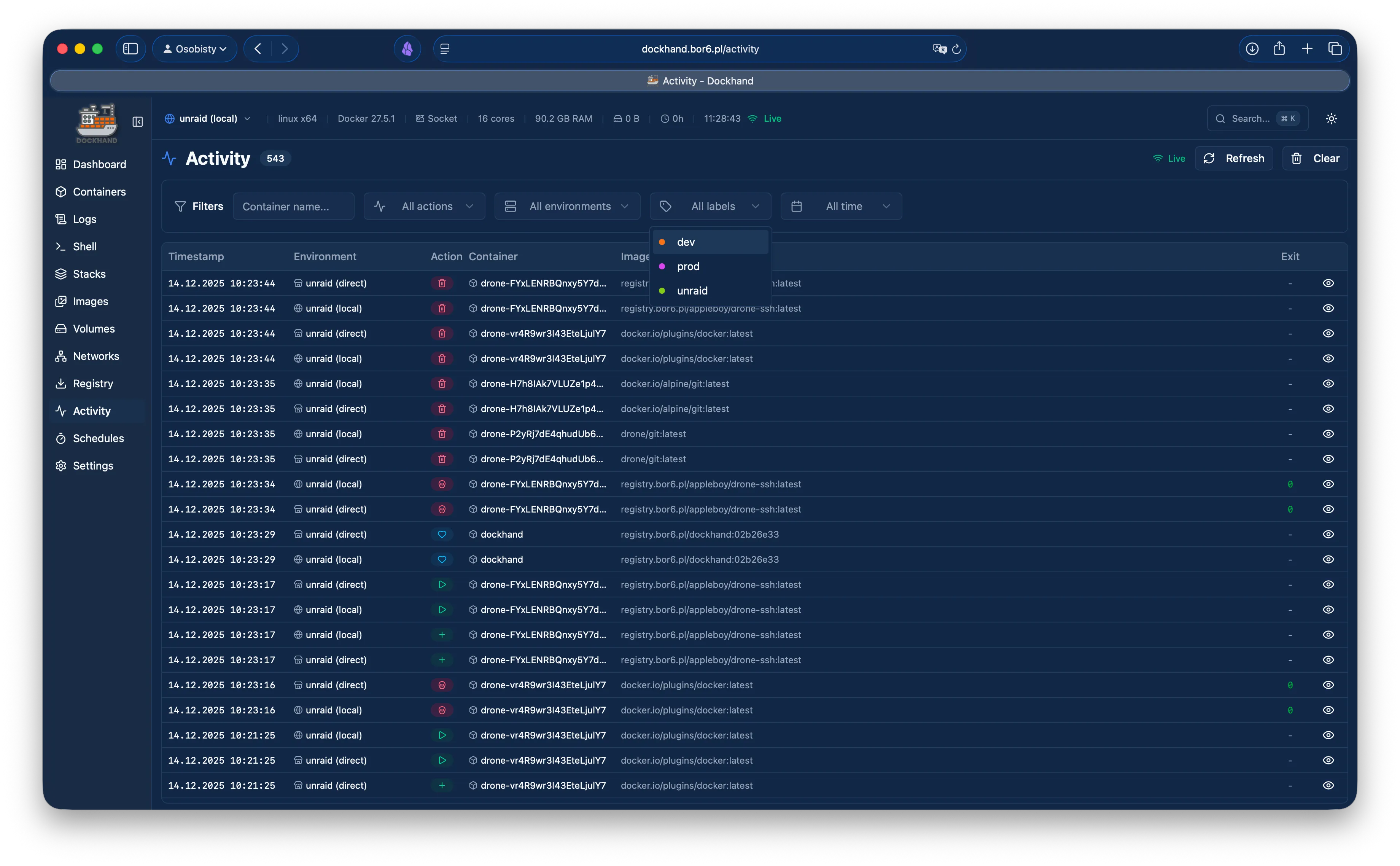
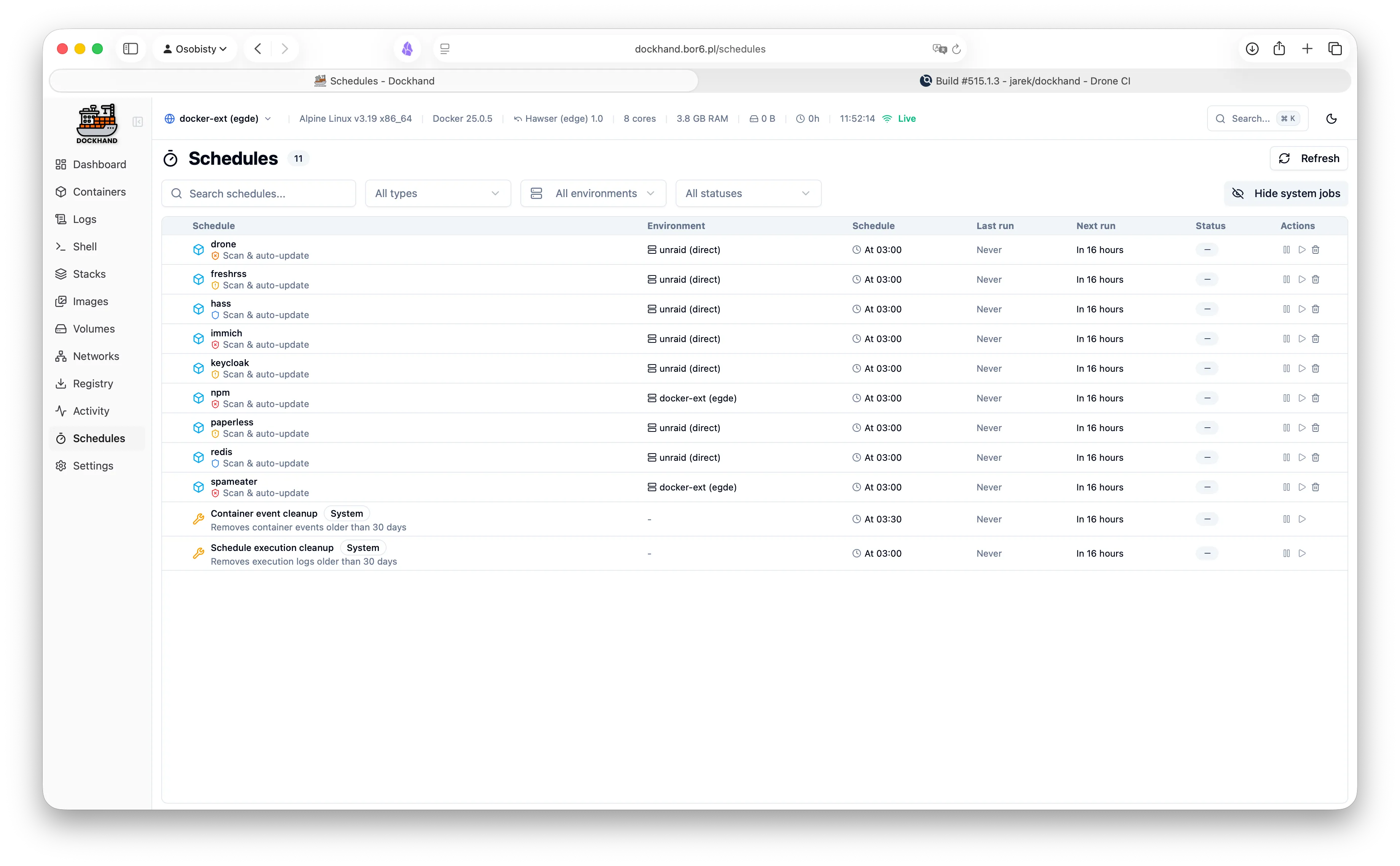
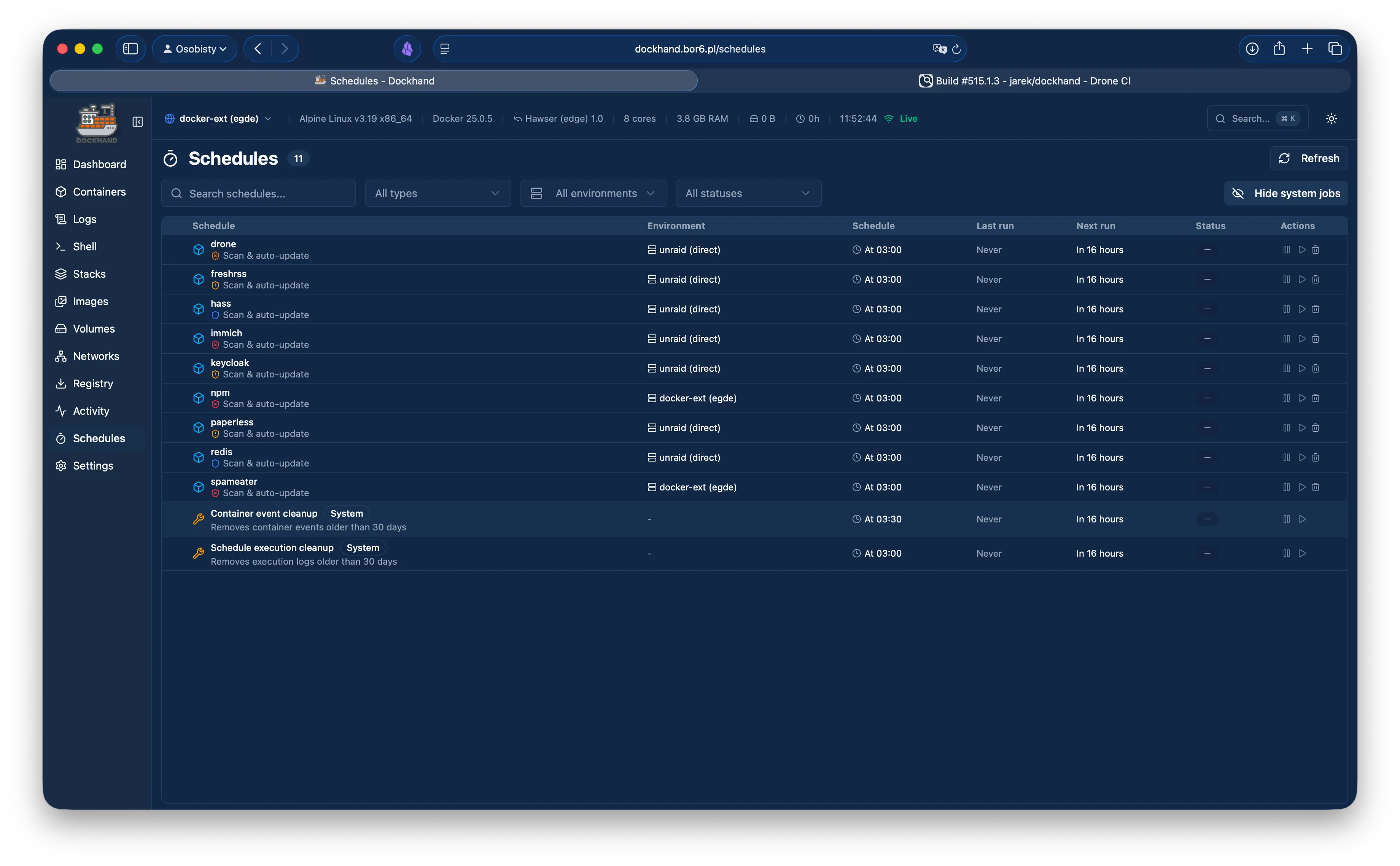
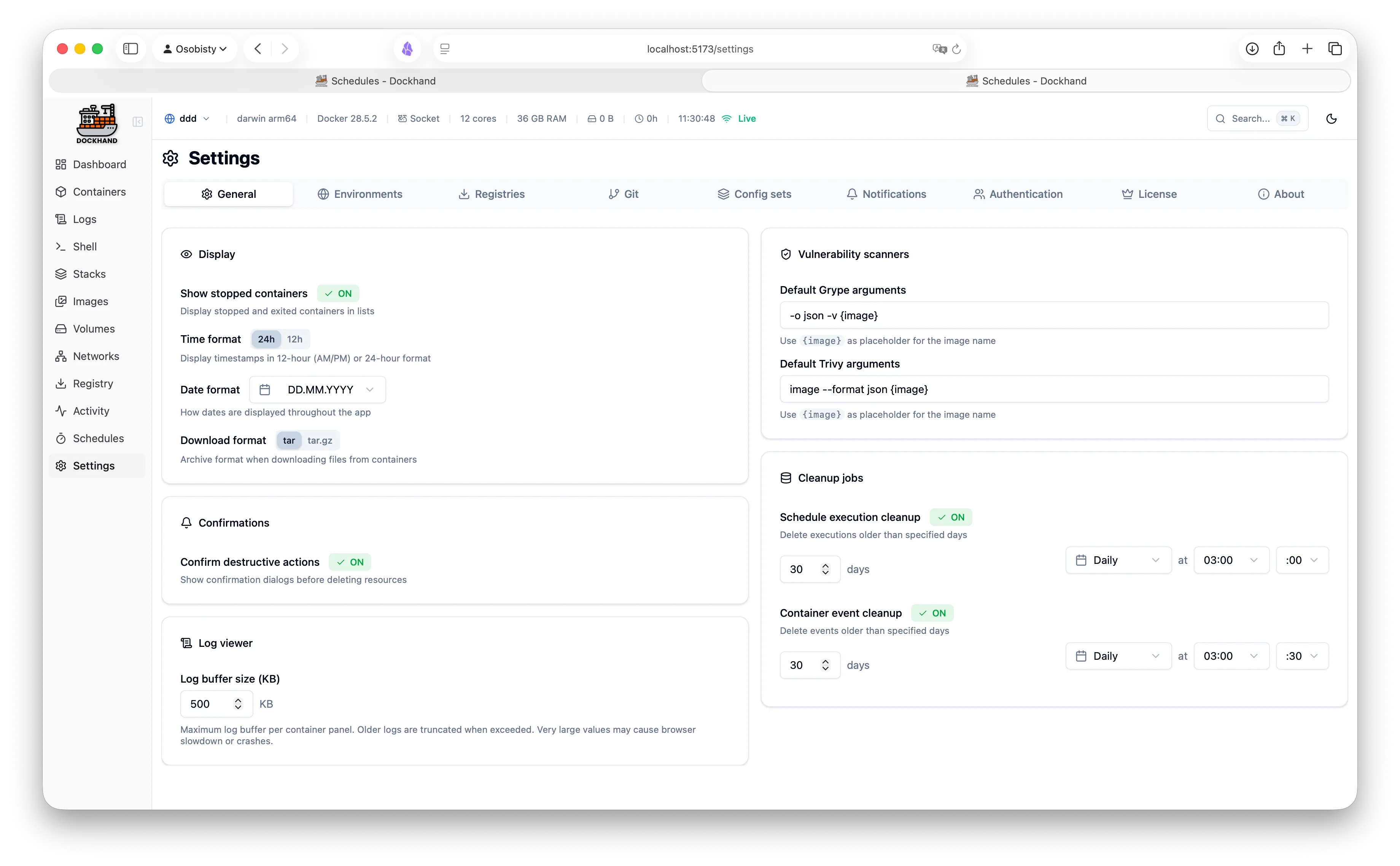
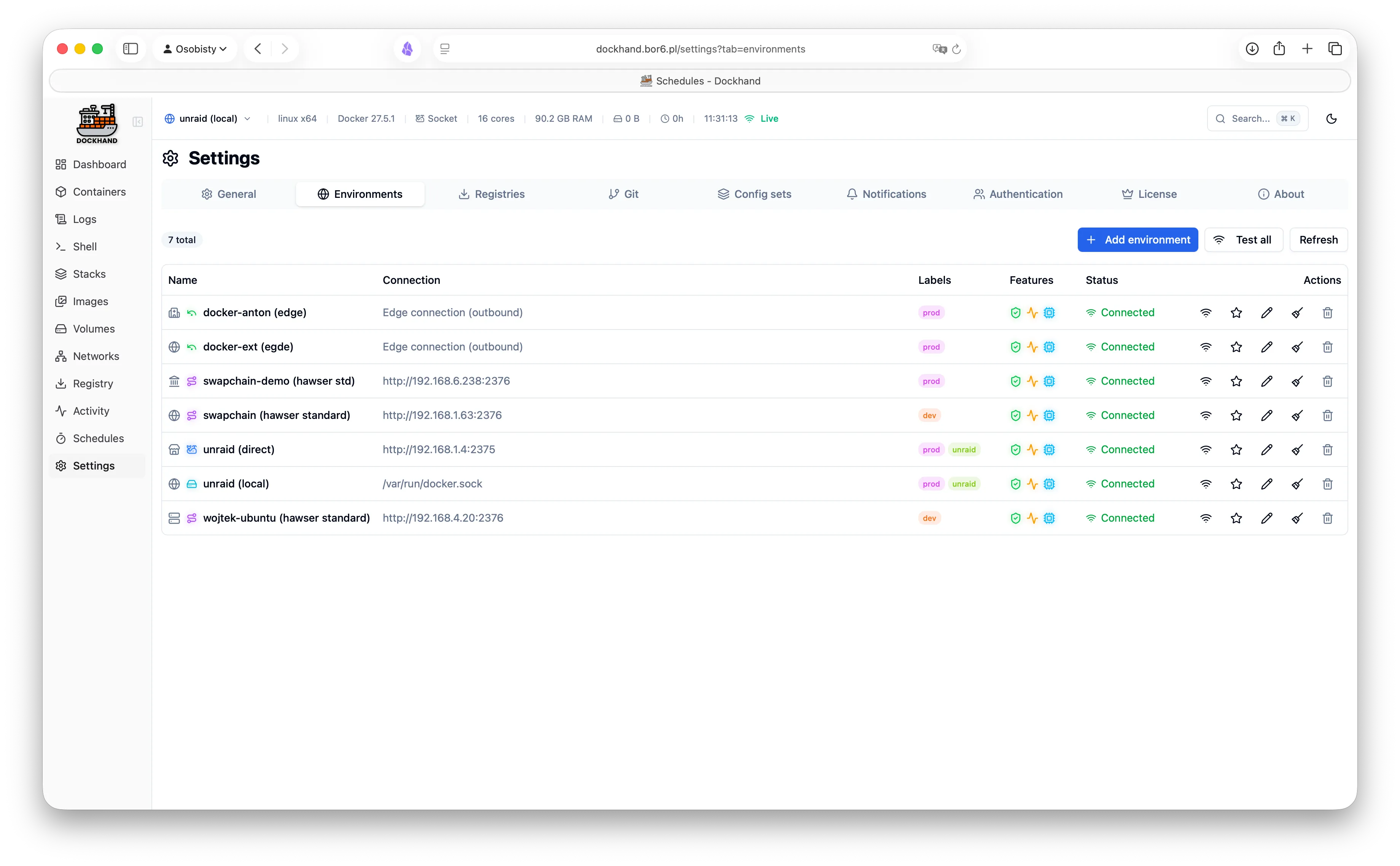
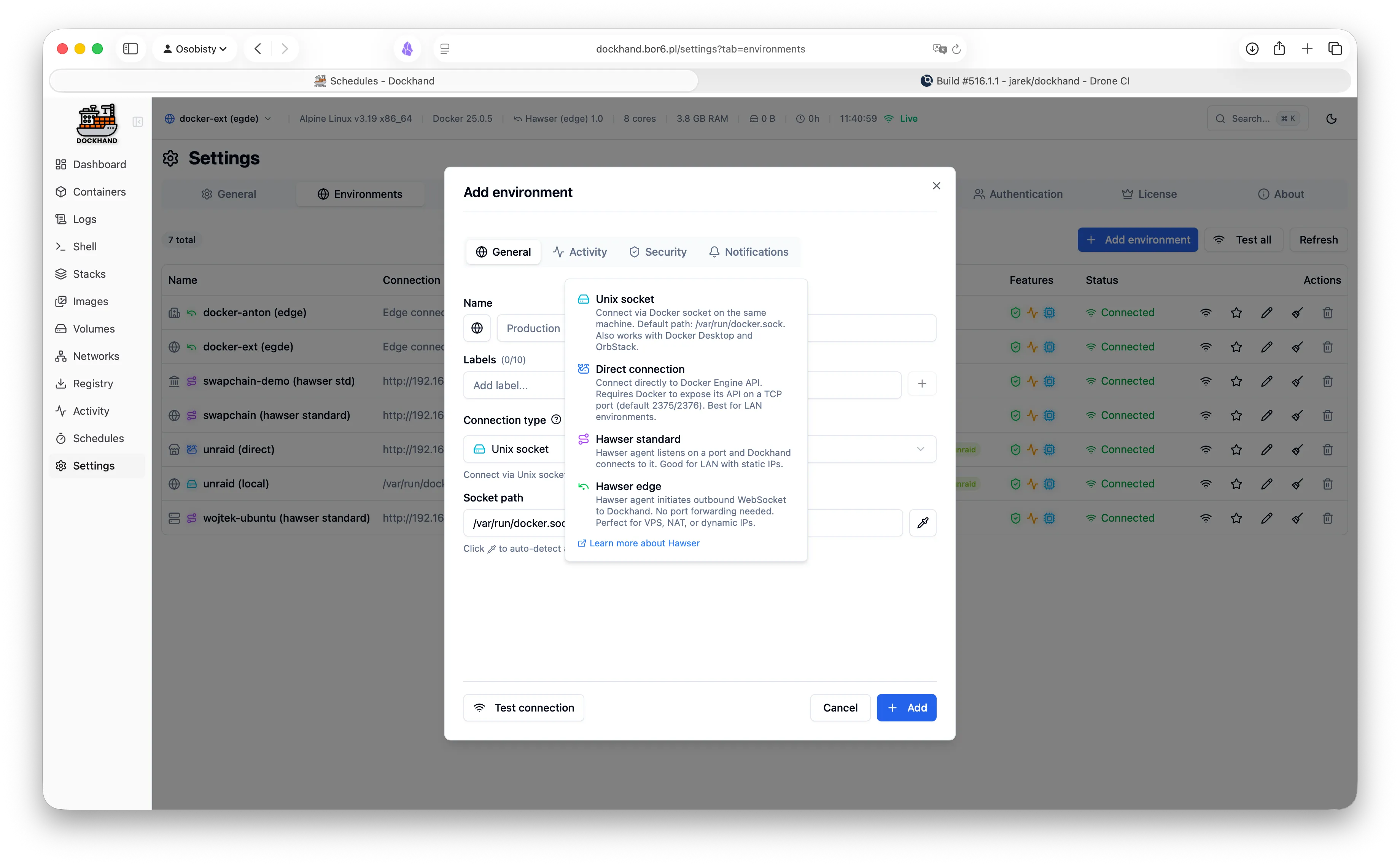
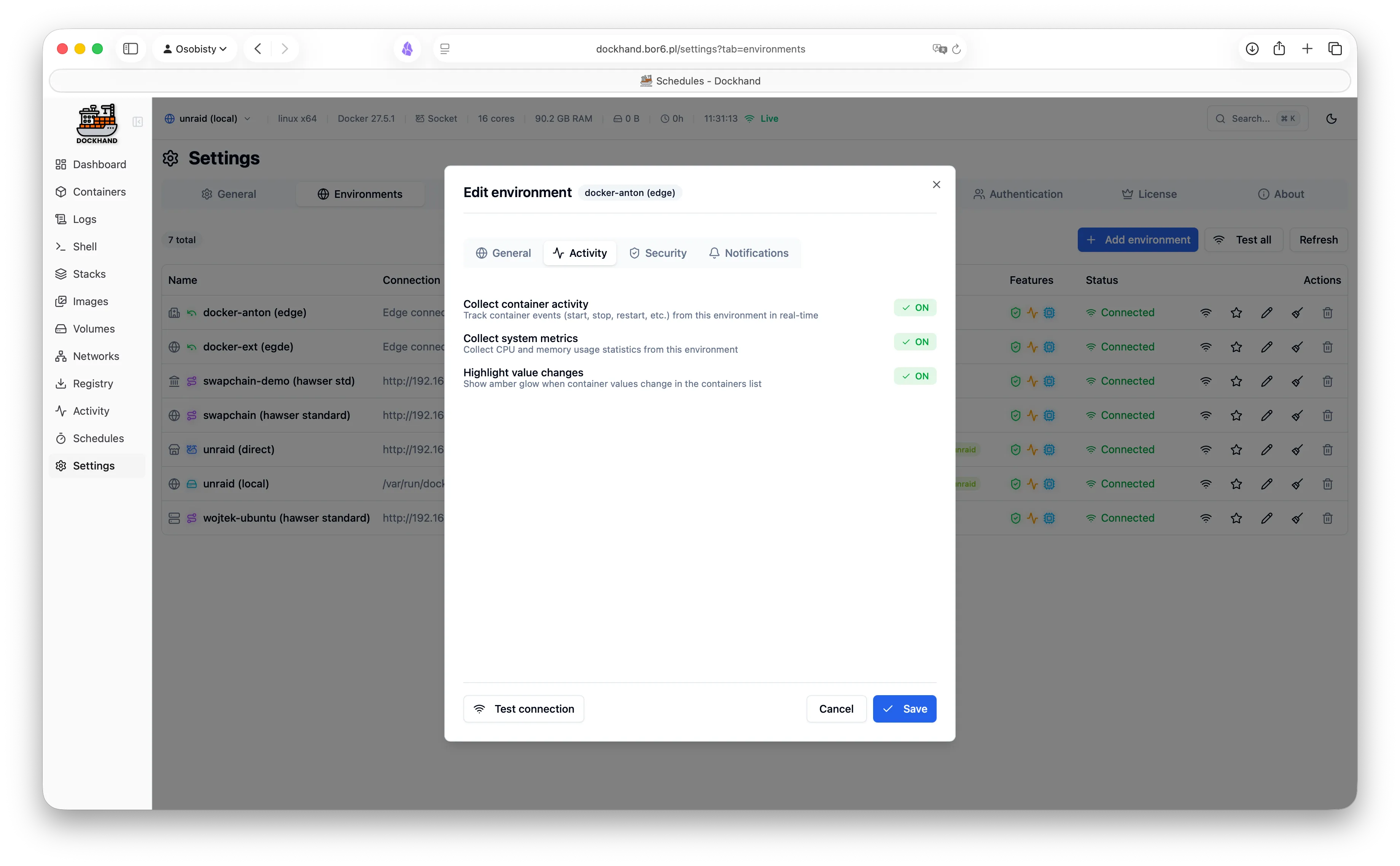
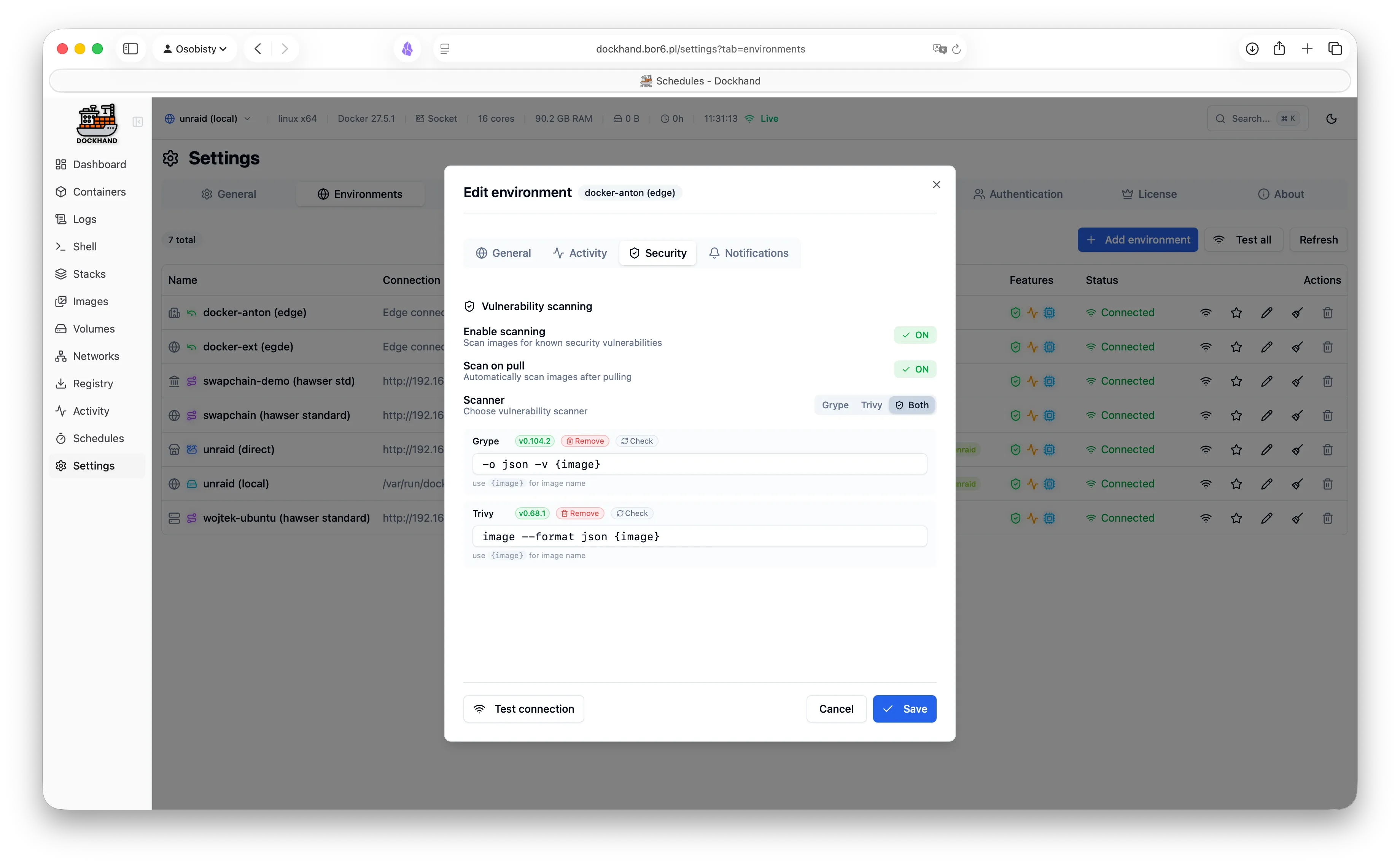
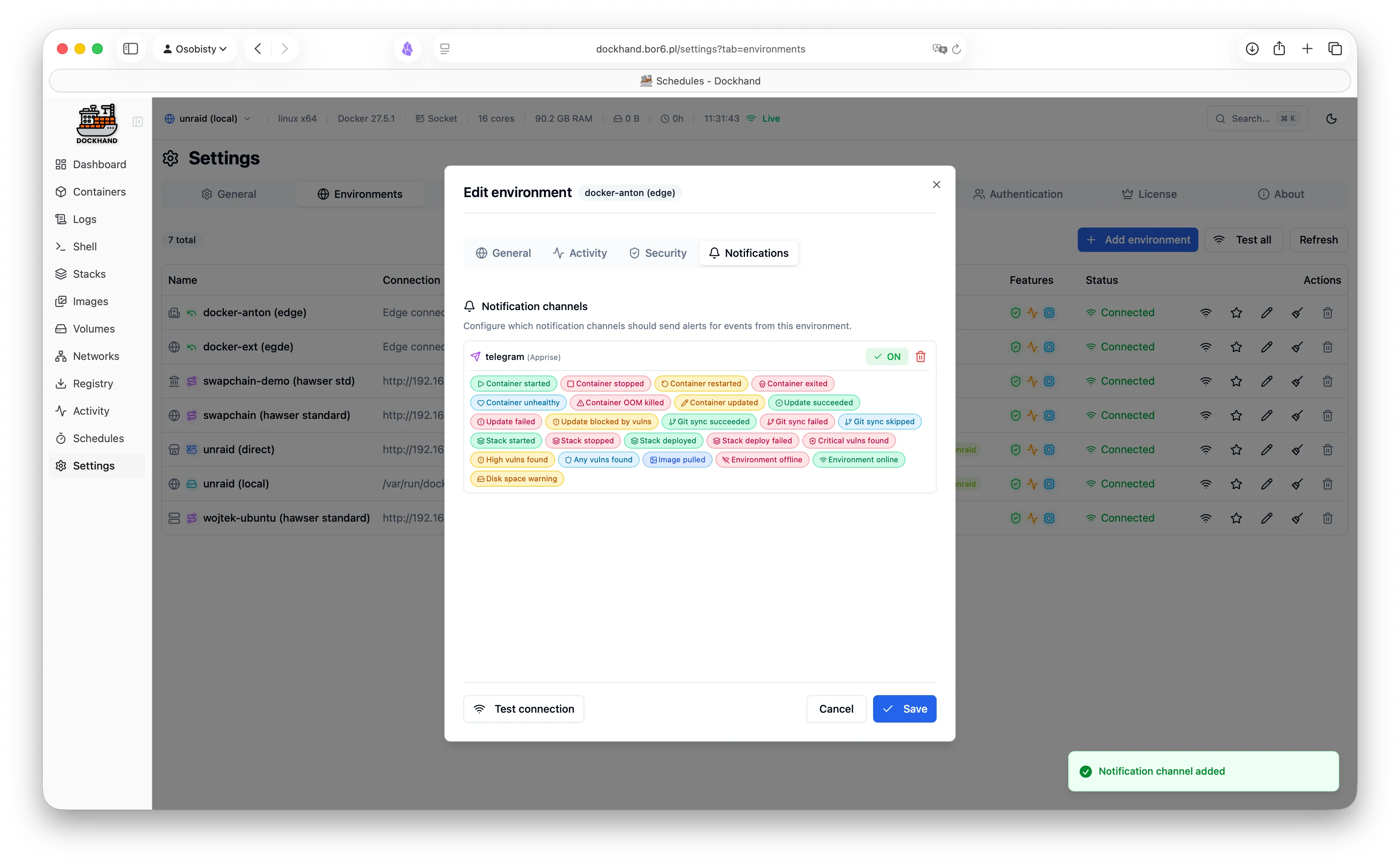
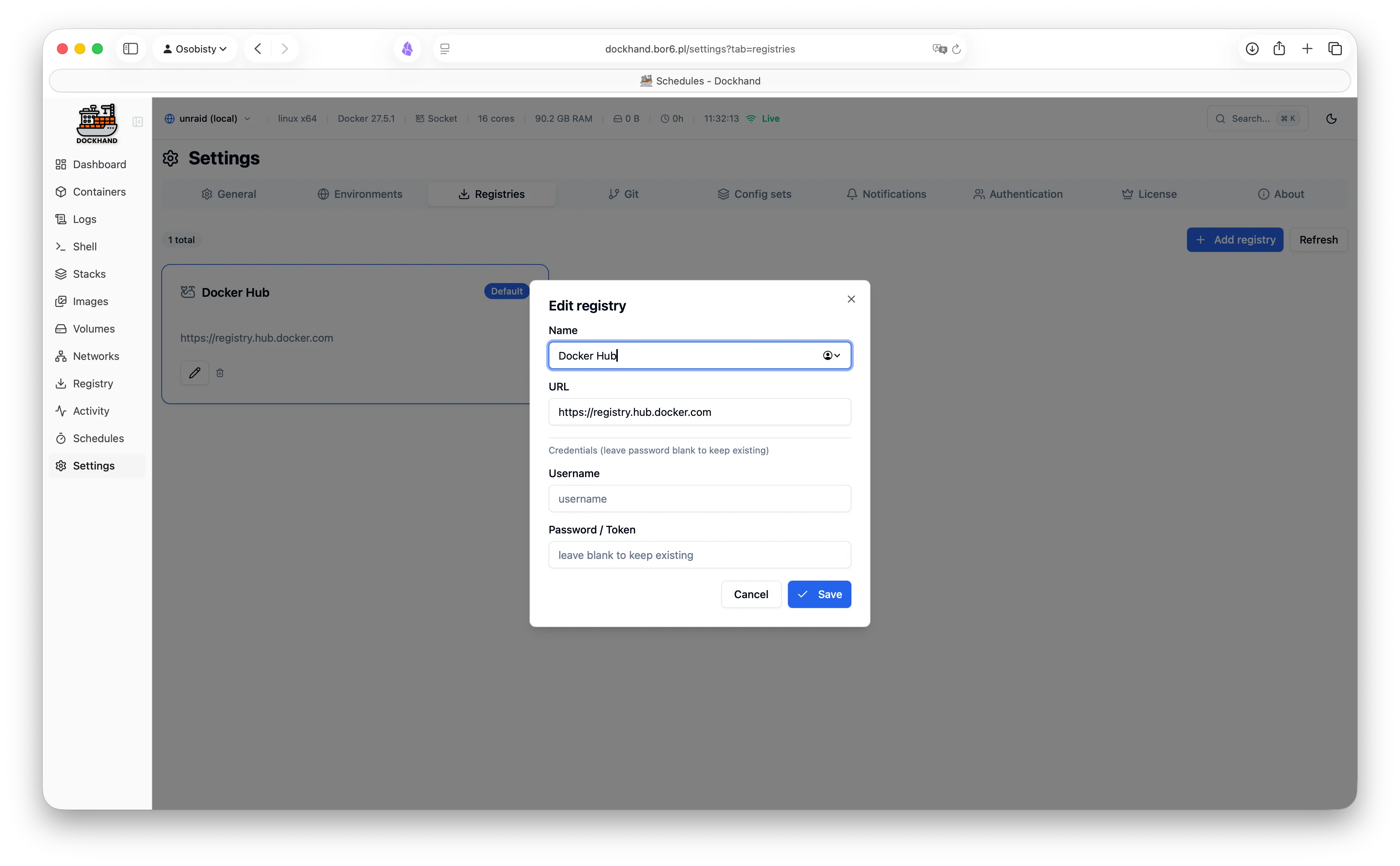
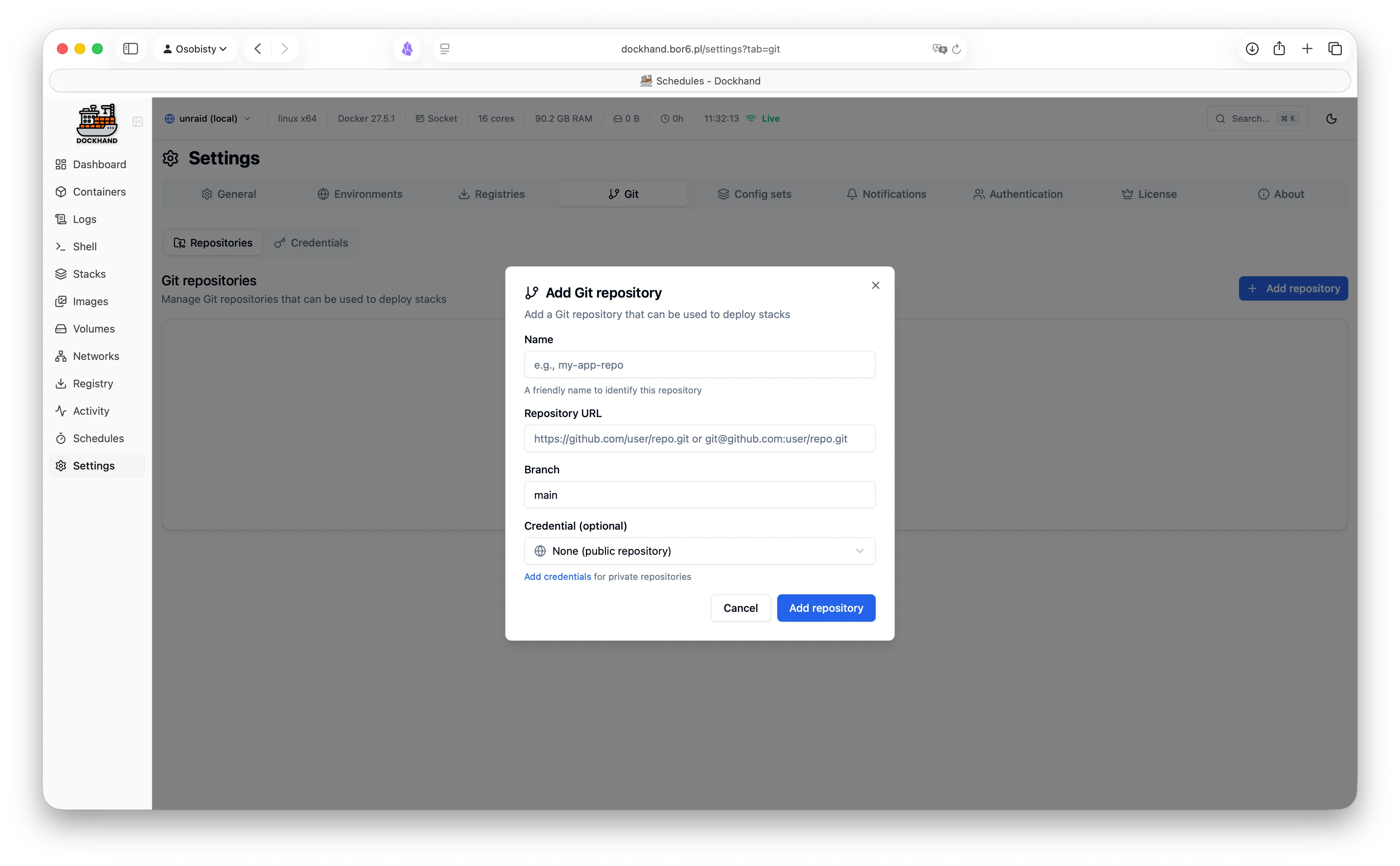
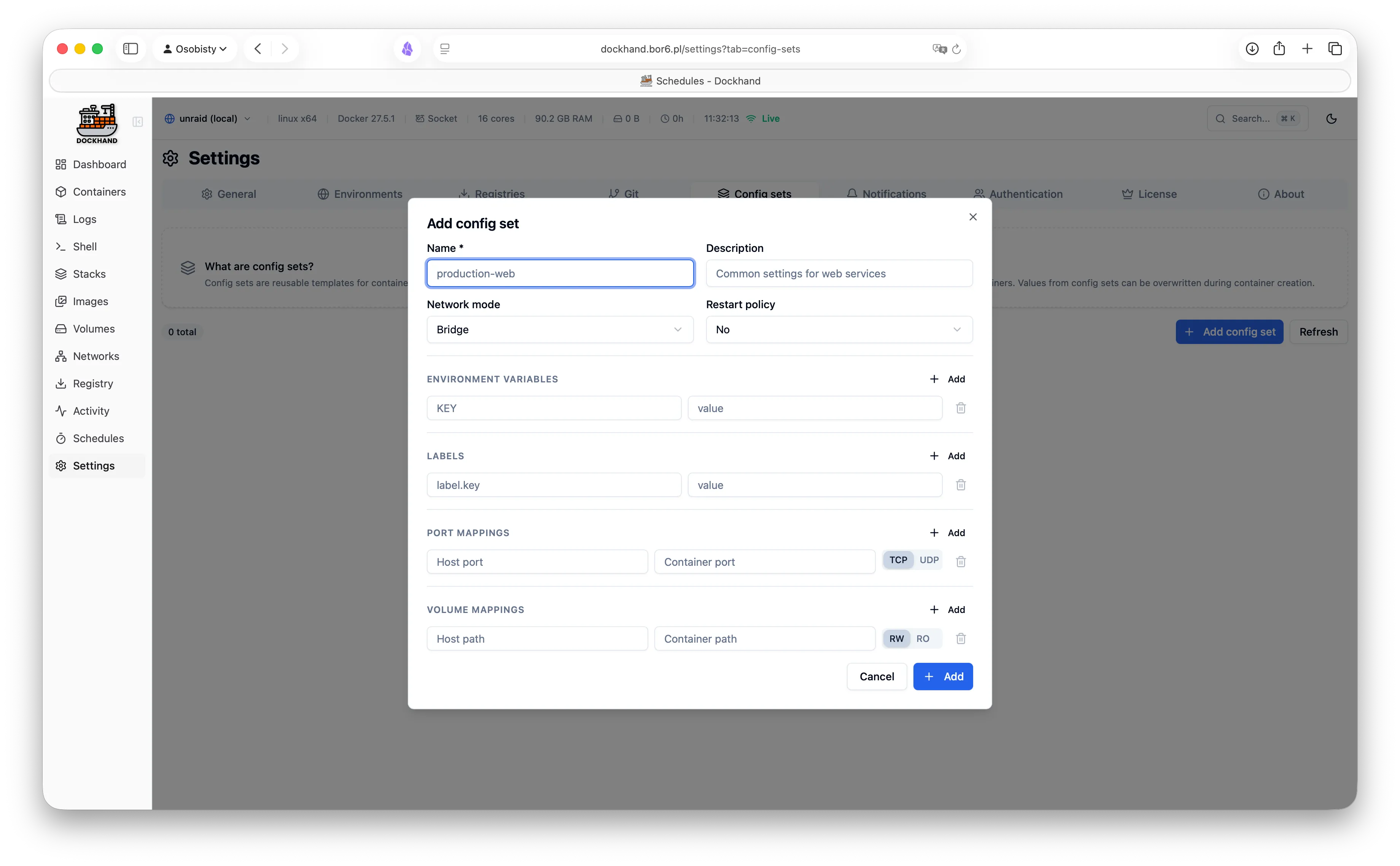
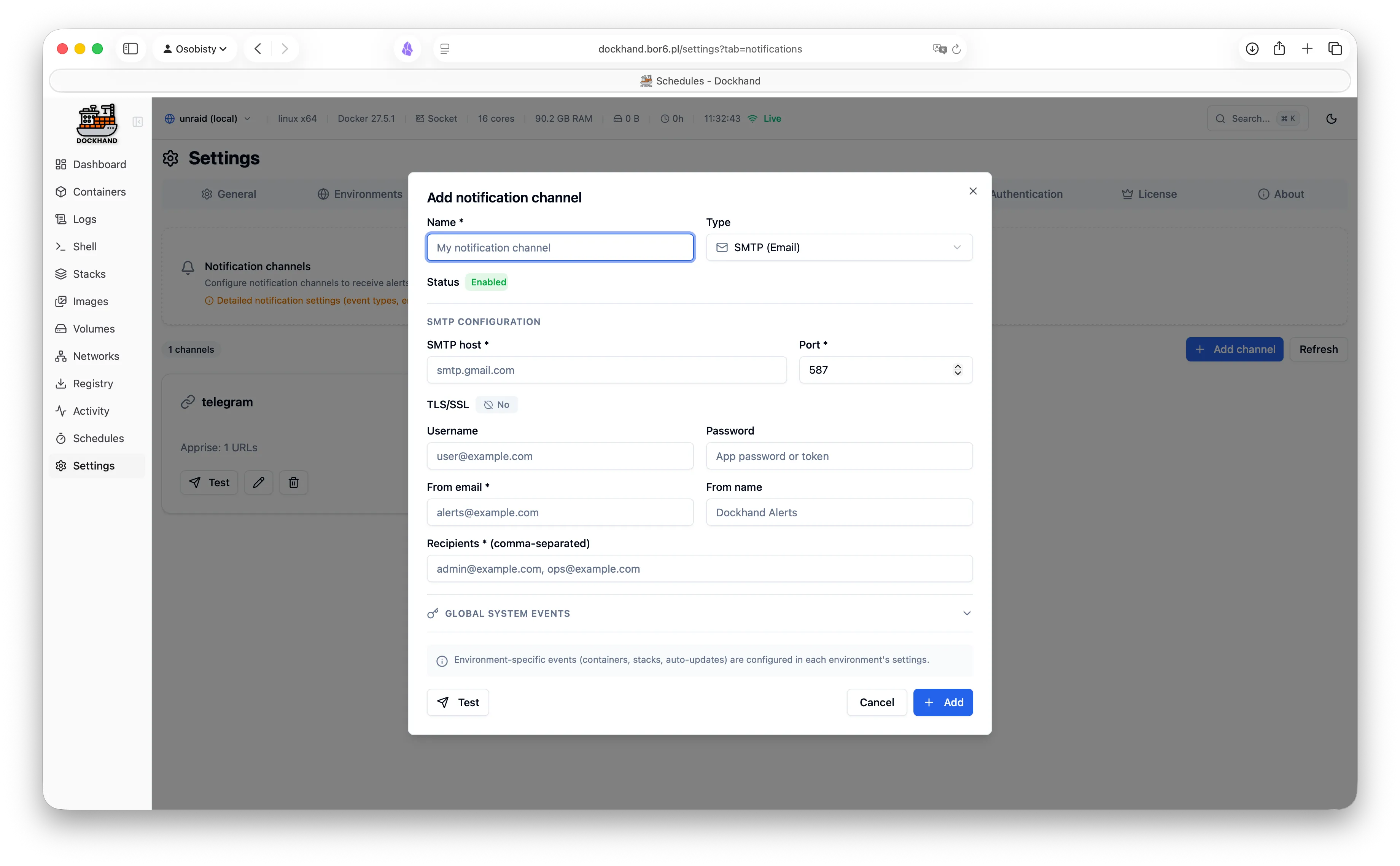
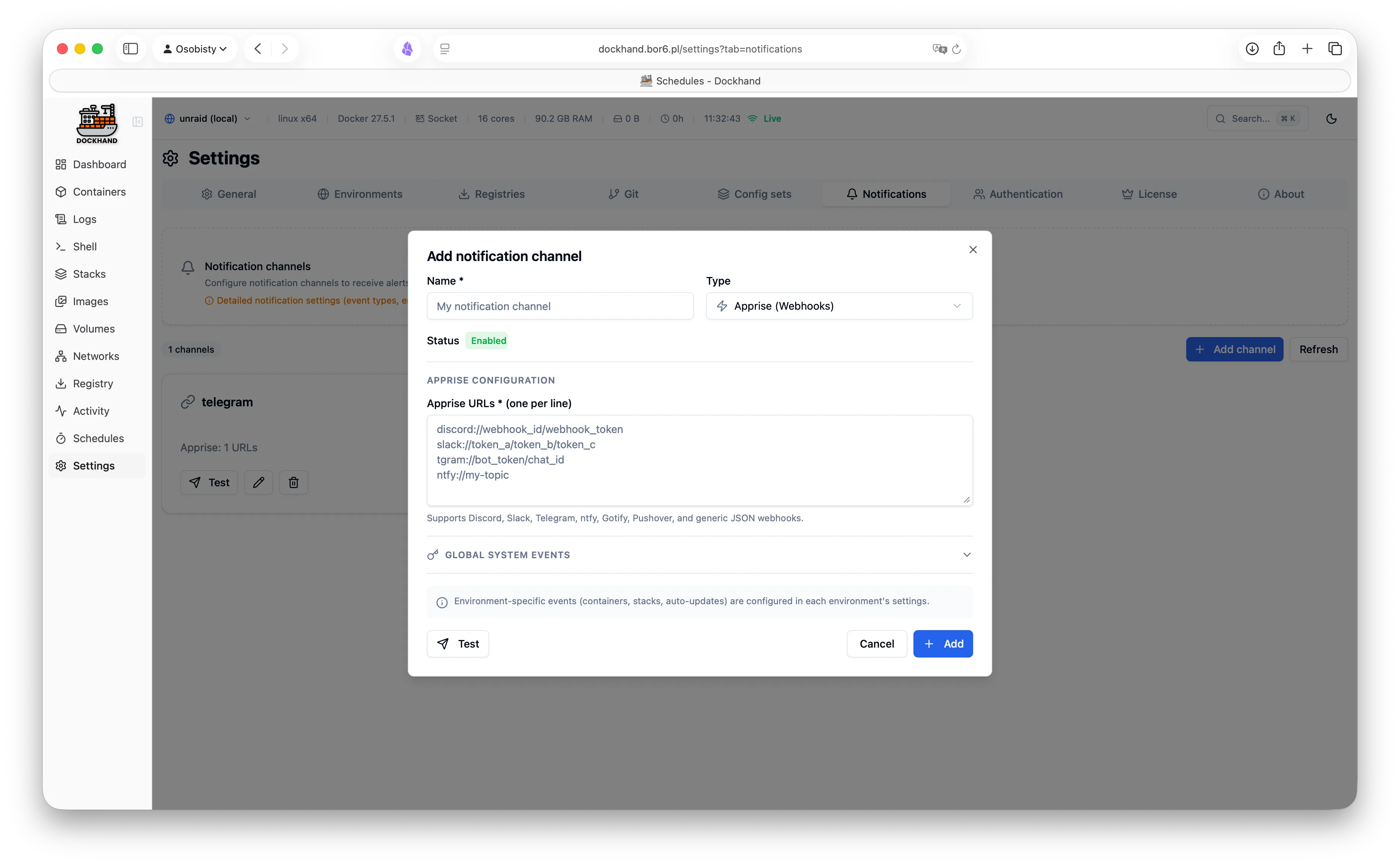
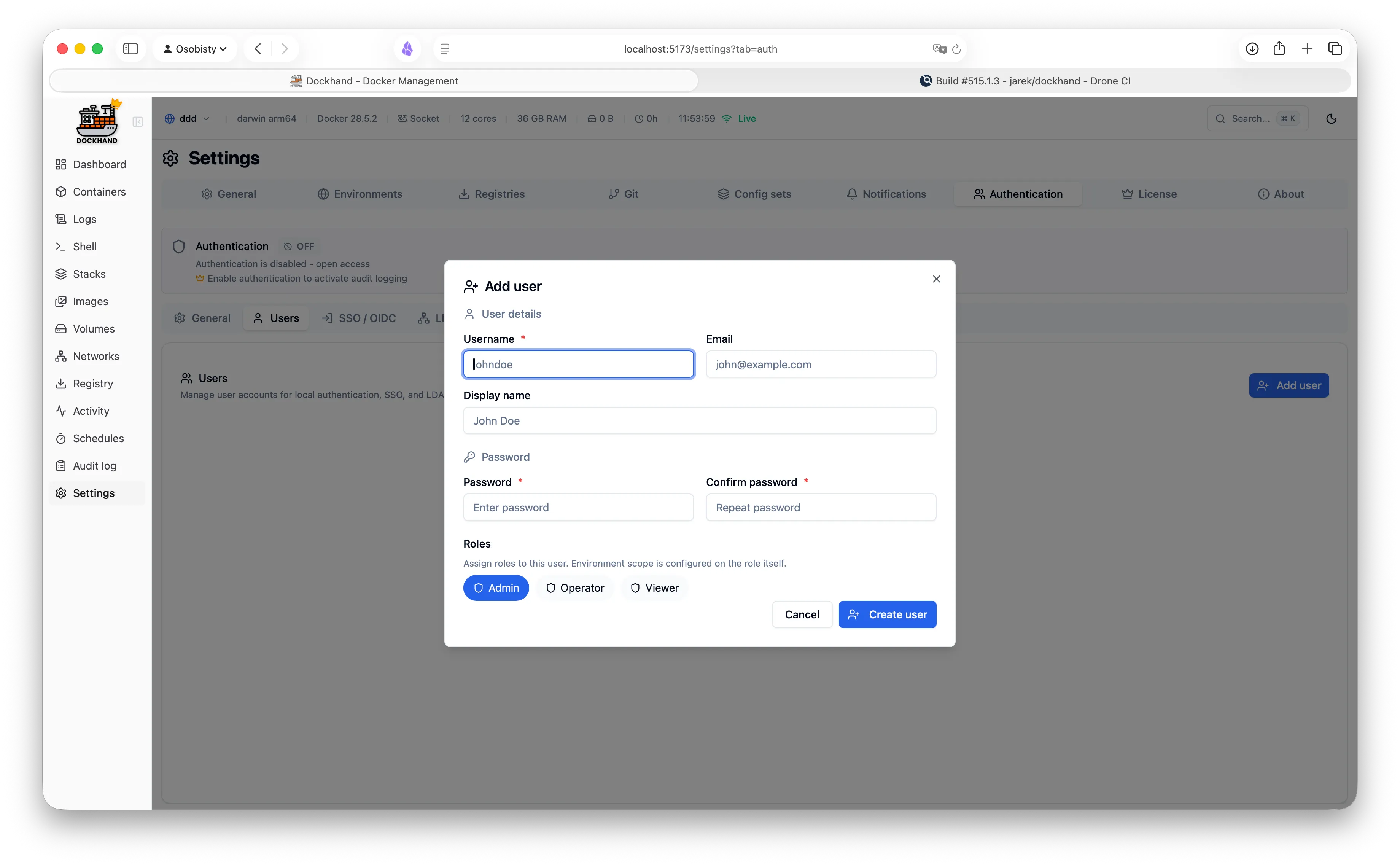
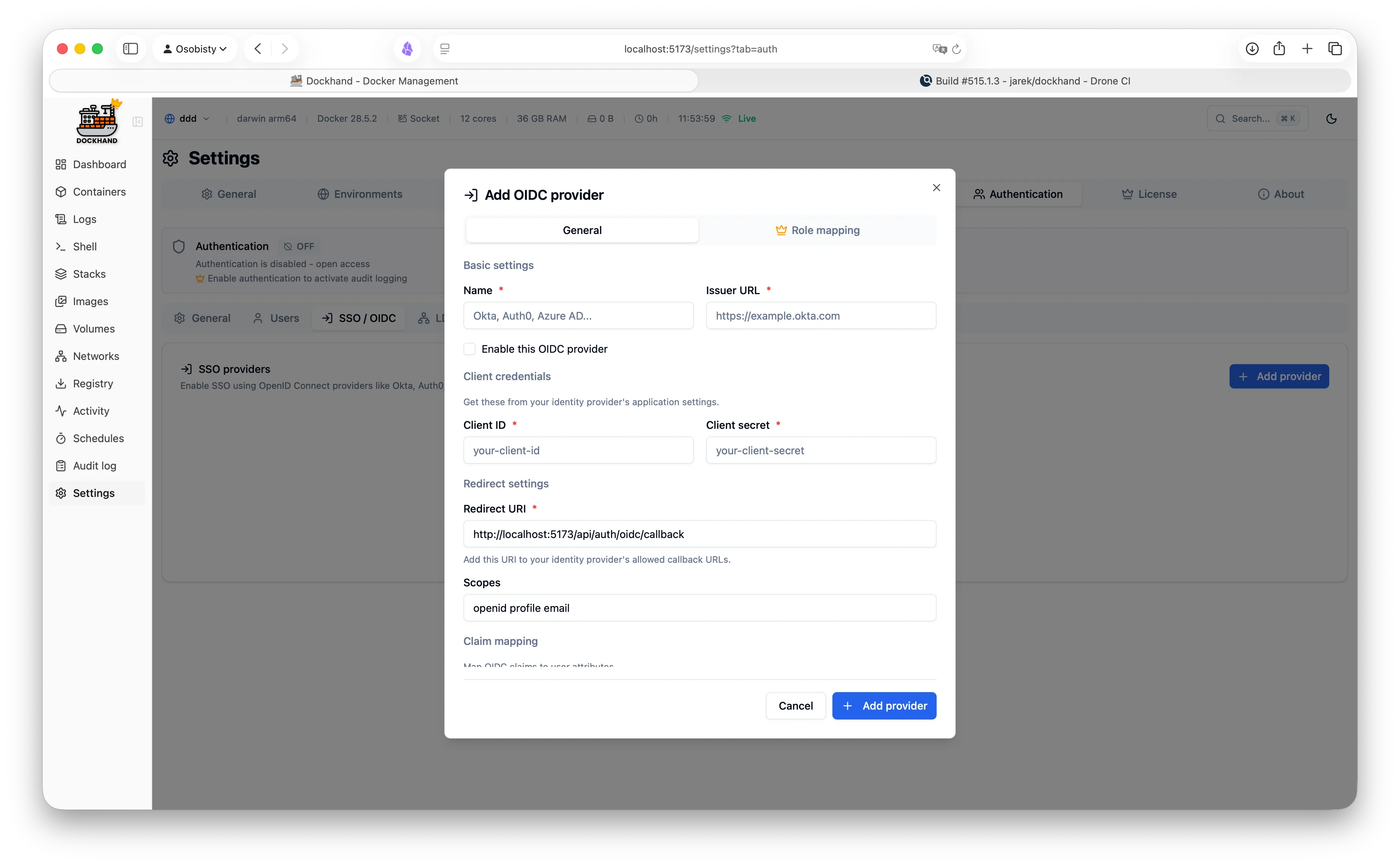
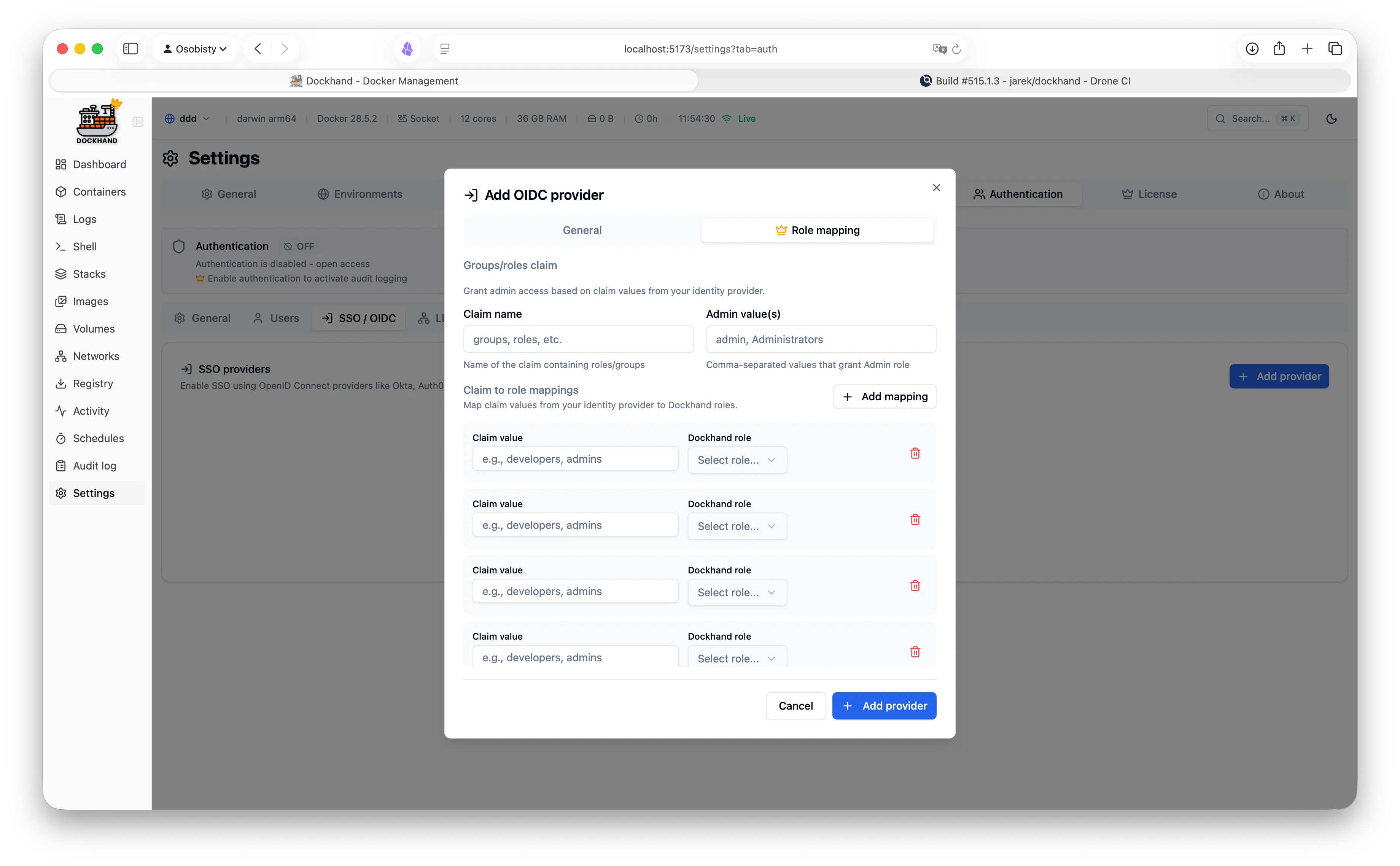
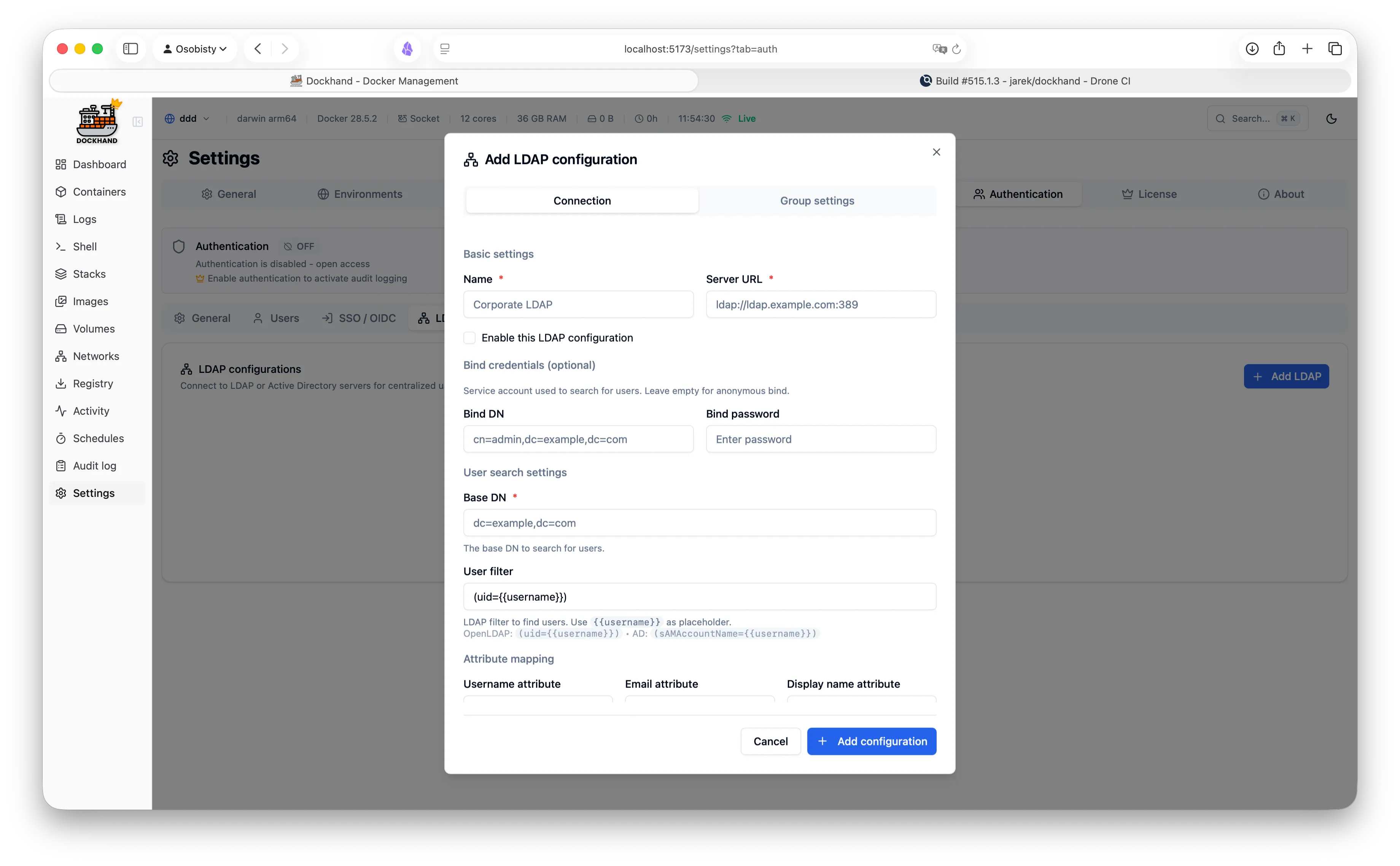
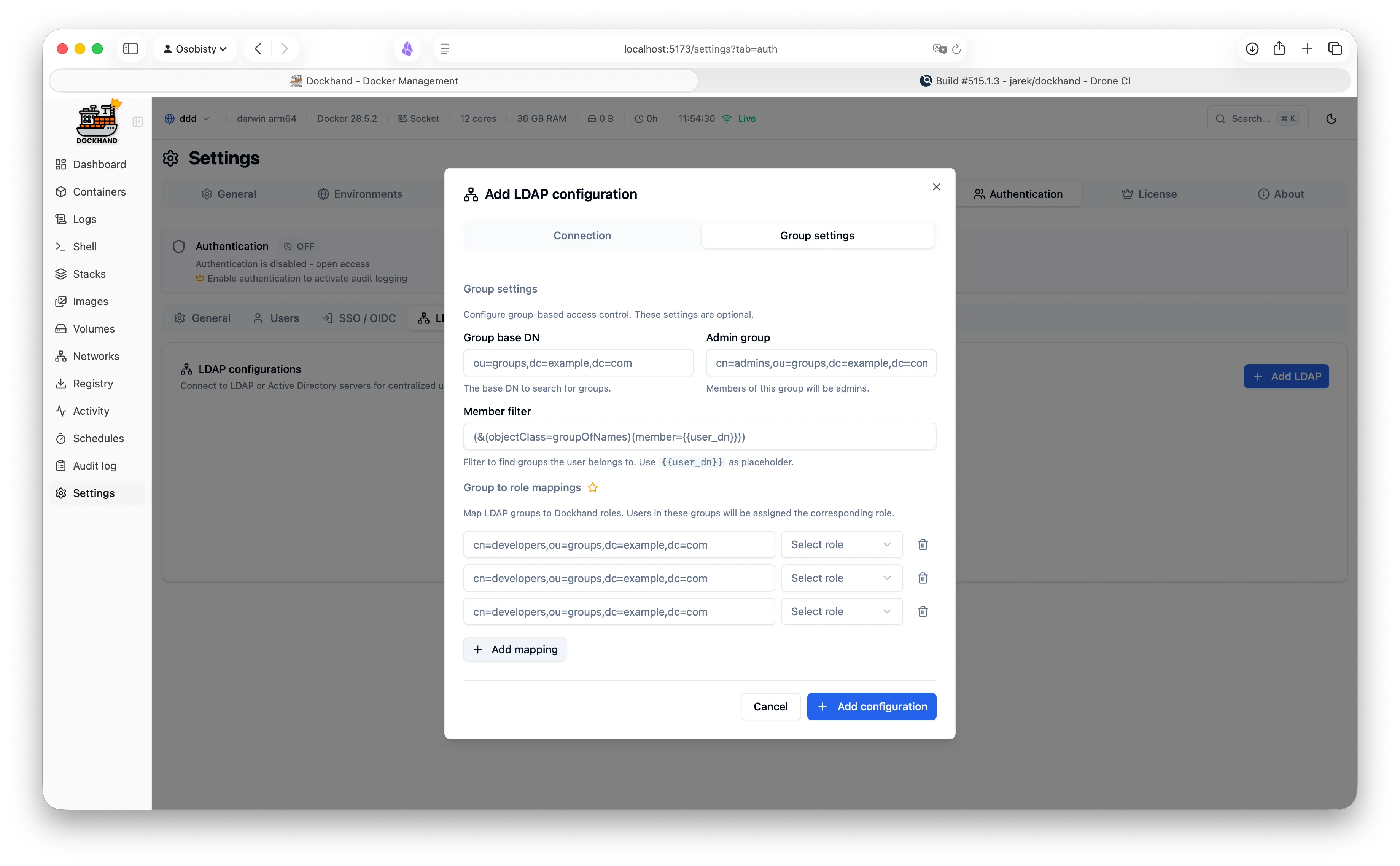
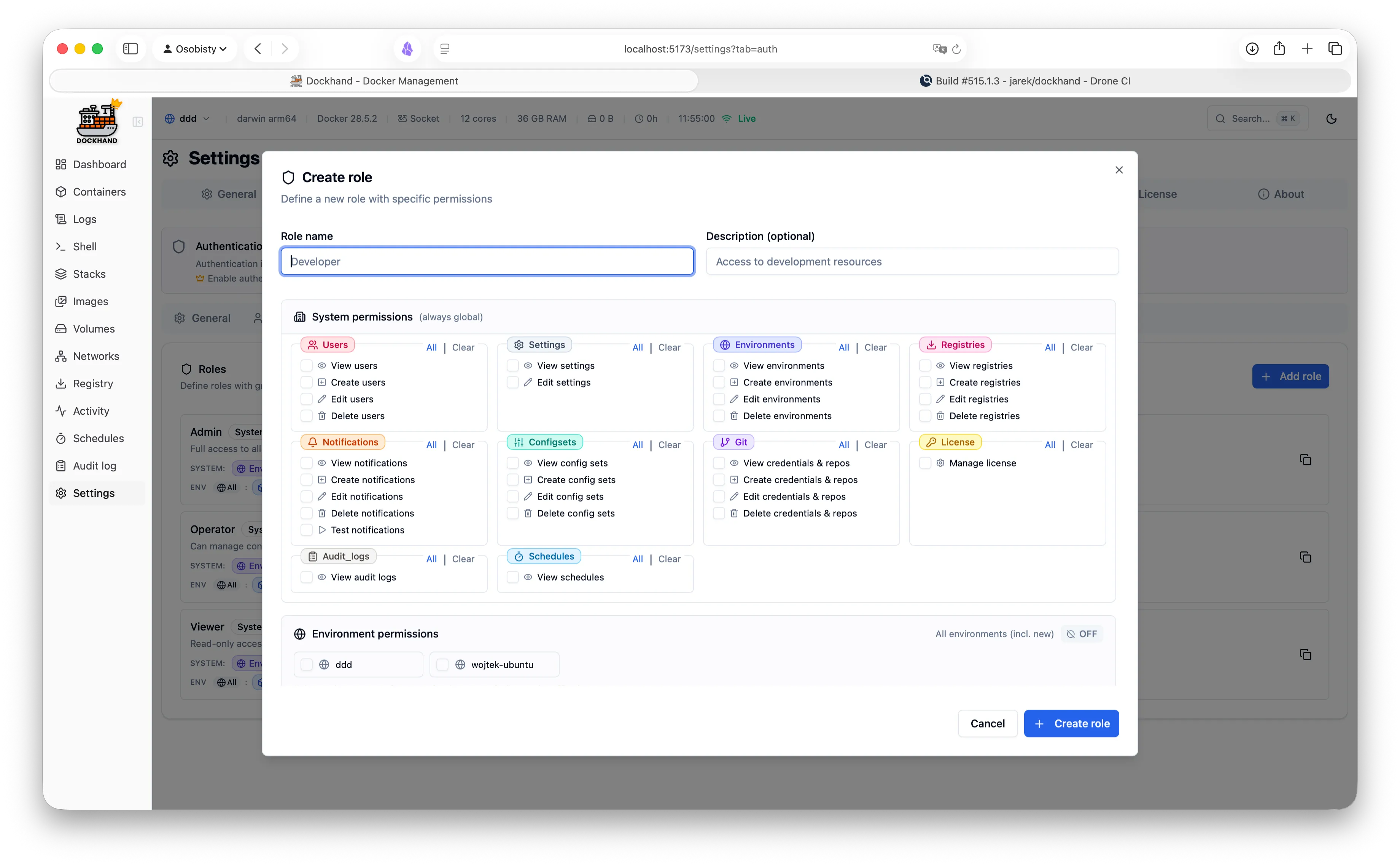
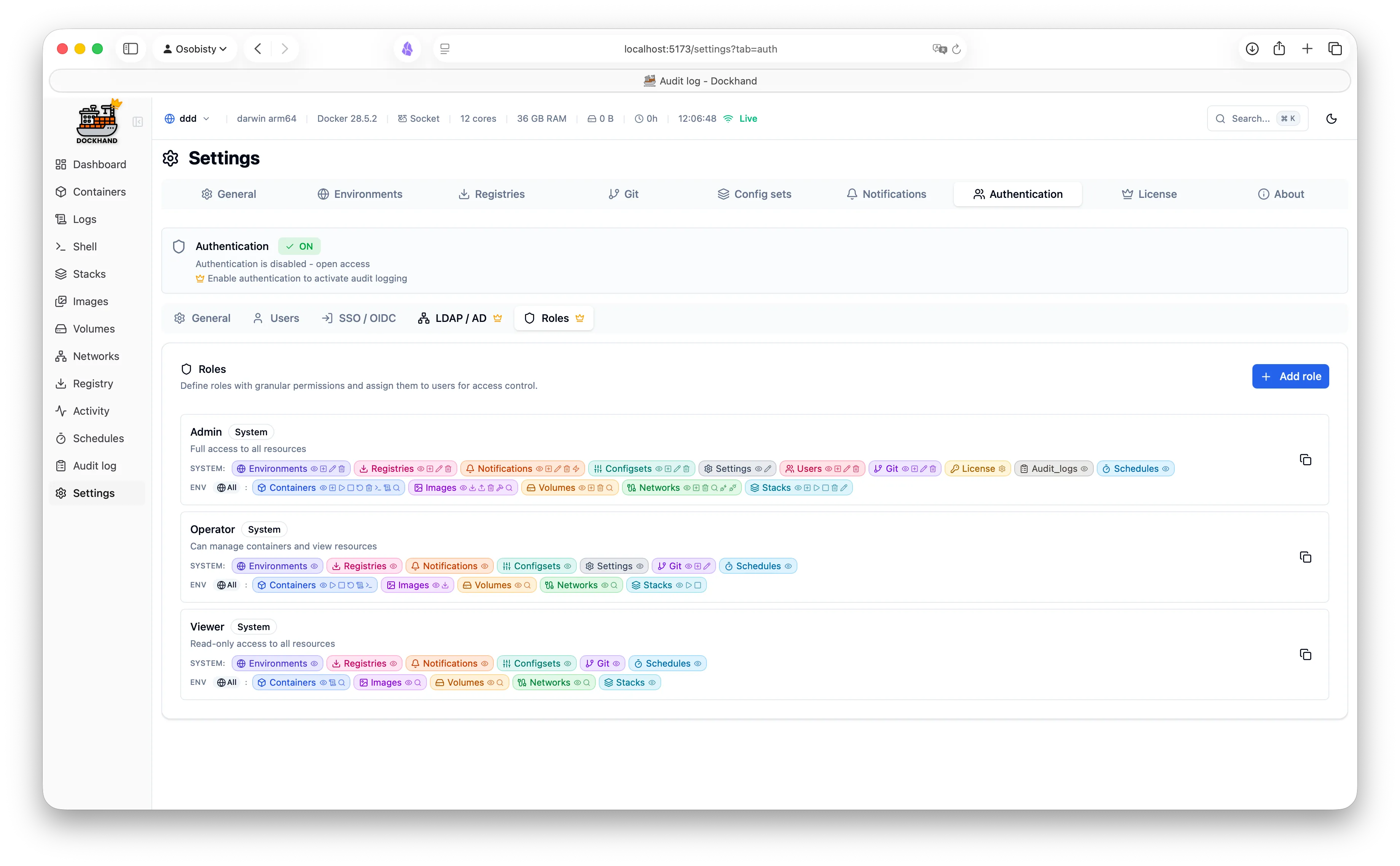
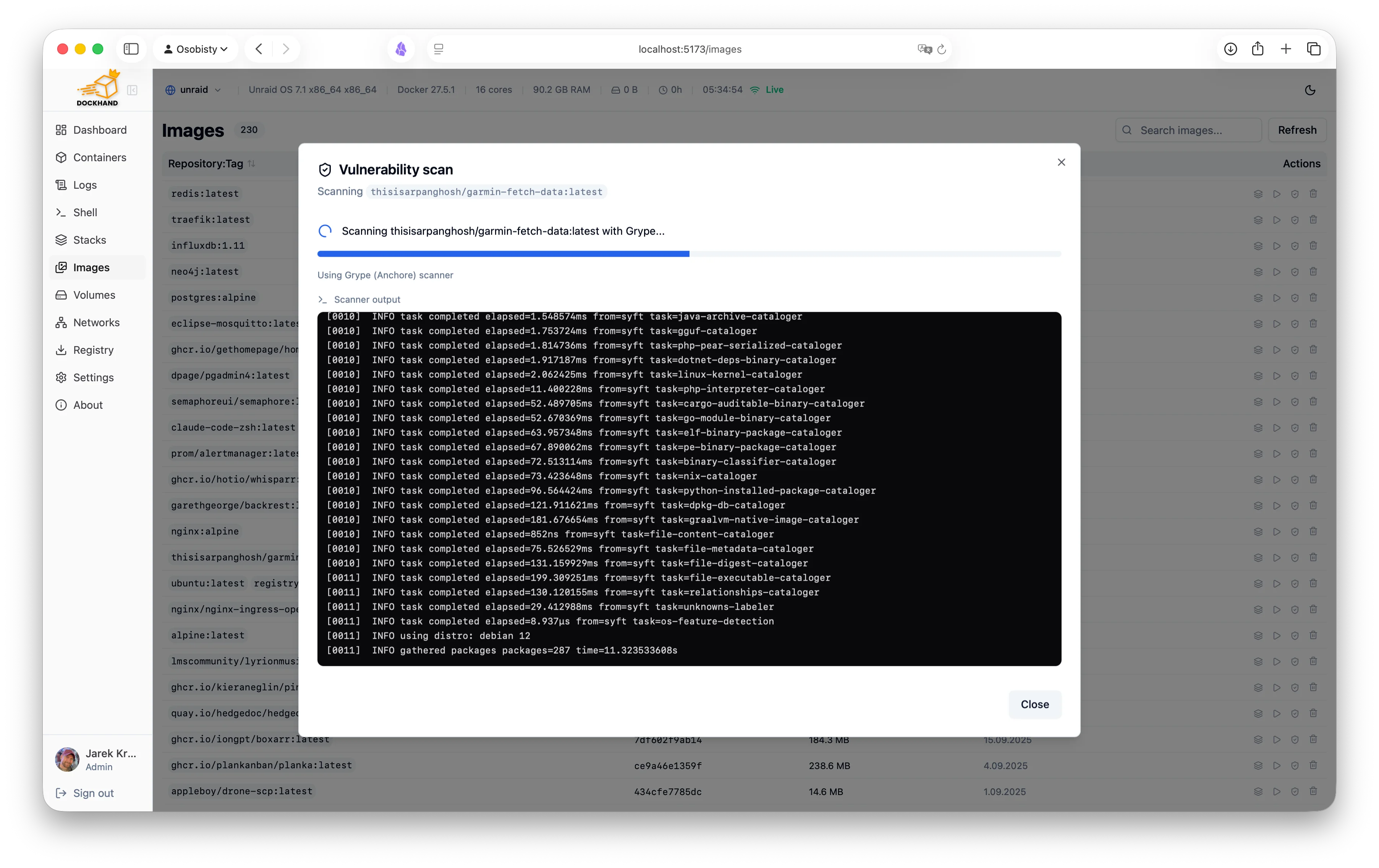
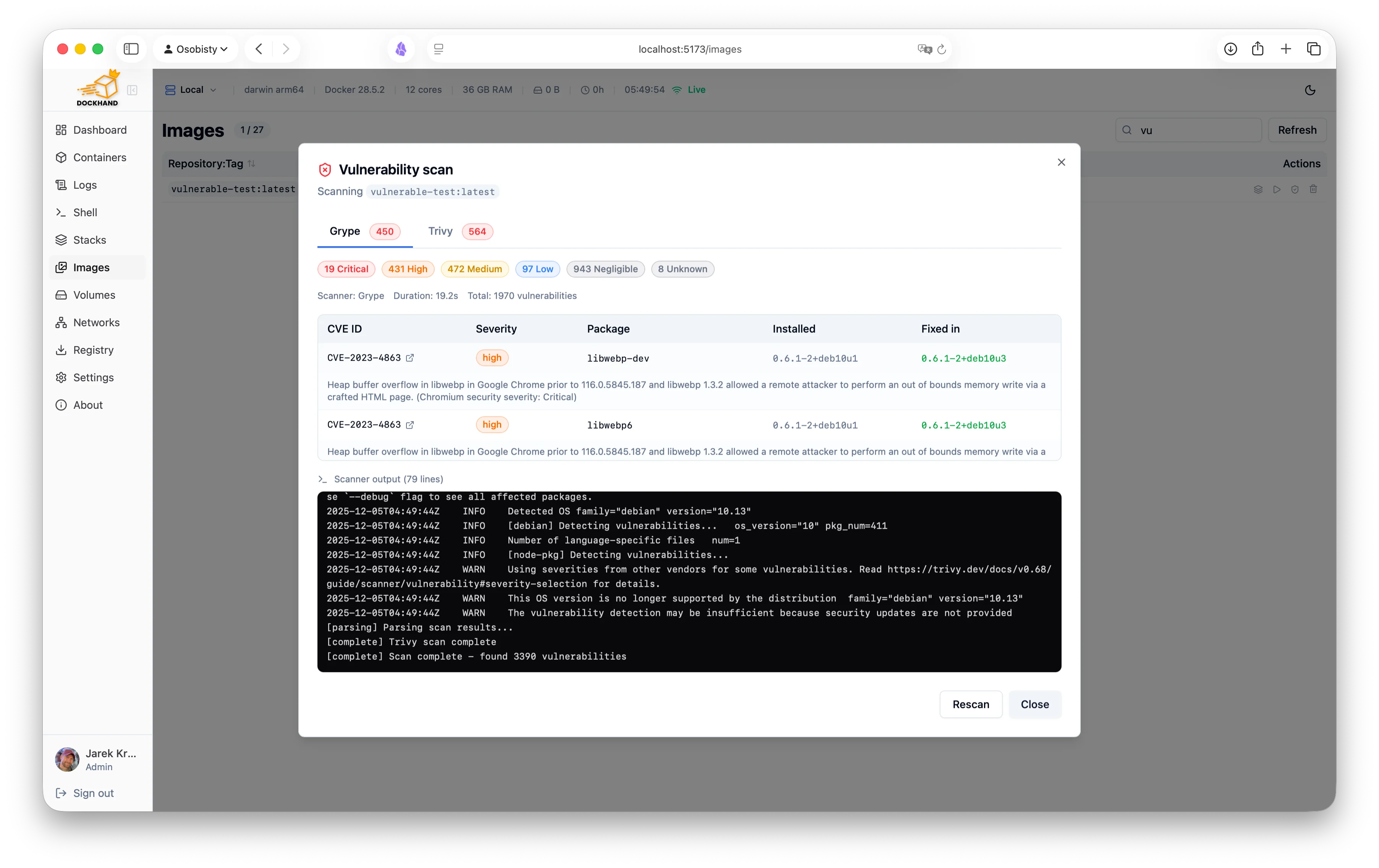
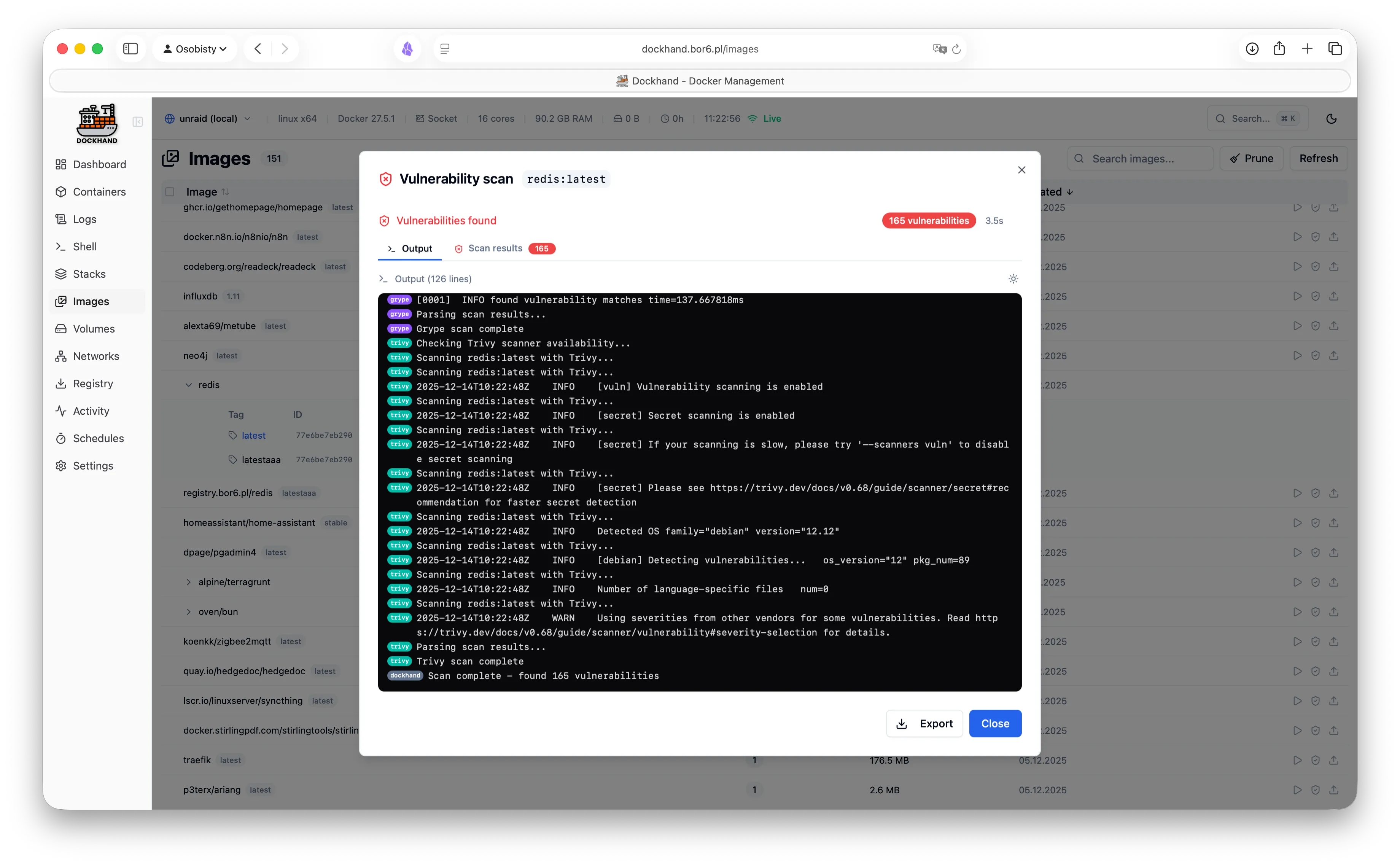
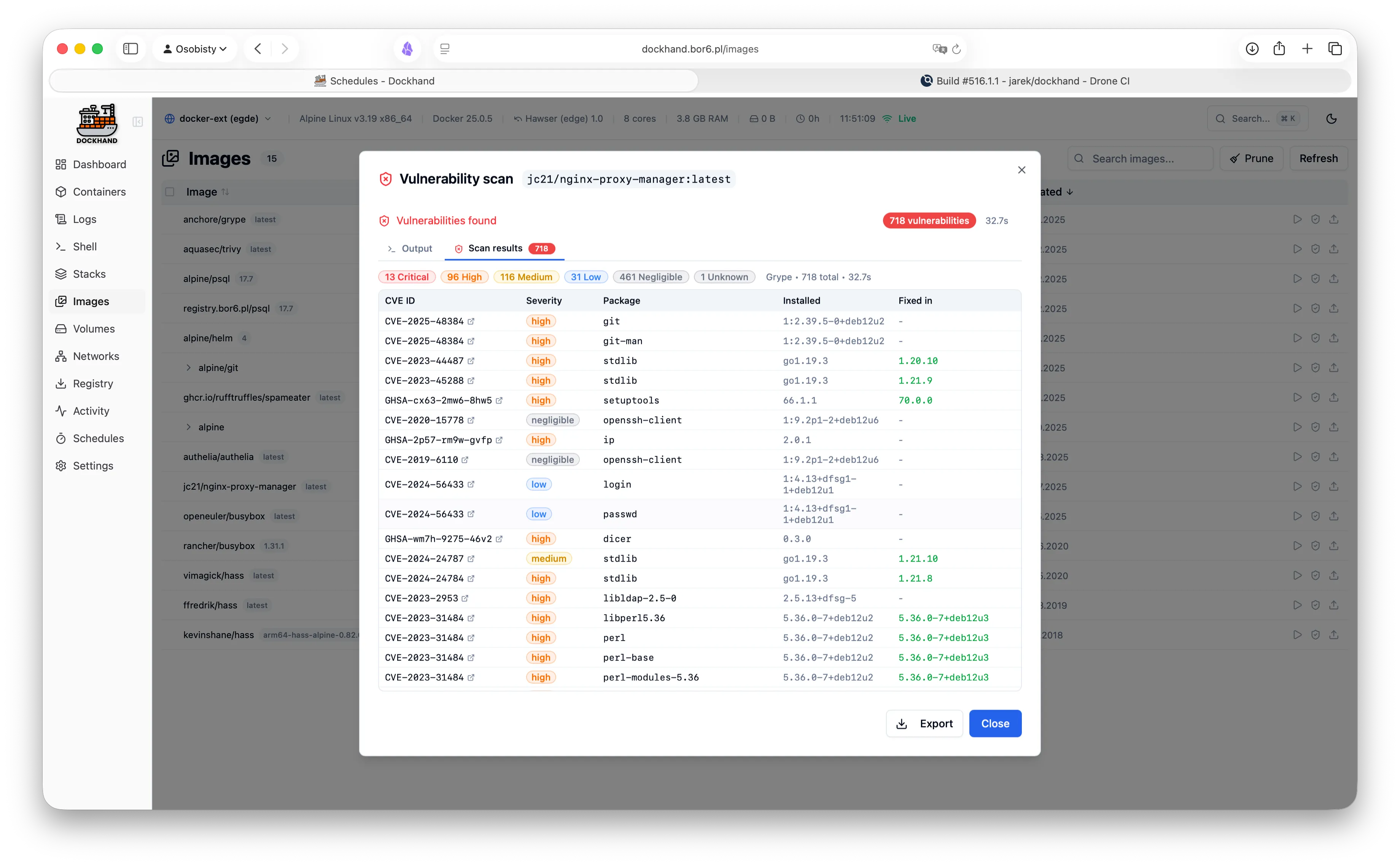
A powerful, intuitive Docker platform. Free for homelabs, ready for enterprise.
We think you'll like it here.
SQLite by default, runs on a Raspberry Pi, zero telemetry, free forever. Self-host everything without the complexity.
OIDC/SSO included free, container activity logging, Git-based deployments, premium support. Everything your team needs without the enterprise price tag.
RBAC, LDAP/AD integration, compliance-grade audit logging, and priority support. Everything you need to satisfy compliance requirements.
One command. No config files. No setup wizards, no 47-page README.
docker run -d \
  --name dockhand \
  --restart unless-stopped \
  -p 3000:3000 \
  -v /var/run/docker.sock:/var/run/docker.sock \
  -v dockhand_data:/app/data \
  fnsys/dockhand:latest
Then open http://localhost:3000. Or put it behind Traefik, Nginx, Caddy, a Kubernetes ingress, three load balancers, and a VPN tunnel. We don't judge.
Prefer Docker Compose?
services:
  dockhand:
    image: fnsys/dockhand:latest
    container_name: dockhand
    restart: unless-stopped
    ports:
      - 3000:3000
    volumes:
      - /var/run/docker.sock:/var/run/docker.sock
      - dockhand_data:/app/data

volumes:
  dockhand_data:
Need PostgreSQL?
services:
  postgres:
    image: postgres:16-alpine
    restart: unless-stopped
    environment:
      POSTGRES_USER: dockhand
      POSTGRES_PASSWORD: changeme
      POSTGRES_DB: dockhand
    volumes:
      - postgres_data:/var/lib/postgresql/data

  dockhand:
    image: fnsys/dockhand:latest
    ports:
      - 3000:3000
    environment:
      DATABASE_URL: postgres://dockhand:changeme@postgres:5432/dockhand
    volumes:
      - /var/run/docker.sock:/var/run/docker.sock
      - dockhand_data:/app/data
    depends_on:
      - postgres
    restart: unless-stopped

volumes:
  postgres_data:
dockhand_data:From simple container operations to complex multi-environment deployments.
Even that one container you forgot about three months ago.
Authentication is free. RBAC is enterprise. No calculator required.
| Feature | Free | SMB | Enterprise |
|---|---|---|---|
| Unlimited environments | ✓ | ✓ | ✓ |
| Container & stack management | ✓ | ✓ | ✓ |
| Git repository integration | ✓ | ✓ | ✓ |
| Vulnerability scanning | ✓ | ✓ | ✓ |
| Local user accounts | ✓ | ✓ | ✓ |
| OIDC/SSO | ✓ | ✓ | ✓ |
| Multi-factor authentication | ✓ | ✓ | ✓ |
| Container activity log | ✓ | ✓ | ✓ |
| Commercial usage license | — | ✓ | ✓ |
| Premium support | — | ✓ | ✓ |
| Priority bug fixes | — | ✓ | ✓ |
| LDAP/Active Directory | — | — | ✓ |
| Role-based access control | — | — | ✓ |
| Environment-scoped permissions | — | — | ✓ |
| Audit logging (compliance) | — | — | ✓ |
| Price | $0 forever | $499/host/year | $1,499/host/year |
| Buy me a coffee |
Host = one machine running Dockhand. Volume discounts available for 5+ hosts.
No cloud dependencies, no telemetry, no data leaving your network. Solid base.
Paranoid? We prefer "security-conscious."
Dockhand runs entirely on your infrastructure. No SaaS, no cloud dependency, no vendor lock-in. Your data never touches our servers.
We don't phone home. No usage tracking, no analytics, no mysterious background connections. Your Docker environment stays private.
SQLite by default, optional PostgreSQL for HA. No Redis, no message queues. Simple deployment, minimal attack surface.
Scan your images for CVEs using Grype and Trivy. Identify security risks before deployment.
Safe-pull protection: During auto-updates, new images are pulled to a temporary tag and scanned before touching your running containers. If vulnerabilities exceed your criteria, the temp image is deleted and your container keeps running safely.
We don't trust pre-built base images. Dockhand builds its own OS layer from scratch using Wolfi packages via apko. Every package is explicitly declared in our Dockerfile - full transparency, zero mystery meat.
While others ship Alpine with 10+ CVEs, we obsess over our own image security. Because a Docker management tool with vulnerabilities is like a locksmith with a broken door. We scan ourselves too.
Our open-source Go agent lets you manage Docker hosts behind NAT, firewalls, or dynamic IPs. The agent initiates outbound connections to Dockhand - no exposed ports, no inbound firewall rules needed.
A modern, intuitive interface designed for productivity.
Warning: May cause sudden urges to containerize everything.
See what our users are saying.
"After trying Dockhand in my lab and comparing features toe to toe with other tools I am currently using, I can honestly say it is one of the best that I have used. It is extremely easy to use, intuitive, and it puts docker management tool security in focus where it should be."
"Perfect for my homelab. It's lightweight, actively maintained, and has all the features I need. Love the terminal access and real-time log streaming!"
"The LDAP integration was a game-changer for our team. Set it up in 10 minutes and now all our developers have proper access control."
"Dockhand wants to be a Portainer replacement, and it might already be there."
"Dockhand is bursting onto the scene with impressive force, bringing a breath of truly fresh air to a world that, let's be honest, had started to feel a bit stagnant."
"Dockhand is incredibly handy to have around."
"The easiest way I've found to manage and update Docker containers."
Free forever. No, really. No bait-and-switch.
Like it? Fuel the dev with caffeine.
For commercial use. Growing teams, happy CFOs.
When compliance asks "is it enterprise-ready?" and you want to say yes.
Comprehensive Guide to DIALux: The Gold Standard for Lighting Design
In the world of architectural and electrical planning, DIALux stands as the undisputed global leader for lighting design software. Whether you are an architect, an electrical planner, or a professional lighting designer, this powerful tool allows you to design, calculate, and visualize light for any space—ranging from single rooms and multi-storey buildings to complex outdoor areas and street lighting. What is DIALux?
DIALux is a professional-grade Computer-Aided Design (CAD) application developed specifically for lighting design. It bridges the gap between technical calculation and visual aesthetics, enabling users to create realistic 3D models of their projects and see exactly how light will interact with the environment. Core Capabilities Indoor lighting with DIALux evo
, version 3.14 is still occasionally referenced in academic settings or historical technical workshops. Overview of DIALux Software
DIALux is a free, comprehensive tool used by architects and electrical engineers to simulate real-world lighting scenarios. Its primary functions include: Pinnacle Infotech Design & Calculation
: Creating detailed models of rooms, multi-story buildings, and outdoor areas like car parks or streets. Visualization
: Rendering light effects using real luminaire data provided by manufacturing partners. Documentation
: Generating professional reports for final project presentations or technical tenders. DIALux Luminaire Finder Key Features and Usage
Although 3.14 was a foundational version, the core principles of DIALux remain consistent across iterations: Product data sheet - DIALux Luminaire Finder
While there is no famous novel or movie titled " DIALux 314 ," the name refers to a technical context within the field of lighting design technology
Specifically, "314" is most likely the course or module code for EET 314: Lighting Design Technology Centennial College . In this academic "story," students use the DIALux evo software to master the art and science of illumination. The "Story" of a DIALux 314 Project
For a student or professional in this module, the narrative of a project typically follows these stages: The Blueprint
: The story begins by importing a 2D CAD floor plan or an IFC file into the DIALux software environment. Constructing the World
: The designer traces the building's perimeter and sets the "story height"—often 10 feet for a standard office—before "cutting out" spaces for windows and doors. Setting the Standards
: The goal is usually defined by a target illuminance (e.g., 60 foot-candles or specific lux levels) to ensure the space is functional and safe. The Luminaire Selection
: The designer imports specific "IES files" (digital profiles of real light fixtures) from manufacturers and arranges them in polygonal or grid patterns. The Calculation Phase
: The software runs complex simulations to determine if the design meets uniformity and lighting standards. If a "red square" appears in the results, it indicates the standard hasn't been met, and the design must be tweaked. The Final Report
Here’s a draft text about “Dialux 314.” Since the exact context of “314” is not standard in the official DIALux software lineup (which includes DIALux 4, DIALux evo, and DIALux 12), the text is written as an explanatory piece for a hypothetical version, model, or code.
Introducing DIALux 314: Precision Lighting for Complex Environments
The DIALux 314 is not just another iteration of lighting design software—it represents a specialized toolset for professionals who demand precision in mid-to-large-scale projects. While DIALux evo remains the standard for architectural lighting, the “314” designation refers to a legacy module or an advanced calculation engine focused on high-detail indoor environments and industrial lighting layouts.
Key features of the DIALux 314 workflow include:
Who is it for? Lighting designers, electrical engineers, and facility planners working on retrofits, parking structures, or production halls—where standard office lighting templates fall short.
Note: For current projects, DIALux recommends using DIALux evo for full BIM integration. However, the DIALux 314 workflow remains a trusted reference in training manuals and legacy system documentation.
Note: Since "314" is not an official version number of DIALux (the latest major versions are 4, evo, and 12), this post interprets "314" as a creative typo or internal project code for DIALux 3.14—a nostalgic look back at the classic version that many engineers still use for specific tasks.
Version 4.13 is considered a "feature-complete" release. The development roadmap suggests that Dialux 315 (expected Q4 2026) will focus on ray-tracing for photorealistic previews using RTX technology. However, for the next 12 months, Dialux 314 remains the gold standard for professional lighting calculation.
No major release is perfect. Based on community feedback from the "Lighting Designers Global" forum (January 2026), here are the current bugs associated with Dialux 314:
Issue 1: Intel Arc GPU Glitches Users with Intel Arc graphics cards (A770, A750) report flickering textures in OpenGL mode.
Issue 2: DWG Import Scale Factor If you import an AutoCAD drawing created in Imperial units (feet/inches) into a Metric project, Dialux 314 sometimes fails to auto-detect units.
_DWGCONVERT command in AutoCAD to strip unit metadata.Issue 3: MacOS Virtual Machine Crash Dialux does not natively run on MacOS. Under Parallels Desktop 19, version 4.13 crashes when exporting PDFs.
Previous versions struggled with complex architectural imports. Dialux 314 offers a "Round-Trip" workflow with Autodesk Revit. You can design a room in Revit, import it to Dialux for lighting calculation, and then push the luminaire positions and control settings back into your BIM model without losing metadata.
Get started in 30 seconds. No credit card required.
Finally, a UI that sparks joy.
Comprehensive Guide to DIALux: The Gold Standard for Lighting Design
In the world of architectural and electrical planning, DIALux stands as the undisputed global leader for lighting design software. Whether you are an architect, an electrical planner, or a professional lighting designer, this powerful tool allows you to design, calculate, and visualize light for any space—ranging from single rooms and multi-storey buildings to complex outdoor areas and street lighting. What is DIALux?
DIALux is a professional-grade Computer-Aided Design (CAD) application developed specifically for lighting design. It bridges the gap between technical calculation and visual aesthetics, enabling users to create realistic 3D models of their projects and see exactly how light will interact with the environment. Core Capabilities Indoor lighting with DIALux evo
, version 3.14 is still occasionally referenced in academic settings or historical technical workshops. Overview of DIALux Software
DIALux is a free, comprehensive tool used by architects and electrical engineers to simulate real-world lighting scenarios. Its primary functions include: Pinnacle Infotech Design & Calculation
: Creating detailed models of rooms, multi-story buildings, and outdoor areas like car parks or streets. Visualization
: Rendering light effects using real luminaire data provided by manufacturing partners. Documentation
: Generating professional reports for final project presentations or technical tenders. DIALux Luminaire Finder Key Features and Usage dialux 314
Although 3.14 was a foundational version, the core principles of DIALux remain consistent across iterations: Product data sheet - DIALux Luminaire Finder
While there is no famous novel or movie titled " DIALux 314 ," the name refers to a technical context within the field of lighting design technology
Specifically, "314" is most likely the course or module code for EET 314: Lighting Design Technology Centennial College . In this academic "story," students use the DIALux evo software to master the art and science of illumination. The "Story" of a DIALux 314 Project
For a student or professional in this module, the narrative of a project typically follows these stages: The Blueprint
: The story begins by importing a 2D CAD floor plan or an IFC file into the DIALux software environment. Constructing the World
: The designer traces the building's perimeter and sets the "story height"—often 10 feet for a standard office—before "cutting out" spaces for windows and doors. Setting the Standards
: The goal is usually defined by a target illuminance (e.g., 60 foot-candles or specific lux levels) to ensure the space is functional and safe. The Luminaire Selection Comprehensive Guide to DIALux: The Gold Standard for
: The designer imports specific "IES files" (digital profiles of real light fixtures) from manufacturers and arranges them in polygonal or grid patterns. The Calculation Phase
: The software runs complex simulations to determine if the design meets uniformity and lighting standards. If a "red square" appears in the results, it indicates the standard hasn't been met, and the design must be tweaked. The Final Report
Here’s a draft text about “Dialux 314.” Since the exact context of “314” is not standard in the official DIALux software lineup (which includes DIALux 4, DIALux evo, and DIALux 12), the text is written as an explanatory piece for a hypothetical version, model, or code.
Introducing DIALux 314: Precision Lighting for Complex Environments
The DIALux 314 is not just another iteration of lighting design software—it represents a specialized toolset for professionals who demand precision in mid-to-large-scale projects. While DIALux evo remains the standard for architectural lighting, the “314” designation refers to a legacy module or an advanced calculation engine focused on high-detail indoor environments and industrial lighting layouts.
Key features of the DIALux 314 workflow include:
Who is it for? Lighting designers, electrical engineers, and facility planners working on retrofits, parking structures, or production halls—where standard office lighting templates fall short. Advanced Zonal Calculation: Optimized for rooms with complex
Note: For current projects, DIALux recommends using DIALux evo for full BIM integration. However, the DIALux 314 workflow remains a trusted reference in training manuals and legacy system documentation.
Note: Since "314" is not an official version number of DIALux (the latest major versions are 4, evo, and 12), this post interprets "314" as a creative typo or internal project code for DIALux 3.14—a nostalgic look back at the classic version that many engineers still use for specific tasks.
Version 4.13 is considered a "feature-complete" release. The development roadmap suggests that Dialux 315 (expected Q4 2026) will focus on ray-tracing for photorealistic previews using RTX technology. However, for the next 12 months, Dialux 314 remains the gold standard for professional lighting calculation.
No major release is perfect. Based on community feedback from the "Lighting Designers Global" forum (January 2026), here are the current bugs associated with Dialux 314:
Issue 1: Intel Arc GPU Glitches Users with Intel Arc graphics cards (A770, A750) report flickering textures in OpenGL mode.
Issue 2: DWG Import Scale Factor If you import an AutoCAD drawing created in Imperial units (feet/inches) into a Metric project, Dialux 314 sometimes fails to auto-detect units.
_DWGCONVERT command in AutoCAD to strip unit metadata.Issue 3: MacOS Virtual Machine Crash Dialux does not natively run on MacOS. Under Parallels Desktop 19, version 4.13 crashes when exporting PDFs.
Previous versions struggled with complex architectural imports. Dialux 314 offers a "Round-Trip" workflow with Autodesk Revit. You can design a room in Revit, import it to Dialux for lighting calculation, and then push the luminaire positions and control settings back into your BIM model without losing metadata.