Оператор связи для бизнеса
Безграничные возможности современных телекоммуникаций для развития Вашего бизнеса
Подключиться скачать презентацию
Нам нравится решать сложные задачи. Мы действуем максимально оперативно и гибко в интересах Клиента.
Наша цель - показать, какие безграничные возможности развития бизнеса предоставляют вам современные телекоммуникации.
Подключиться

Мы используем оборудование ведущего мирового вендора CISCO и гарантируем качественные услуги с высоким коэффициентом доступности.


Более 1300 км собственной волоконно-оптической сети в СПб и Лен. области, построенной по кольцевой схеме, что обеспечивает дополнительную надёжность.


Наша главная ценность – это люди. В нашей команде – профессионалы с многолетним опытом работы в телеком-индустрии. Доверьте связь экспертам отрасли!


Мы понимаем, что IT инфраструктура каждого клиента уникальна, поэтому найдём лучшее техническое решение для вас.


Мы обеспечиваем техническую поддержку нашим клиентам круглосуточно. Среднее время ожидания ответа оператора не более одной минуты.


Мы дорожим своей репутацией и выполняем взятые на себя обязательства, гарантируя индивидуальный подход и внимательное отношение к каждому из вас.

















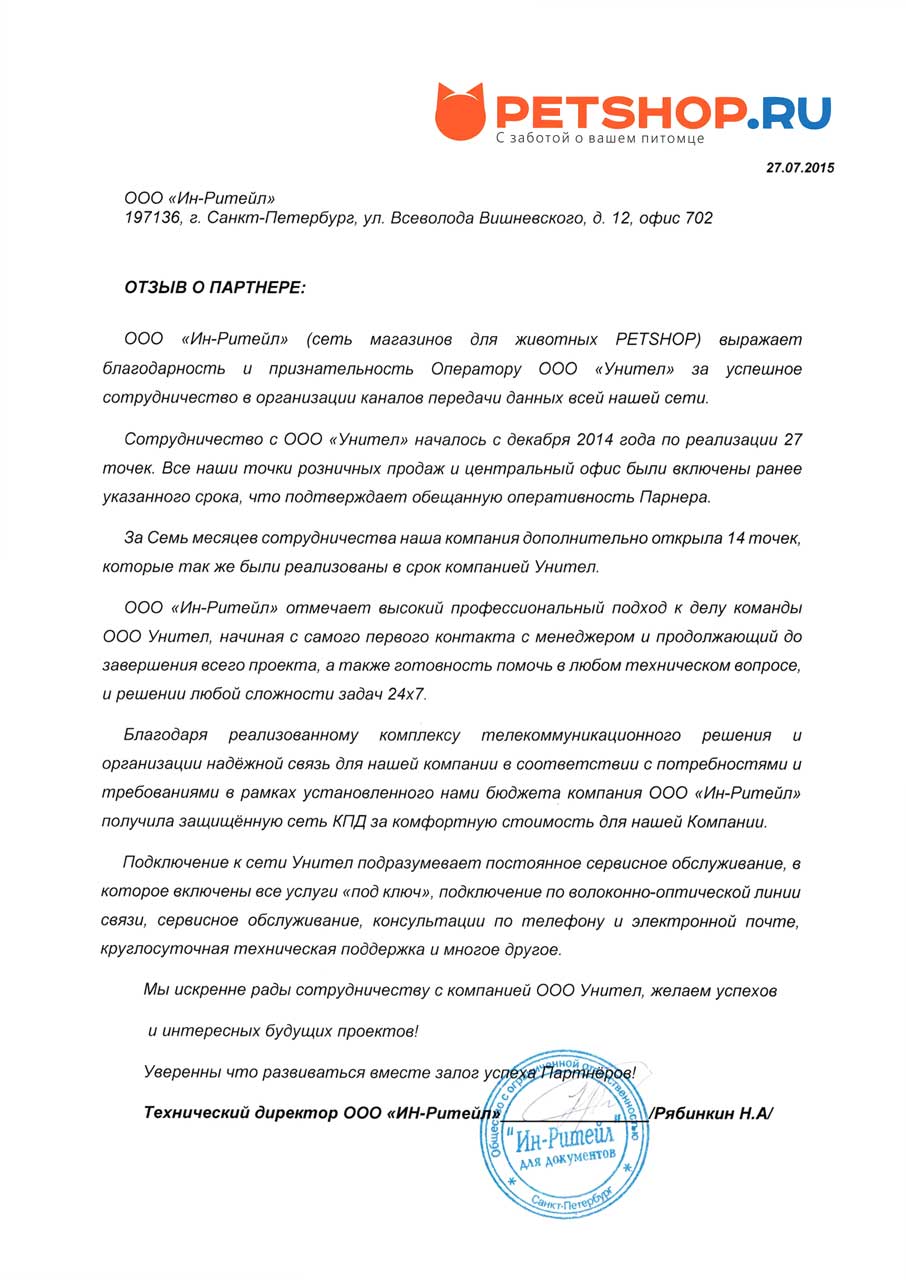
Сотрудничество с ООО «Унител» началось с декабря 2014 года по реализации 27 точек. Все наши точки розничных продаж и центральный офис были включены ранее указанного срока, что подтверждает обещанную оперативность Партнера. За семь месяцев сотрудничества наша компания дополнительно открыла 14 точек, которые также были реализованы в срок компанией Унител.
ООО «Ин-Ритейл» отмечает высокий профессиональный подход к делу команды ООО Унител, начиная с самого первого контакта с менеджером и продолжающийся до завершения всего проекта, а также готовность помочь в любом техническом вопросе и решении любой сложности задач 24х7.
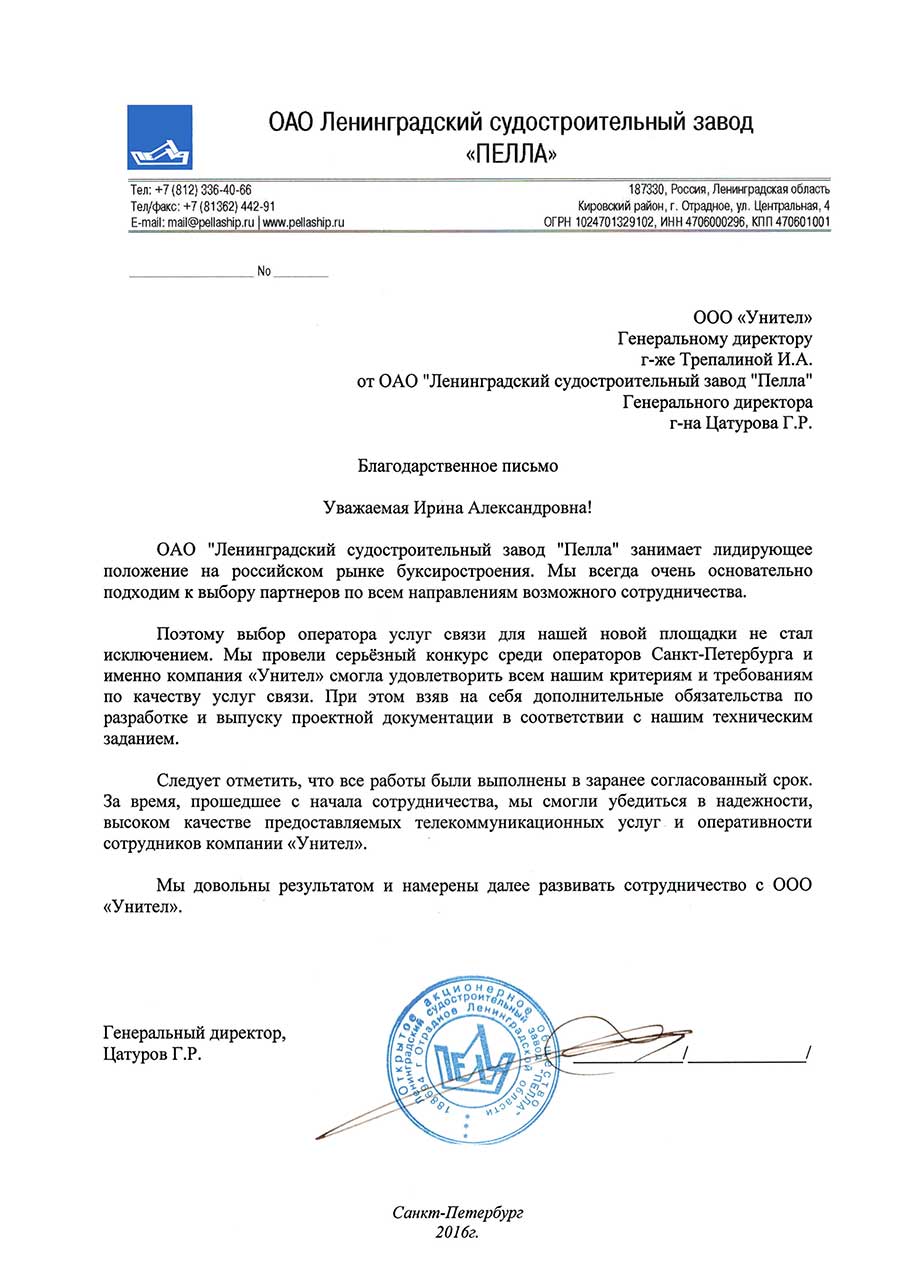
Следует отметить, что все работы были выполнены в заранее согласованный срок. За время, прошедшее с начала сотрудничества, мы смогли убедиться в надежности, высоком качестве предоставляемых телекоммуникационных услуг и оперативности сотрудников компании «Унител».
Мы довольны результатом и намерены далее развивать сотрудничество с ООО.
«Унител».

Данным письмом компания Сигма Моторс Гмбх выражает благодарность за профессиональную работу оператору ООО «Унител», клиентом которого мы являемся.
За время сотрудничества, мы убедились в надёжности предоставляемых нам услуг связи, отличной работе технической поддержки и максимальной оперативности 000 «Унител».
modding community has developed a comprehensive suite of modifications that many veteran players consider "indispensable" for improving quality of life (QoL) and immersion. These mods primarily focus on enhancing clarity within the game's complex logistics and strategic systems without providing unfair competitive advantages. Essential Quality of Life Mods
These mods are highly recommended for both new and experienced players to reduce eye strain and improve decision-making speed.
Improved Map Mod (KoS Edit): Widely regarded as the single most impactful mod, it replaces the standard blurry map with high-definition topography. It adds critical tactical information such as mortar house ranges, coastal gun ranges, and rapid decay zones.
UI Label Icons: Color-codes various in-game items (small arms, explosives, medical supplies) with specific icon colors. This helps players quickly identify gear in messy base inventories, significantly reducing the time spent "squinting" at items.
Better Compass: Replaces the vanilla compass with one featuring precise azimuth bearing numbers, which is essential for accurate artillery spotting and team coordination.
Red Icons / Chadblue & Simplered: Changes enemy faction icons to a high-contrast red. This makes it much easier to differentiate between friendly and enemy forces on the map at a glance, especially for players with color vision deficiencies. Immersion and Sound Enhancements
These modifications focus on the sensory experience of the game, making the battlefield feel more realistic and responsive.
Skaj’s Sound Mod: A complete overhaul of nearly every sound effect, including weapon fire, vehicle engines, and foley sounds. It makes weapon sounds more recognizable and provides clearer audio cues for tank combat, such as distinguishing between a penetration and a deflection.
Accurate Audio Mod: Matches the audio of automatic weapons to their actual in-game rate of fire, which is often slower than the default sound effects suggest.
Vehicle Overhauls: Provides high-quality retextures for tanks and logistics vehicles, often including faction-specific flags or weathered camouflage. Where to Find and How to Install
Because Foxhole does not have an official Steam Workshop, the community relies on external platforms and dedicated communication hubs.
Primary Sources: Most mods are hosted on Itch.io and Nexus Mods.
Modding Hub Discord: The "Foxhole Modding Hub" is the central community for discovering new mods and getting installation help. Installation Process: Download the mod in .pak format.
Navigate to the Foxhole local files on your PC (usually Steam/steamapps/common/Foxhole/War/Content/Paks).
Drop the .pak file into the Paks folder. Do not replace the existing War-WindowsNoEditor.pak file. These Foxhole Mods Change Everything
is a strictly multiplayer game, so mods are limited to client-side visual and audio enhancements. These don't change gameplay mechanics (to avoid bans) but significantly improve the user interface and clarity. Essential UI and Visual Mods
Better Map Mod: This is the most popular mod. It replaces the default map with one that features high-contrast colors, clearer topography, and detailed labels for regions, making it much easier to plan logistics and operations.
Improved UI & Item Icons: These mods replace generic item icons with high-definition, color-coded versions. This helps you quickly distinguish between different types of ammo, tools, and supplies in a cluttered inventory.
Sound Enhancement Packs: Mods like the "Special Effects Sound Mod" replace weapon and vehicle sounds with more realistic, punchy audio, making the combat feel more immersive. How to Install Mods
Installing mods in Foxhole is a manual process involving the game's local files: mods foxhole better
Locate Game Files: Open Steam, right-click Foxhole, and select Manage > Browse local files. Navigate to Content: Go to War > Content > Paks.
Add Your Mod: Create a folder named ~mods inside the Paks folder.
Paste .pak Files: Move your downloaded mod files (usually ending in .pak) into that ~mods folder.
For a step-by-step visual on where to place your files and how the changes look in-game: Modding in Foxhole Freerk Holtes YouTube• Sep 12, 2024
Enhancing Your Foxhole Experience: A Comprehensive Guide to the Best Mods
Foxhole, the popular sandbox MMO strategy game developed by Sorion Entertainment, has captured the hearts of gamers worldwide with its immersive gameplay, complex logistics, and large-scale battles. However, as with any game, players often seek to enhance their experience through modifications, or mods, that can add new features, improve performance, or simply offer a fresh perspective on the game. In this article, we'll delve into the world of Foxhole mods, exploring how they can make your gameplay experience better, and highlighting some of the most notable mods available.
Why Mod Foxhole?
Before we dive into the specifics of Foxhole mods, it's essential to understand why players choose to mod their game. Modding allows players to:
Enhance Gameplay Mechanics: Mods can introduce new gameplay mechanics, balance existing ones, or even remove certain features that players find frustrating. This can significantly improve the overall gaming experience, making it more enjoyable and challenging.
Improve Performance: Some mods are designed to optimize game performance, reducing lag, and improving frame rates. This is particularly beneficial for players with lower-end hardware or those who experience technical issues.
Add New Content: Mods can add new maps, units, weapons, or even entirely new game modes. This can breathe new life into the game, providing players with fresh experiences and extending the game's replay value.
Customize the Game to Suit Your Playstyle: Whether it's through UI changes, new resource systems, or different victory conditions, mods allow players to tailor the game to their preferences, making the experience uniquely their own.
How to Mod Foxhole Safely
While modding can enhance your Foxhole experience, it's crucial to approach it with caution. Here are some tips on how to mod Foxhole safely:
Use Official Mod Platforms: Platforms like the Steam Workshop are generally safe and easy to use. They often have community support and ensure that mods are compatible with the current version of the game.
Read Descriptions and Comments: Before downloading a mod, read its description and comments from other users. This can provide valuable insights into what the mod does, its performance impact, and any potential issues.
Backup Your Game Saves: Before installing mods, it's a good idea to backup your game saves. Some mods can alter game data in ways that might not be compatible with future updates or unmodded gameplay.
Keep Mods Updated: Regularly check for mod updates. Modders often release updates to ensure compatibility with new game versions or to fix bugs.
Top Mods to Improve Foxhole
Now, let's look at some of the top mods that can enhance your Foxhole experience:
Enhanced UI Mods: These mods improve the game's user interface, making it easier to manage resources, view unit stats, or navigate the map. A cleaner, more intuitive UI can significantly improve gameplay, especially during intense battles.
Quality of Life (QoL) Mods: QoL mods focus on making gameplay more enjoyable and less tedious. Examples include mods that automate certain tasks, improve logistics, or provide more detailed tooltips.
Balance Mods: For players looking for a more challenging or differently balanced gameplay experience, balance mods can adjust unit health, damage output, resource gathering rates, and more. These mods can offer a fresh experience for veterans looking for something new.
New Maps and Game Modes: Mods that add new maps or game modes can revitalize the game, offering new challenges and experiences. Whether it's a completely different terrain or a new victory condition, these mods can attract both new and returning players.
Performance Optimization Mods: For players experiencing technical issues, mods that optimize performance can be a game-changer. These mods can reduce lag, improve loading times, and ensure a smoother experience.
The Future of Foxhole Modding
As Foxhole continues to evolve, the modding community remains a vital part of the game's ecosystem. Sorion Entertainment's stance on modding, while sometimes restrictive, generally encourages creativity and community engagement. The future of Foxhole modding looks bright, with potential for even more sophisticated and integrated mods as the game and modding tools continue to develop.
Conclusion
Mods can significantly enhance your Foxhole experience, offering everything from improved performance and new gameplay mechanics to fresh content and a more personalized game. While modding comes with its risks, by being cautious and informed, players can safely enjoy the benefits that mods have to offer. Whether you're a seasoned commander or a newcomer to the world of Foxhole, exploring the world of mods can lead to countless hours of additional enjoyment and a deeper appreciation for this complex and engaging game. So, dive into the world of Foxhole mods, and discover how they can make your gameplay experience even better.
Installing mods can significantly improve your experience by making the map more readable, item management faster, and combat more intuitive. Essential Mods for 2026
Foxhole UI Label Icons: Adds color codes and text labels to item icons (e.g., caliber types on weapons), which is vital for new players and logi efficiency.
Improved Map Mod (Rustard): Enhances terrain, roads, and topography visibility. It helps distinguish road tiers and identifies restricted build zones.
Wolfgang IX Map Mod (KoS Edit): A popular alternative to the Improved Map Mod, favored for its extreme detail in coastal and intel ranges.
Advanced Compass: Replaces the vanilla compass with a geometrically correct version featuring azimuth bearings for precise artillery and scouting.
Advanced Bars: Improves the visibility of stamina and fuel bars, making it easier to manage vehicle logistics and infantry movement. How to Install Mods Modding in Foxhole
Foxhole is an immersive MMO that relies heavily on logistics and battlefield communication, making certain user-created modifications essential for players who want a cleaner, more efficient experience. While the game's official servers do not support server-side mods, client-side mods can significantly improve your interface and map clarity. Top Essential Mods for a Better Foxhole Experience
Better Map Mod: This is widely considered the most important mod for any player. It replaces the standard blurry map with a high-definition version that includes topography, clearly color-coded roads, and terrain reliefs to help you understand elevation for building or combat.
Foxhole UI Label Icons: This mod adds color-coded labels to inventory items, vehicles, and resources. It makes searching through crowded stockpiles or truck inventories much faster by allowing you to identify items at a glance. modding community has developed a comprehensive suite of
Better Compass: Essential for advanced team coordination, this replaces the vanilla compass with one that shows precise azimuth bearings. It is vital for artillery teams and scouts reporting precise enemy locations.
Skaj’s Sound Mod: For those seeking better immersion, this mod overhauls weapon and vehicle sounds to be more realistic and recognizable. It also makes specific sounds, like tank shell deflections, easier to distinguish during combat.
Red Icons Mod: A simple but effective visibility mod that changes enemy icons on the map to red, providing much higher contrast than the default colors. How to Install Mods Installing mods in Foxhole is a simple manual process: These Foxhole Mods Change Everything
Title: A Game-Changer: How Mods Take Foxhole to the Next Level
Introduction
Foxhole, a tactical strategy game developed by Tribute Games, has been making waves in the gaming community since its release. While the game already offers a unique blend of base-building, resource management, and squad-based combat, the modding community has taken it upon themselves to elevate the game to new heights. In this review, we'll explore how mods have improved Foxhole, making it an even more engaging and immersive experience.
The Power of Mods
Mods have been a staple of PC gaming for years, allowing players to customize and enhance their gaming experience. In the case of Foxhole, mods have addressed various aspects of the game, from quality-of-life improvements to entirely new features. The modding community has been actively creating and sharing mods, which has significantly expanded the game's replay value.
Notable Mods
Some standout mods that have caught our attention include:
Impact on Gameplay
The mods mentioned above, along with many others, have collectively transformed Foxhole into a more engaging and immersive game. Here are a few key ways mods have improved the game:
Conclusion
Mods have undoubtedly made Foxhole a better game. By addressing various aspects of the game, the modding community has created a more engaging, immersive, and replayable experience. If you're a Foxhole player or considering joining the fray, we highly recommend exploring the world of mods. With a growing library of user-created content, Foxhole is sure to continue evolving and improving, offering countless hours of strategic gameplay and fun.
Rating: 9.5/10
The only reason we didn't give Foxhole with mods a perfect score is that some mods may not be compatible with each other or with future game updates. However, the modding community is active and responsive, and the benefits of mods far outweigh the risks. If you're willing to invest time in exploring the world of Foxhole mods, you won't be disappointed.
Foxhole, the persistent WW2-themed top-down MMO shooter/sandbox, isn’t designed with an official Steam Workshop or native modding API. However, the community has built a robust modding ecosystem by replacing game assets (textures, sounds, UI elements) directly. These mods don’t change gameplay logic or give unfair advantages (like aimbots or map hacks), but they dramatically enhance visuals, audio clarity, quality of life, and immersion.
Let’s break down what makes a Foxhole mod “better” — safer, functional, and legal under the game’s anti-cheat (EAC/Easy Anti-Cheat).
Because Foxhole is server‑authoritative and EAC‑protected, mods cannot: Enhance Gameplay Mechanics : Mods can introduce new
Any mod claiming to do these is either a virus, a scam, or will trigger a ban.
Pure immersion, often faction‑specific.









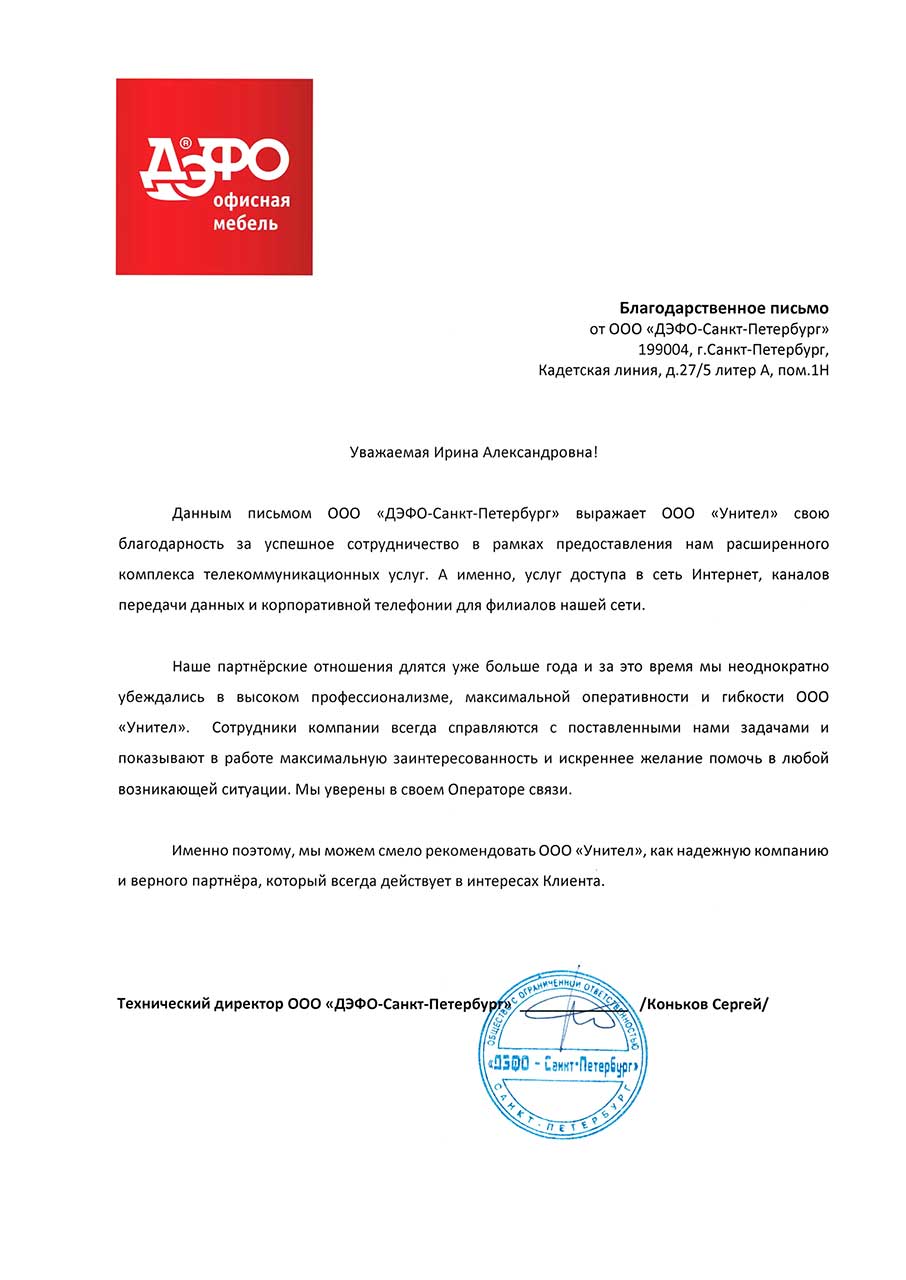
Наши партнерские отношения длятся уже больше года, и за это время мы неоднократно убеждались в высоком профессионализме, максимальной оперативности и гибкости ООО «Унител». Сотрудники компании всегда справляются с поставленными нами задачами и показывают в работе максимальную заинтересованность и искреннее желание помочь в любой возникающей ситуации. Мы уверены в своем операторе связи. Именно поэтому мы можем рекомендовать ООО «Унител» как надежную компанию и верного партнера, который всегда действует в интересах клиента.