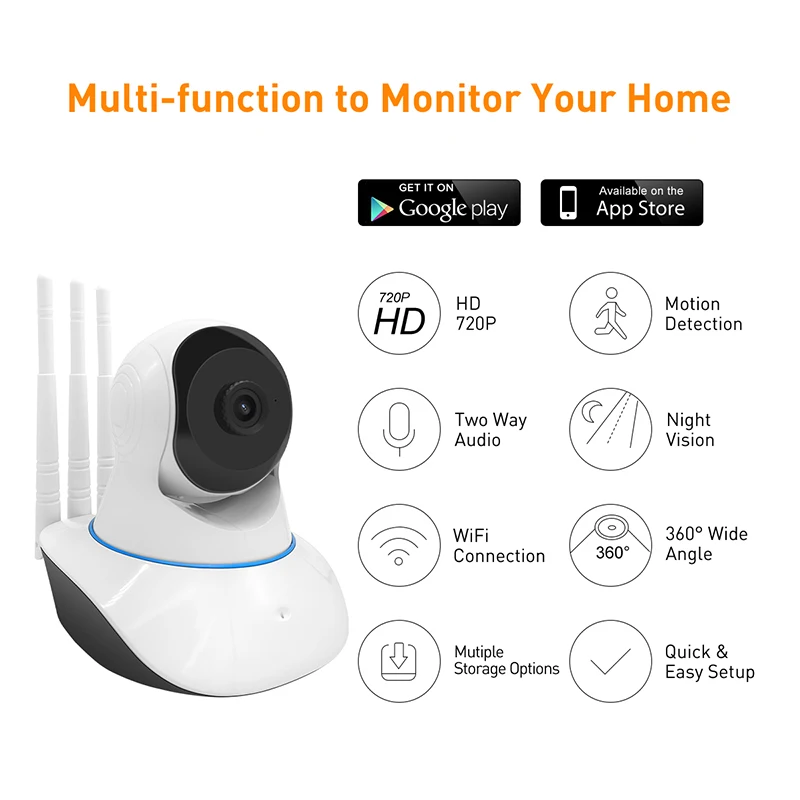
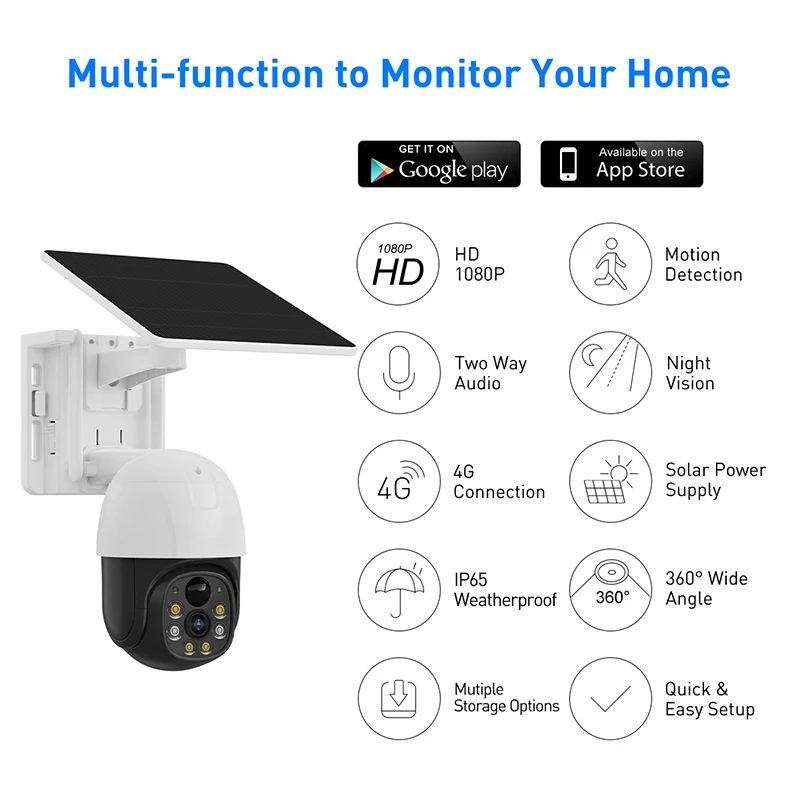
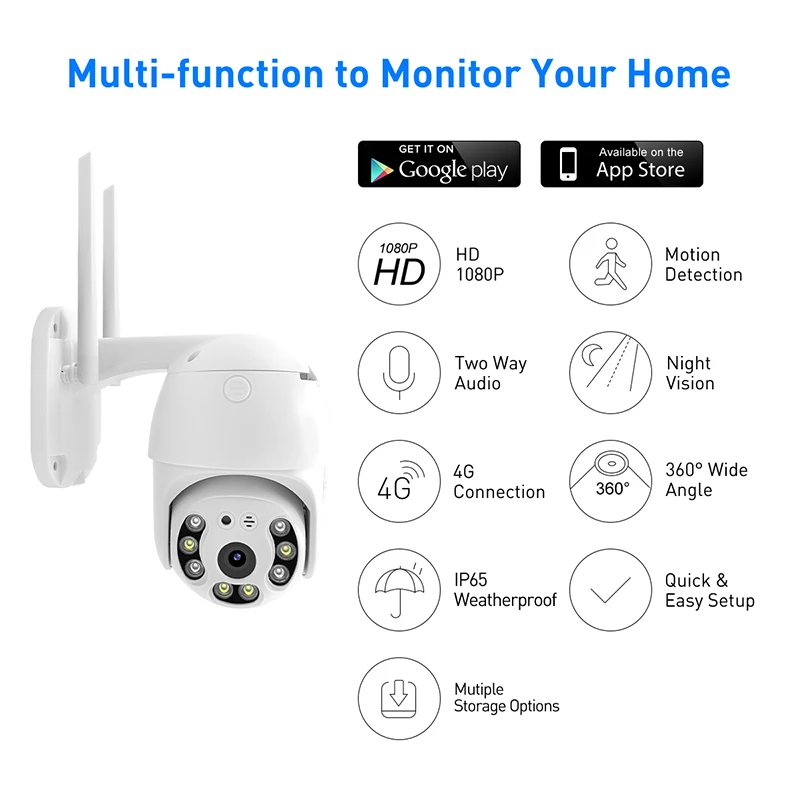
La descarga gratuita de V380 PC presenta numerosas ventajas que la convierten en una herramienta esencial para las necesidades de vigilancia modernas. Primero, su rentabilidad destaca ya que los usuarios pueden acceder a características de monitoreo de calidad profesional sin tarifas de suscripción. El soporte para múltiples dispositivos del software permite una integración fluida con la infraestructura de seguridad existente, lo que permite a los usuarios expandir su sistema de vigilancia gradualmente. El diseño intuitivo de la plataforma reduce significativamente la curva de aprendizaje, haciéndola accesible para usuarios de todos los niveles técnicos. Las capacidades de acceso remoto permiten a los usuarios monitorear sus instalaciones desde cualquier lugar con conexión a internet, proporcionando tranquilidad mientras están fuera. La gestión eficiente de recursos del software asegura un funcionamiento fluido incluso en configuraciones de hardware modestas, mientras que sus avanzados algoritmos de compresión minimizan los requisitos de almacenamiento sin comprometer la calidad del video. Los usuarios se benefician de configuraciones de alertas personalizables que pueden activar notificaciones basadas en eventos o horarios específicos. Las robustas características de respaldo de la plataforma protegen las grabaciones importantes a través de opciones de almacenamiento en la nube automatizadas y soluciones de respaldo local. Las características interactivas como los controles de panorámica, inclinación y zoom, así como el audio bidireccional, mejoran la capacidad del usuario para monitorear y responder activamente a situaciones. El soporte multilingüe del software lo hace accesible a una base de usuarios global, mientras que las actualizaciones regulares aseguran la compatibilidad con los últimos protocolos de seguridad y sistemas operativos. La ausencia de costos recurrentes y la disponibilidad de soporte técnico gratuito lo convierten en una opción económica tanto para uso personal como profesional.
Register Ecid Frpfile !!link!!
The ECID (Unique Chip ID) is a vital component for bypassing Factory Reset Protection (FRP) and iCloud Activation Locks on iOS devices. If you are using tools like FRPFile to bypass restrictions on an iPhone or iPad, your device's ECID must be recognized by their database.
Here is a comprehensive guide on how to find and register your ECID with FRPFile to unlock your device. 🛠️ What is an ECID? Every Apple device has a Unique Chip ID (ECID). It is a 64-bit identifier. It is unique to every single processor. Software tools use it to generate custom activation files.
Without registration, bypass tools will show an "Unauthorized" error. 🔍 How to Find Your Device ECID
Before you can register, you need to copy the ID correctly. You can find this using two main methods: Method 1: Using 3uTools (Recommended) Connect your iPhone to your PC via USB. Open 3uTools. On the main "Info" tab, look for ECID. Click the ID to copy it to your clipboard. Method 2: Using iTunes Connect your device to your computer. Open iTunes (or Finder on Mac). Click on Serial Number until it switches to ECID. Right-click to copy the code. 📝 Steps to Register ECID on FRPFile
FRPFile typically offers a "Registration" portal on their official website or directly within their desktop tool. Follow these steps: 1. Visit the Registration Page
Navigate to the official FRPFile website. Look for the "Register ECID" or "Click here to Register" button. 2. Enter Your Details
Select the specific Tool you are using (e.g., FRPFile AIO, Bypass Hello Screen). Paste your ECID into the required field. Double-check that there are no extra spaces. 3. Submit for Authorization register ecid frpfile
Click the Register or Submit button. Depending on the current server status, registration can be instant or take up to 24 hours. 4. Verify in the Tool
Once registered, re-open the FRPFile tool on your PC. Connect your device and click "Check Device" or "Start." If successful, the tool will move past the "Unauthorized" screen. ⚠️ Important Considerations
Jailbreak Requirement: Most FRPFile tools require the device to be in a Jailbroken state (using Checkra1n or Palera1n) before the ECID can be authorized.
Check Compatibility: Ensure your iOS version is supported by the current version of FRPFile.
Security Risk: Bypassing FRP removes the security layer intended to prevent theft. Ensure you are the rightful owner of the device. ❓ Frequently Asked Questions
Is it free? Most FRPFile registrations are free, but some "Premium" versions for newer iOS versions may require a small fee or a key. The ECID (Unique Chip ID) is a vital
The tool says "ECID not found": This means the database hasn't updated yet. Wait 30 minutes and try again.
Can I register multiple devices? Yes, but each unique ECID must be submitted individually. To give you the most accurate advice, could you tell me: What model of iPhone or iPad are you using? What is the iOS version currently installed?
Are you stuck on the iCloud Activation Lock screen or a Passcode/Disabled screen?
I can then provide the specific download links and jailbreak steps for your exact setup.
Step 2: Load the FRPFile
In the same tool, look for an option labeled "Load FRPFile" or "Select Certificate." Browse to your frpfile.bin. Do not flash it yet.
Example minimal FRP JSON (illustrative)
"ecid": "123456789012345",
"model": "iPhone12,1",
"serial": "ABCDEFG12345",
"os_version": "16.4",
"timestamp": "2026-04-05T12:00:00Z"
Step 2: Load the FRPFile In the same
(Replace fields with your service’s required schema; sign if required.)
Potential Research Areas
- Security Implications of ECID and FRP: A research paper might explore how these mechanisms are implemented and their implications on device security and user privacy.
- Bypassing or Circumventing FRP and ECID for Research or Educational Purposes: Some research may focus on vulnerabilities or methods to bypass these protections, usually highlighting security flaws that manufacturers can then patch.
- Forensic Analysis of ECID and FRP: Forensic research might look into how these mechanisms can be used in digital forensics to trace devices, understand device history, or recover data.
🚫 Why many people fail
- Server offline — many free FRPfile servers are dead.
- Android version too high — Android 9+ (One UI 2+) blocks many ECID-based methods.
- Wrong driver — device not detected in Download Mode.
- Expired registration — tokens last hours/days, not forever.
The Ultimate Guide to Register ECID FRPfile: Unlocking Samsung FRP in 2024
Factory Reset Protection (FRP) is one of the most formidable security features on Android devices. While it successfully prevents thieves from accessing a wiped phone, it often becomes a nightmare for legitimate owners who forget their Google credentials after a reset.
Among the many methods to circumvent this lock, the combination of ECID registration and FRP files (often searched as "register ecid frpfile") has emerged as a highly effective solution—particularly for Samsung devices with Exynos processors.
This 2,500+ word guide will explain everything you need to know about ECID, how FRP files work, and the step-by-step process to register an ECID to successfully bypass FRP.
Step 3: Register the ECID to the FRPFile
This is the core action. The tool will provide a button like "Register ECID" or "Pair & Sign."
- The tool reads your ECID.
- It then modifies the FRPFile header, injecting the ECID into the file’s signature block.
- It generates a new, signed file (often saved as
registered_frp.bin).
🔍 What is ECID?
ECID (Exclusive Chip ID) is a unique identifier burned into a device's processor (e.g., Samsung Exynos chip). It's used by Samsung servers to verify legitimate firmware updates.
In FRP bypass tools, "registering ECID" means linking that unique ID to a paid credit/token so the tool can communicate with the manufacturer's authentication server (or a patched local server) to remove FRP.
Prerequisites
- Samsung device in Download Mode (Power + Vol Down + Vol Up).
- USB cable with data transfer capability.
- A supported FRP tool (e.g., SamFW FRP Tool, UnlockTool, or Medusa Pro).
- The correct FRPFile for your model (e.g.,
A325F_FRPFile.bin).

 EN
EN